

⬆️ Copy the Cell Above in Excel: Ctrl + ‘

In Excel, Ctrl + apostrophe copies the cell above. Ctrl + Shift + quote copies just its value.
🔁 Repeat Your Last Action in Excel with F4

In Excel, press F4 to repeat your last action, like a fill color. Ctrl + Y works too.
❄️ Keep Your Headings in View: Freeze the Top Row in Excel

In Excel, press Alt, W, F, R (one at a time) to freeze the top row. Alt, W, F, C freezes the first column.
⬇️ Stop Retyping the Same Entries in Excel: Alt + Down Arrow

In Excel, press Alt + Down Arrow to pick from entries already in the column. Ctrl + Shift + & adds a border.
📋 Paste Just the Numbers with Ctrl + Alt + V in Excel
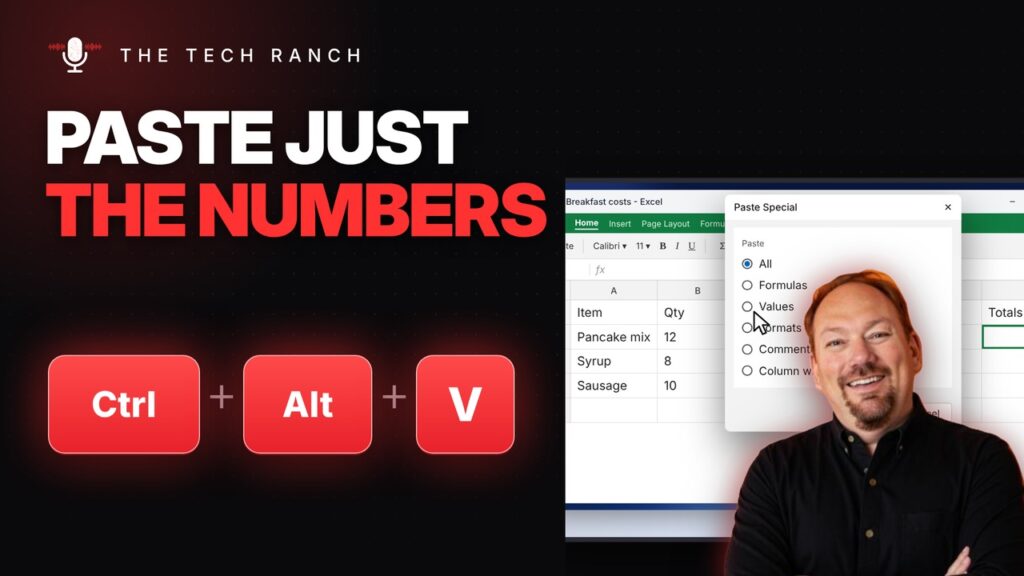
In Excel, Ctrl + Alt + V opens Paste Special to paste just values. In Google Sheets, Ctrl + Shift + V.
↔️ Fit an Excel Column to Its Text: Alt, H, O, I
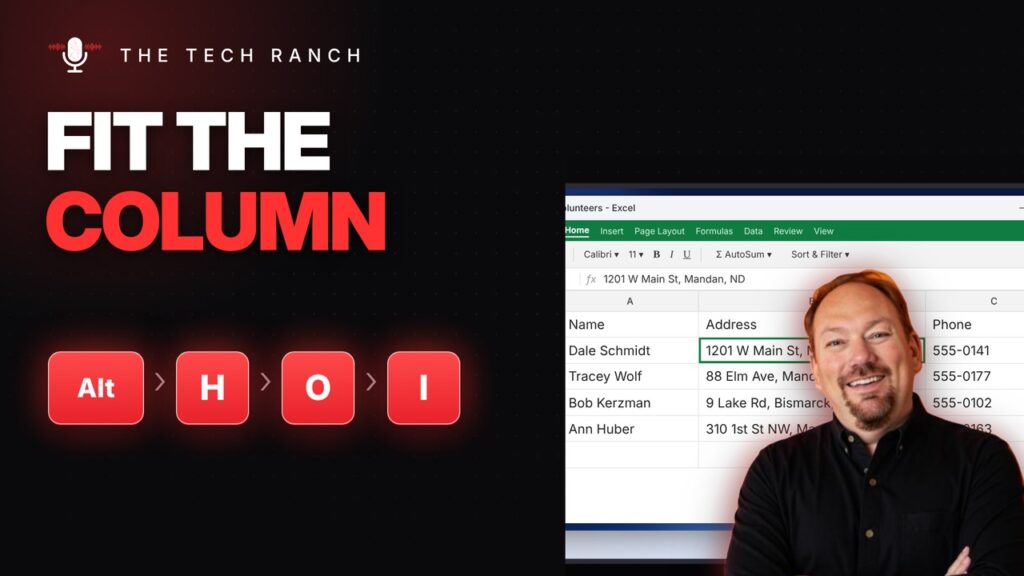
In Excel, press Alt, H, O, I one at a time to AutoFit a column. Ctrl + 9 hides rows.
⚡ Let Excel Type It for You with Ctrl + E (Flash Fill)
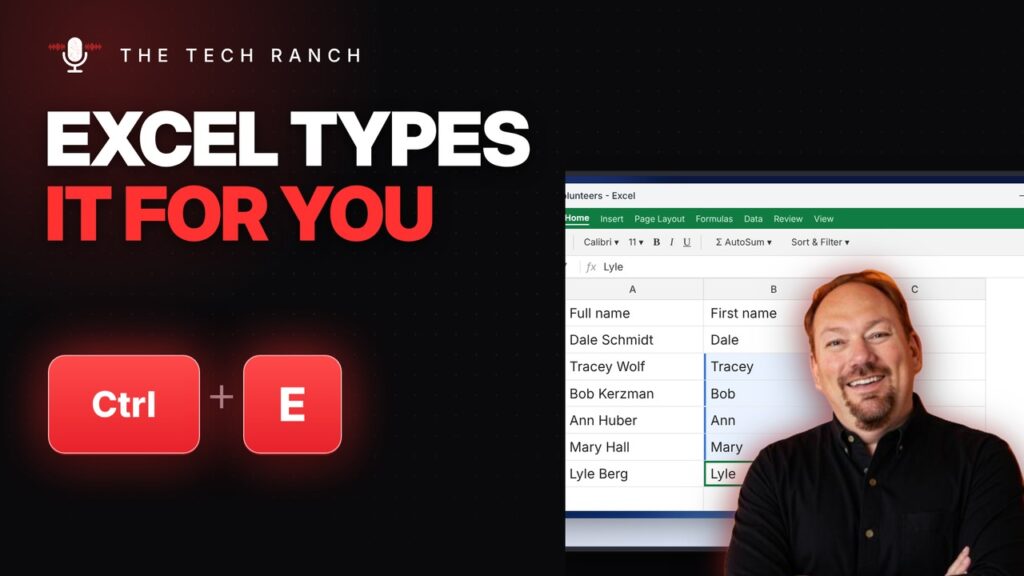
In Excel, type one example and press Ctrl + E. Flash Fill finishes the pattern. Alt + F1 makes an instant chart.
➕ Insert a Row in Excel with Ctrl + Shift + Plus
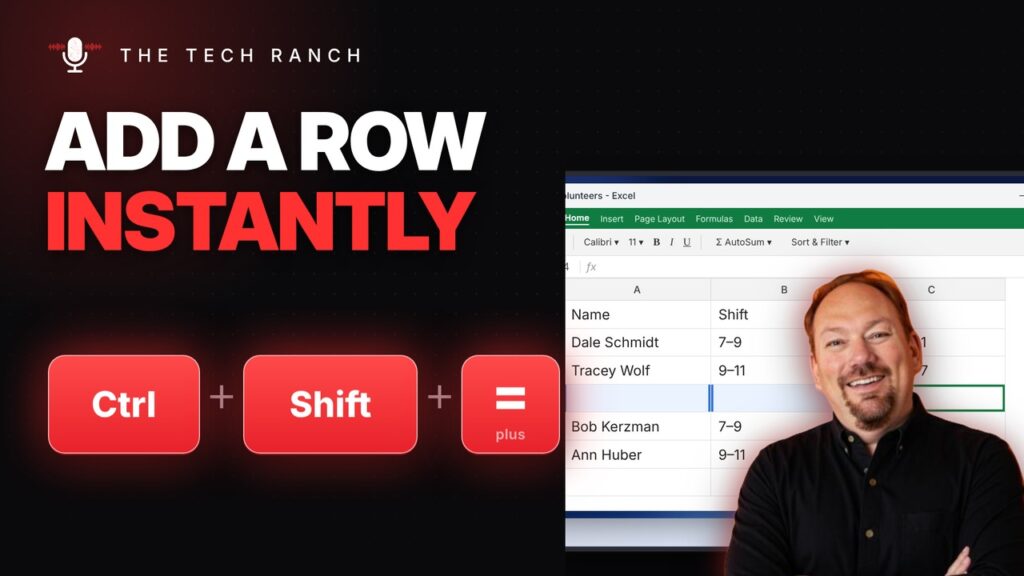
In Excel, select a row and press Ctrl + Shift + Plus to insert one. Ctrl + Minus deletes it.
📑 Flip Between Excel Sheets with Ctrl + Page Down

In Excel, Ctrl + Page Down goes to the next sheet and Ctrl + Page Up goes back. Ctrl + 1 opens Format Cells.
🧮 See Every Formula in Excel with Ctrl + `

In Excel, press Ctrl + ` (above Tab) to show every formula. Ctrl + T turns a list into a table.
