

✅ Make a Checklist in Google Docs: Ctrl + Shift + 9

In Google Docs, Ctrl + Shift + 9 makes a checklist. Ctrl + Shift + Up/Down moves a line. Mac: Command + Shift + 9.
🎨 Copy and Paste Formatting in Google Docs: Ctrl + Alt + C / V

In Google Docs, Ctrl + Alt + C copies formatting and Ctrl + Alt + V pastes it. Ctrl + Alt + X checks spelling.
☑️ Cross Things Off in Google Docs with Alt + Shift + 5

In Google Docs, Alt + Shift + 5 crosses text off with strikethrough. Ctrl + . makes superscript. Mac: Command + Shift + X.
💬 Add a Comment in Google Docs or Word with Ctrl + Alt + M

Select text and press Ctrl + Alt + M to add a comment in Google Docs or Word. Mac: Command + Option + M.
🔠 Make Headings in Google Docs with Ctrl + Alt + 1, 2, 3

In Google Docs, press Ctrl + Alt + 1, 2 or 3 to make headings. Ctrl + Alt + 0 for normal text. Mac: Command + Option.
↔️ Center Text in Google Docs with Ctrl + Shift + E

Select text and press Ctrl + Shift + E to center it in Google Docs. Word: Ctrl + E. Mac: Command + Shift + E.
🔢 Check Your Word Count in Google Docs with Ctrl + Shift + C
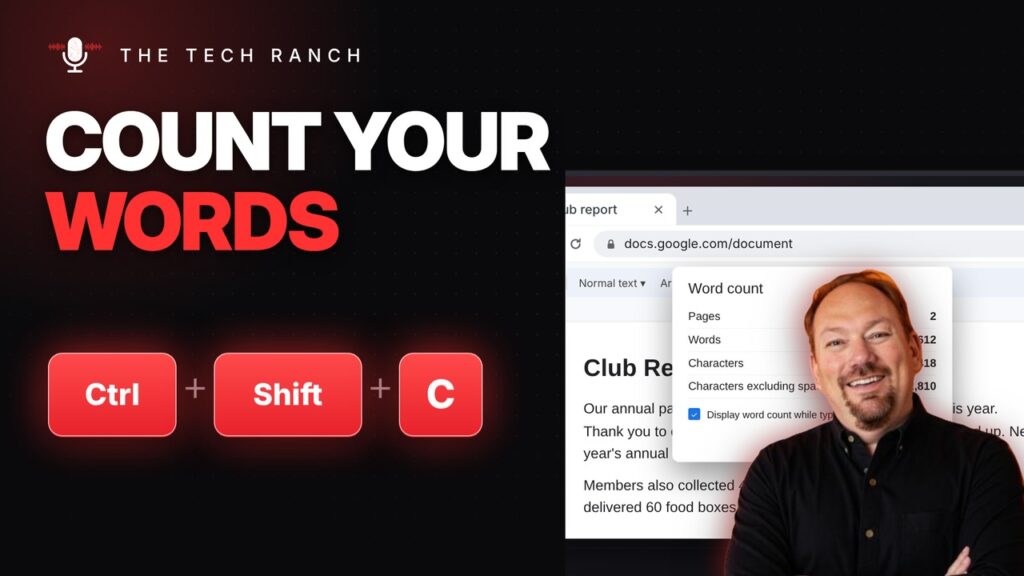
Press Ctrl + Shift + C in Google Docs to see your word count. Mac: Command + Shift + C. Word: Ctrl + Shift + G.
📝 Instant Bullet Lists in Google Docs with Ctrl + Shift + 8
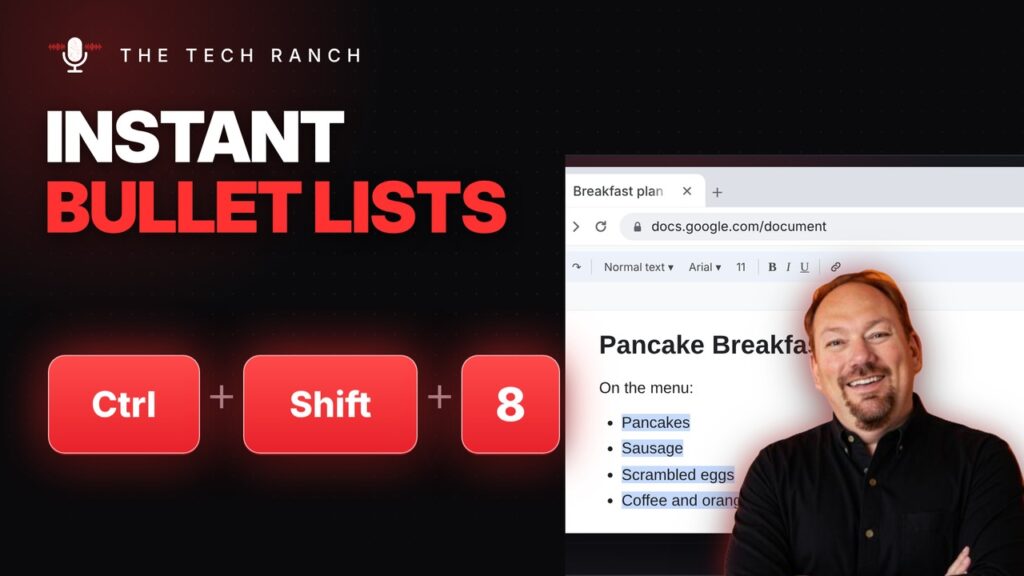
In Google Docs, select your lines and press Ctrl + Shift + 8 for bullets or Ctrl + Shift + 7 for numbers. Mac: Command + Shift + 8 / 7.
🧹 Paste Without the Mess: Ctrl + Shift + V in Google Docs and Word
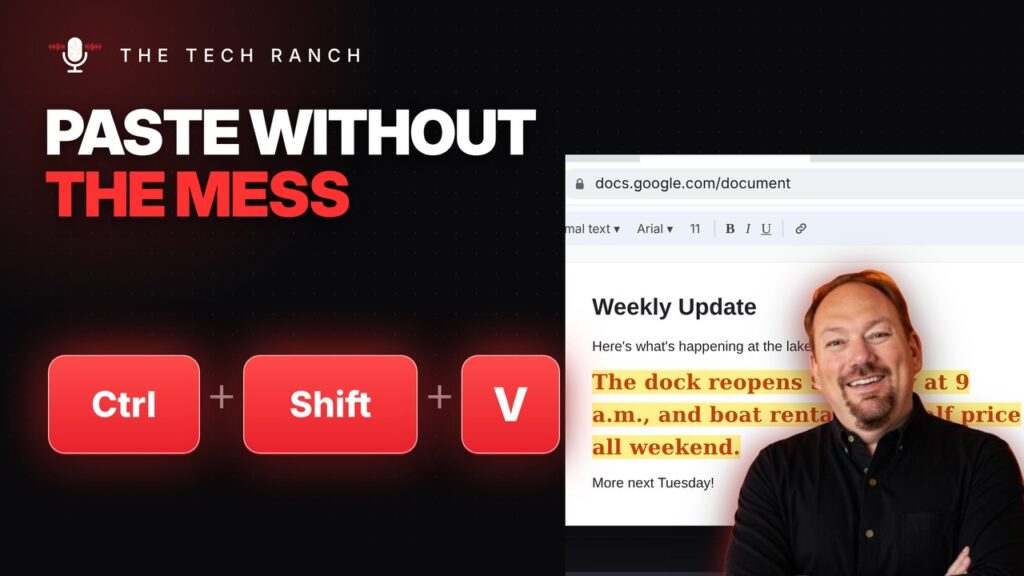
Ctrl + Shift + V pastes just the text, matched to your document. It works in Google Docs and Microsoft Word.
🕰️ See Every Change in a Google Doc with Version History
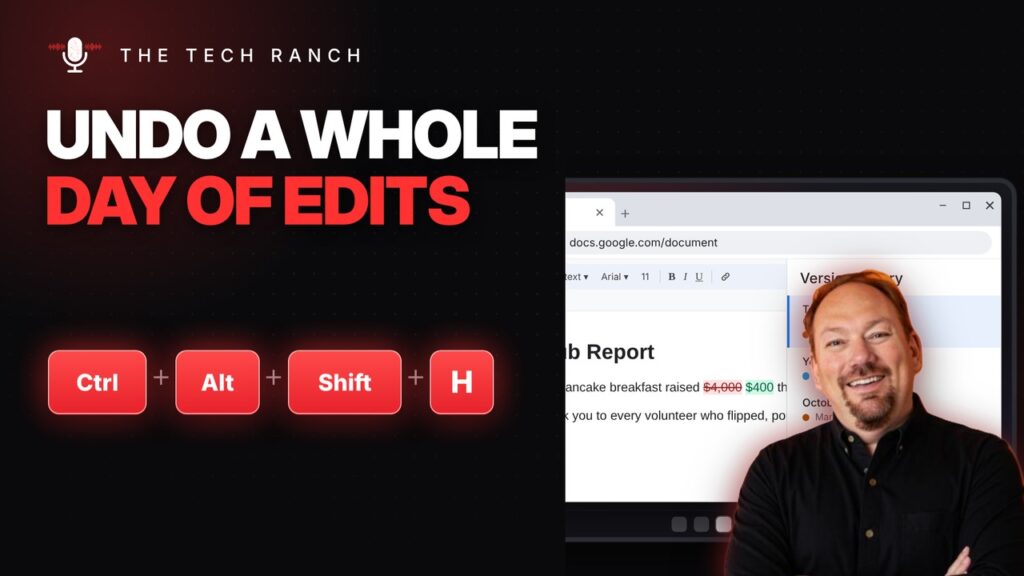
In Google Docs, Ctrl + Alt + Shift + H shows version history. Ctrl + Shift + S starts voice typing.
