

🖥️ Full Screen on a Mac with Control + Command + F

On a Mac, press Control + Command + F to go full screen. On newer Macs, Globe (fn) + F works too.
🔍 Find Any Menu Item on a Mac with Command + Shift + /

On a Mac, press Command + Shift + / to search every menu in the app you’re using. Option + Shift + volume makes tiny volume steps.
📋 Paste Without the Weird Formatting on a Mac

On a Mac, Option + Shift + Command + V pastes text so it matches the style around it. Control + Command + D looks up a word.
✂️ Cut and Paste Files on a Mac with Command + Option + V
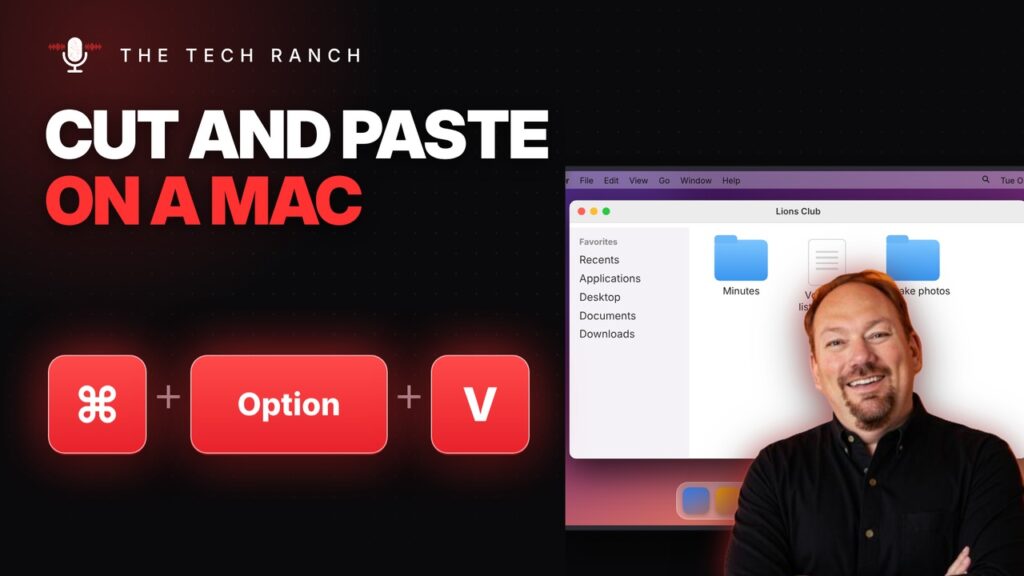
On a Mac, copy a file with Command + C, then press Command + Option + V to move it. Command + F searches Finder.
👻 Show Hidden Files on a Mac with Command + Shift + Period
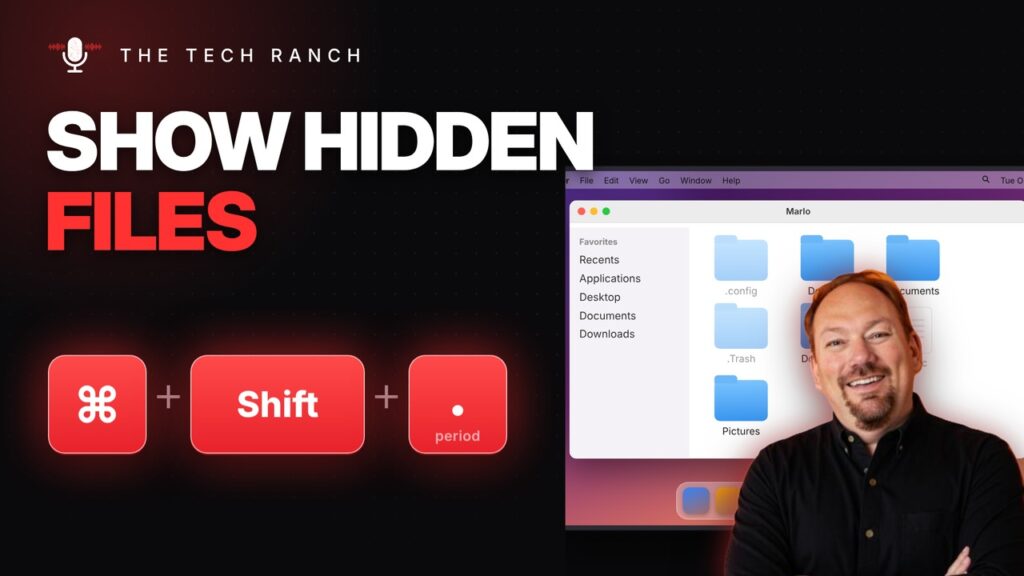
In Finder, press Command + Shift + Period to show hidden files. Command + Shift + G goes to any folder.
⬆️ Go Up One Folder on a Mac with Command + Up Arrow
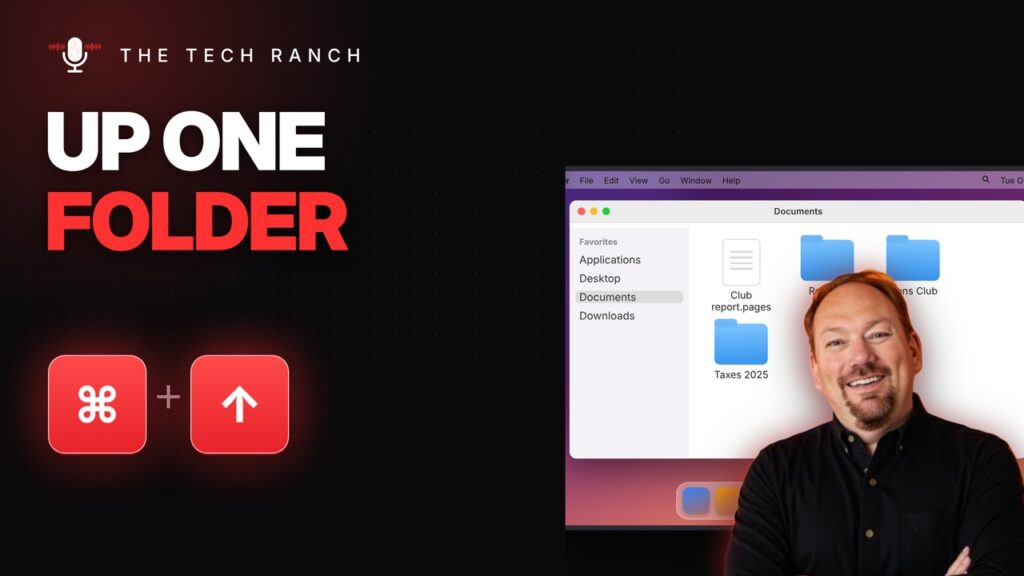
In Finder, press Command + Up Arrow to go up one folder. Command + Down opens the selected item.
📂 Open Your Mac’s Applications Folder with Command + Shift + A

In Finder, press Command + Shift + A to open Applications. Command + Option + L opens Downloads.
⇤ Jump to the Start or End of a Line on a Mac

On a Mac, Command + Left/Right jumps to the start or end of a line. Option + arrows hop word by word.
⌫ Delete Whole Words on a Mac with Option + Delete

On a Mac, press Option + Delete to erase a whole word at a time. Fn + Delete deletes forward.
⚙️ Open Any App’s Settings on a Mac with Command + Comma
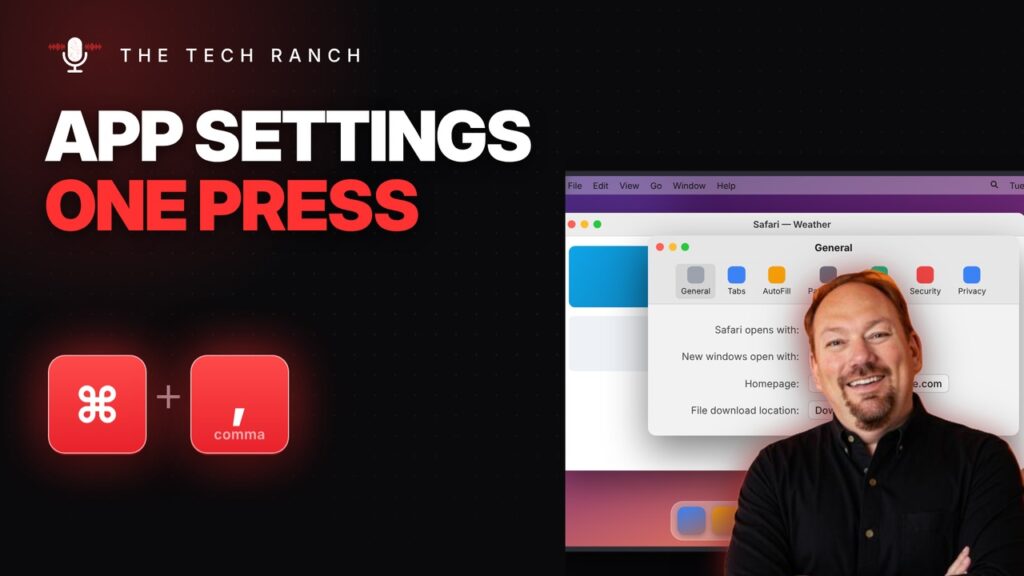
On a Mac, press Command + Comma to open Settings for the app you’re using. Command + Option + D hides the Dock.
