

🎙️ Talk Instead of Typing: Windows Key + H
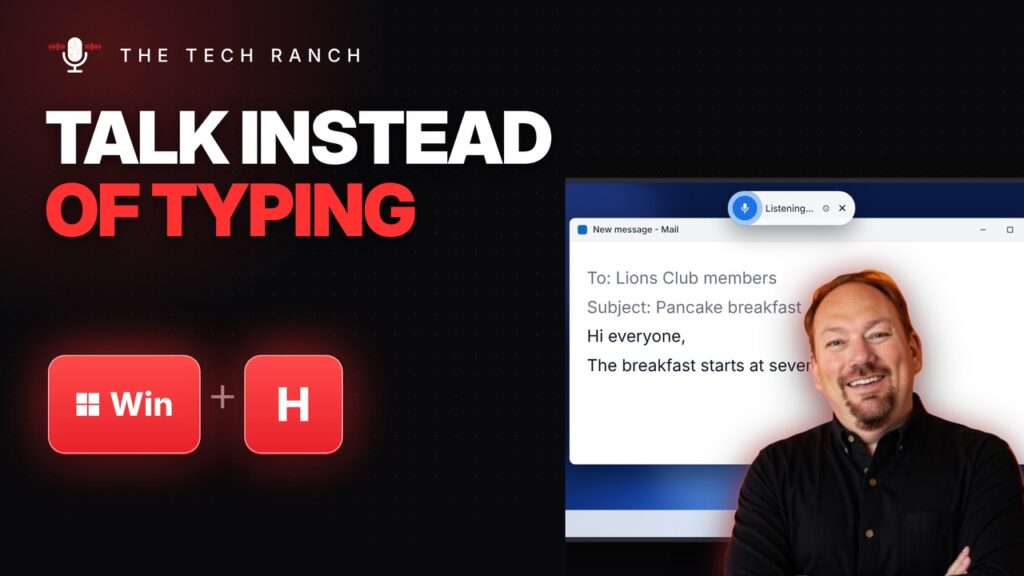
Press Windows key + H to start voice typing. Win + Ctrl + Enter turns on Narrator to read the screen aloud.
👓 Bigger Text and Easier Viewing with Windows Key + U
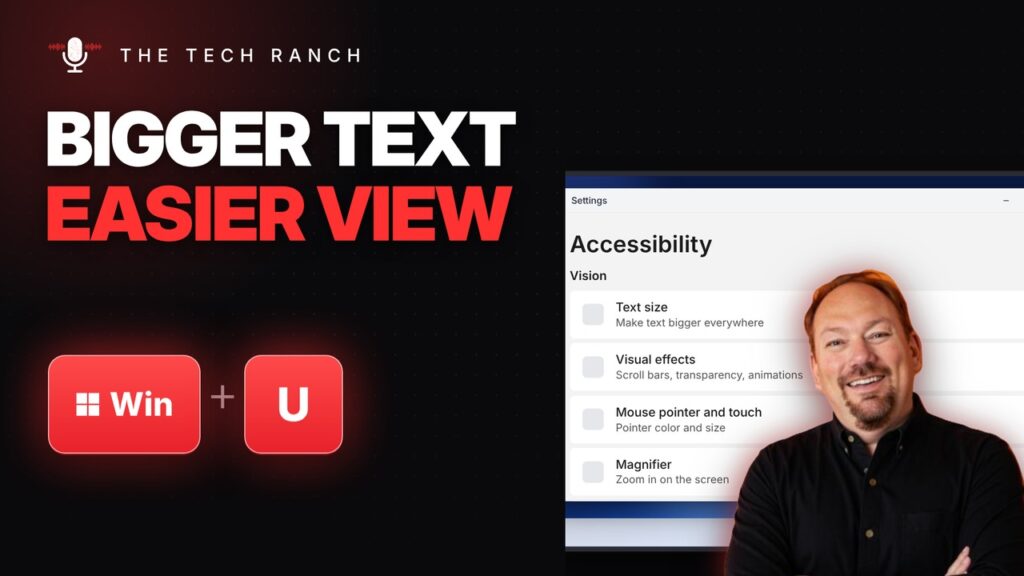
Press the Windows key + U to open Accessibility settings: bigger text, bigger pointer, Magnifier and more.
🏃 Open Any Program Fast with Windows Key + R
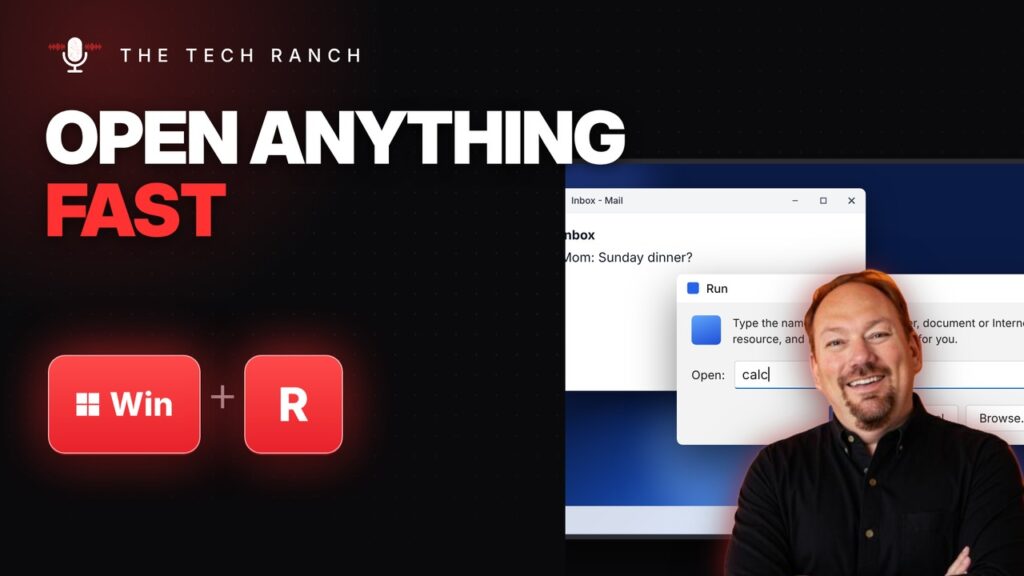
Press the Windows key + R, type calc and press Enter to open Calculator instantly. Type control for Control Panel.
🔔 See Every Notification with Windows Key + N
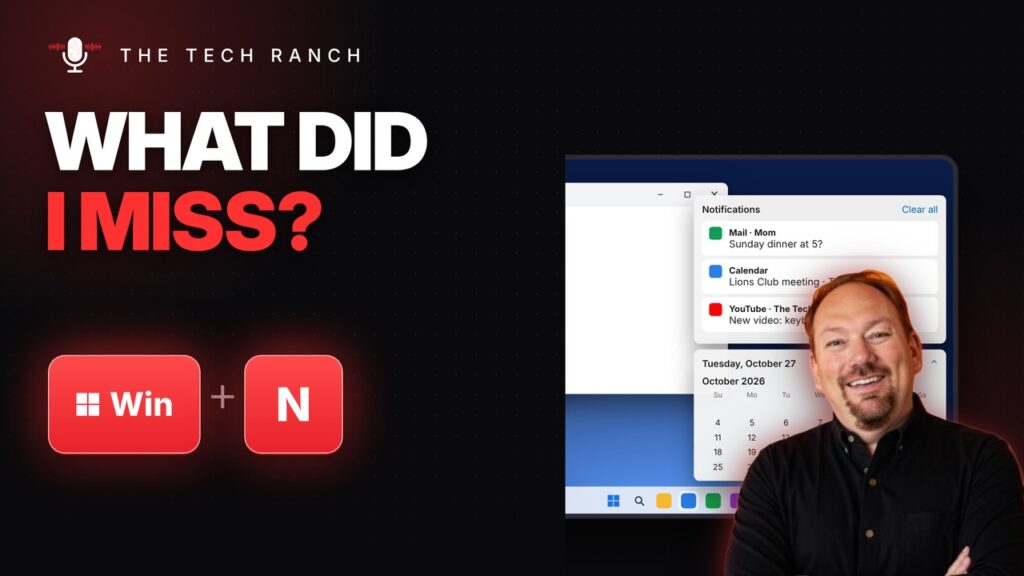
On Windows 11, press the Windows key + N to see every notification and a calendar. Win + W opens Widgets.
🧹 Minimize Every Window at Once with Windows Key + M
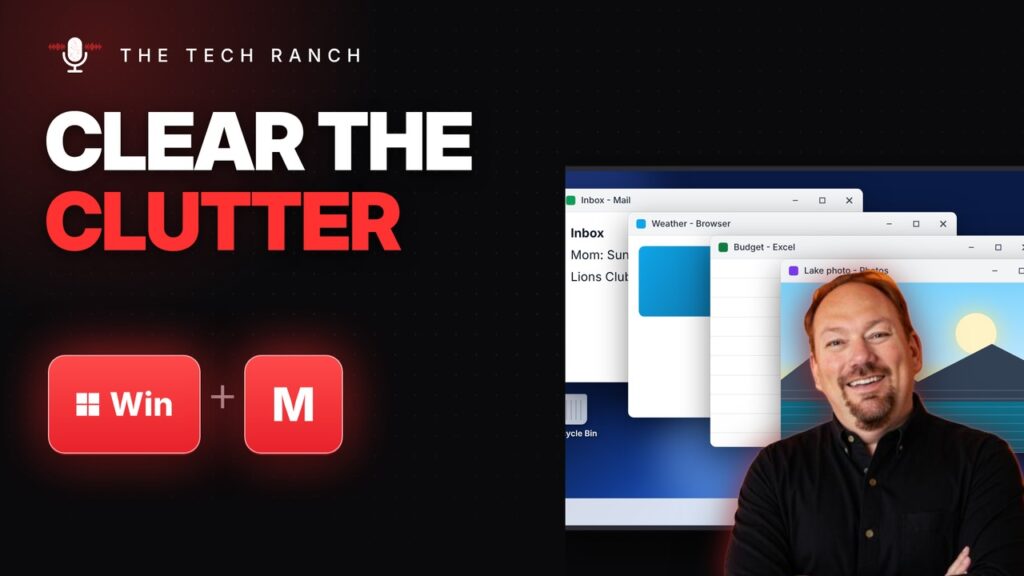
Press the Windows key + M to minimize every window at once. Win + Shift + M brings them all back.
🎧 Switch Speakers and Headphones with Windows Key + Ctrl + V
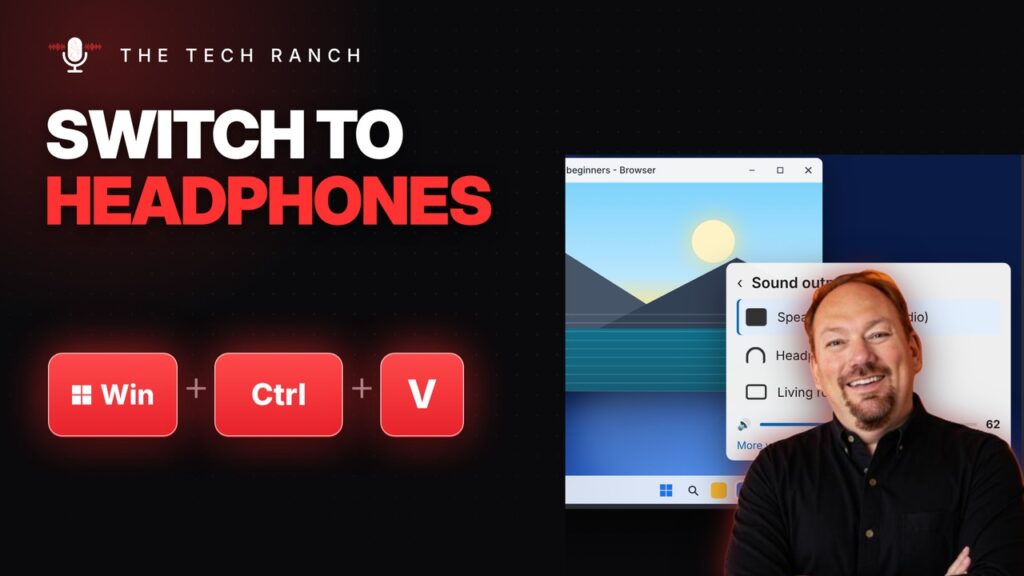
On Windows 11, press Win + Ctrl + V to pick speakers, headphones or TV. Win + Alt + K mutes your mic in calls.
🎥 Record Your Screen for Free with Windows Key + G
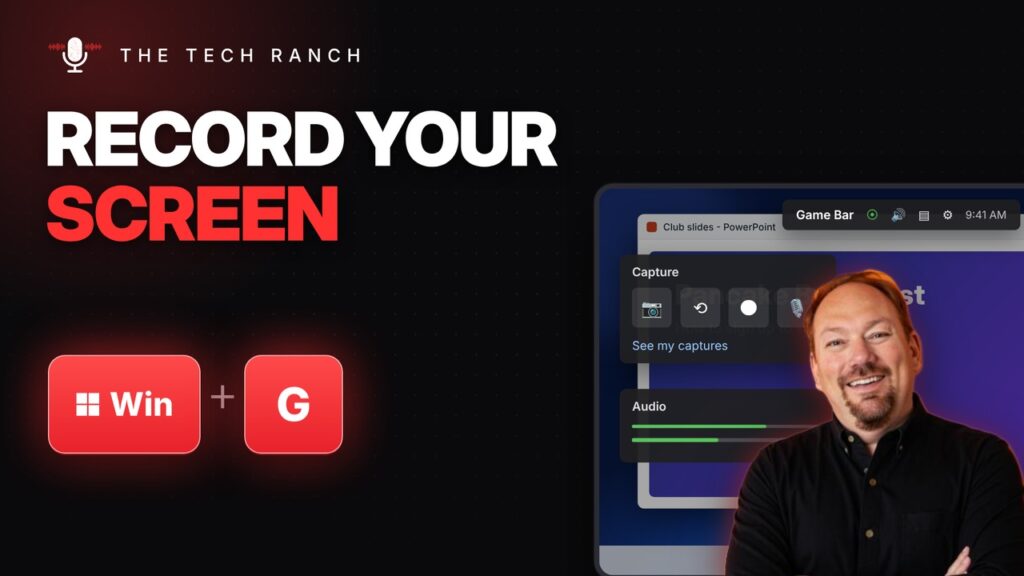
Press the Windows key + G to open Game Bar and record your screen. Win + Alt + R starts and stops recording.
🔢 Open Taskbar Apps by Number with Windows Key + 1, 2, 3
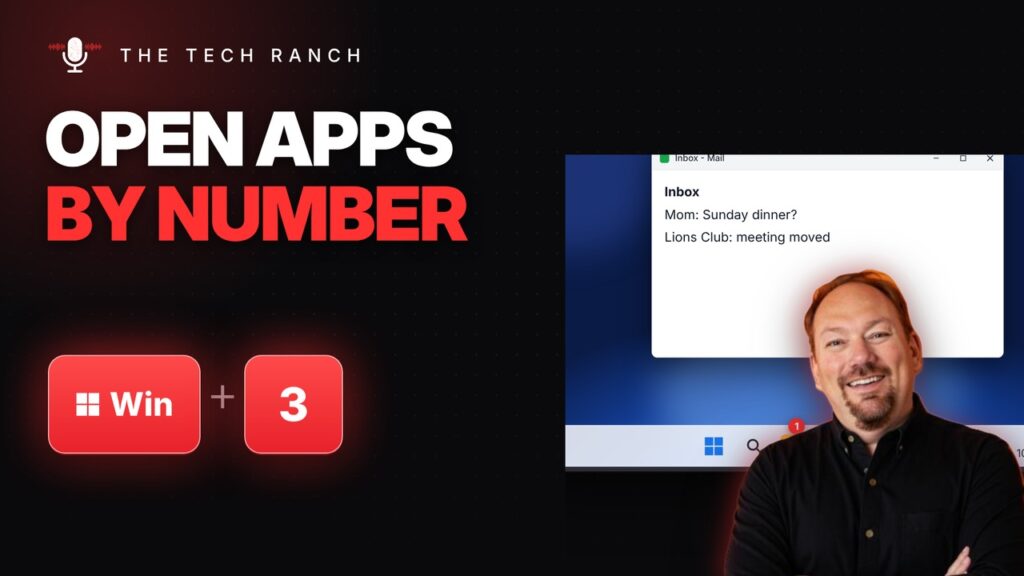
Press the Windows key + a number to open that app on your taskbar, counting from the left. Win + T walks the taskbar.
🔎 Find Any App or File Fast with Windows Key + S
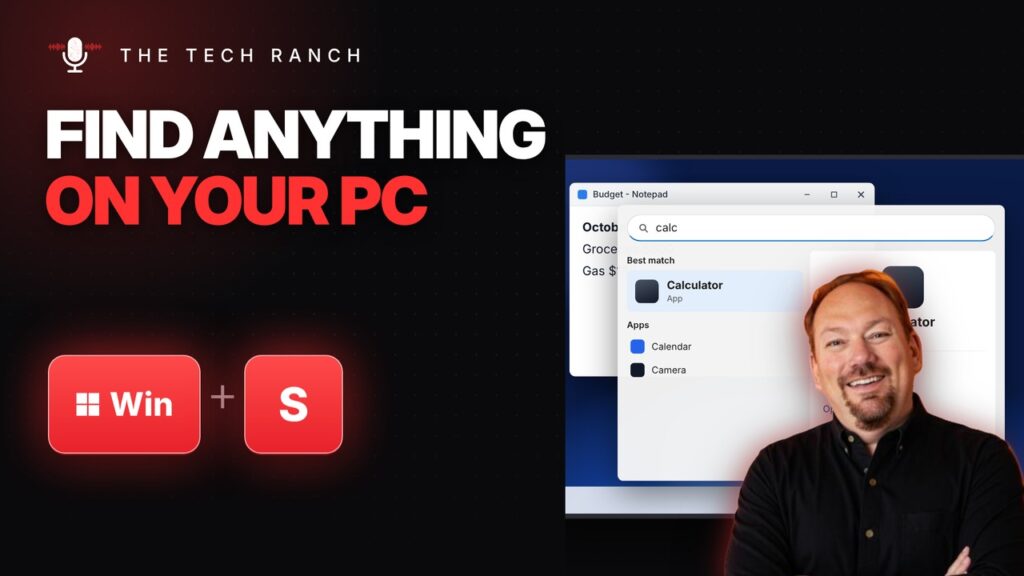
Press the Windows key + S to search for apps, files and settings. Win + X opens the power-user menu.
📽️ Show Your Screen on a TV or Projector with Windows Key + P
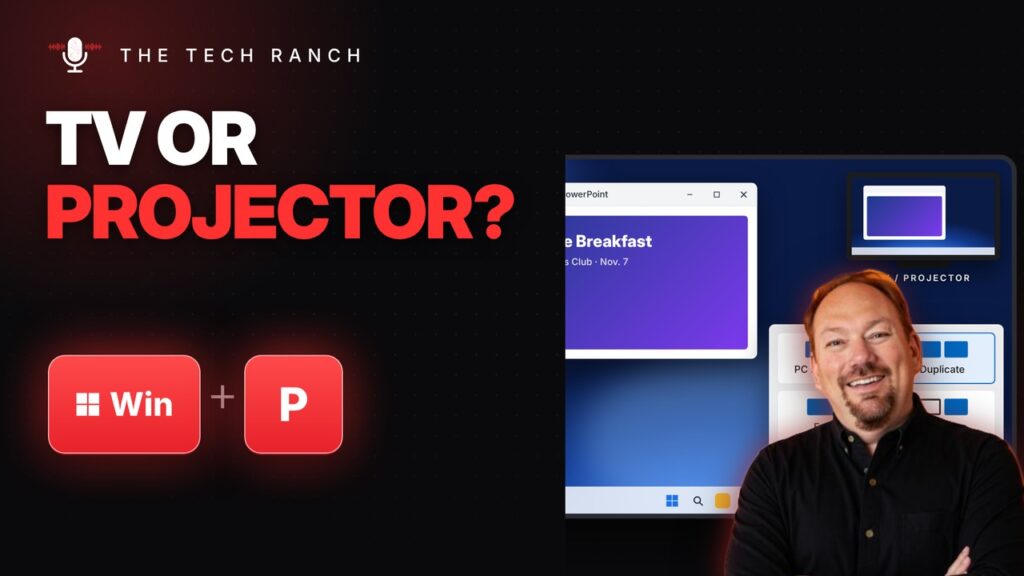
Press the Windows key + P to pick Duplicate, Extend and more for a TV, projector or second monitor. Win + K casts wirelessly.
