

🎙️ Talk Without Unmuting in Zoom: Hold the Space Bar
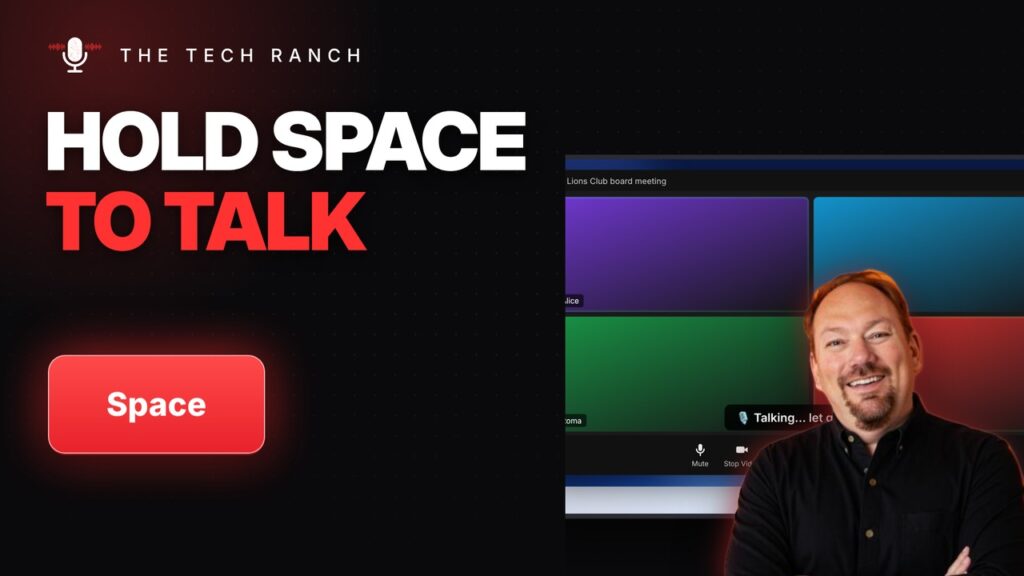
In Zoom, hold the Space bar to talk while muted, then let go to mute again. Alt + F goes full screen.
📅 Jump Between Mail and Calendar in Outlook with Ctrl + 2 / Ctrl + 1
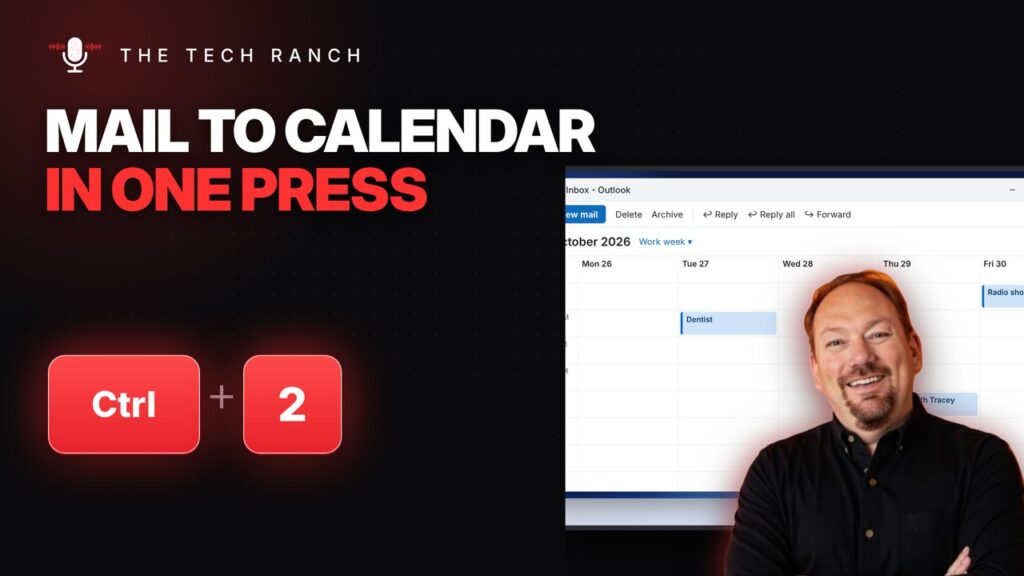
In Outlook, Ctrl + 2 opens Calendar and Ctrl + 1 goes back to Mail. Ctrl + Q marks an email read.
✉️ Start a New Gmail Instantly: Press C
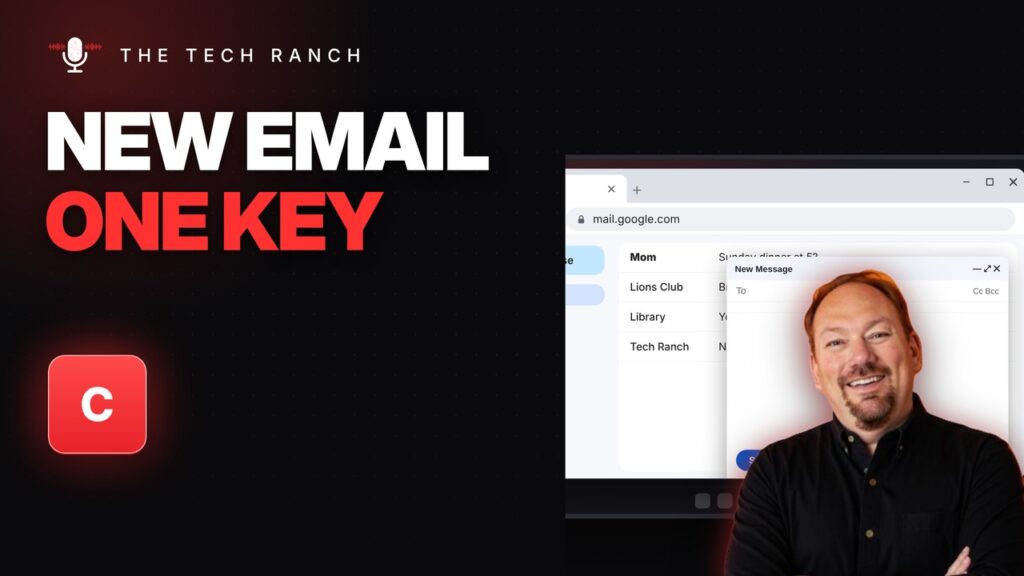
Turn on Gmail keyboard shortcuts, then press C to compose. Shift + U marks an email unread.
⏪ Skip Back or Ahead 5 Seconds on YouTube with the Arrow Keys
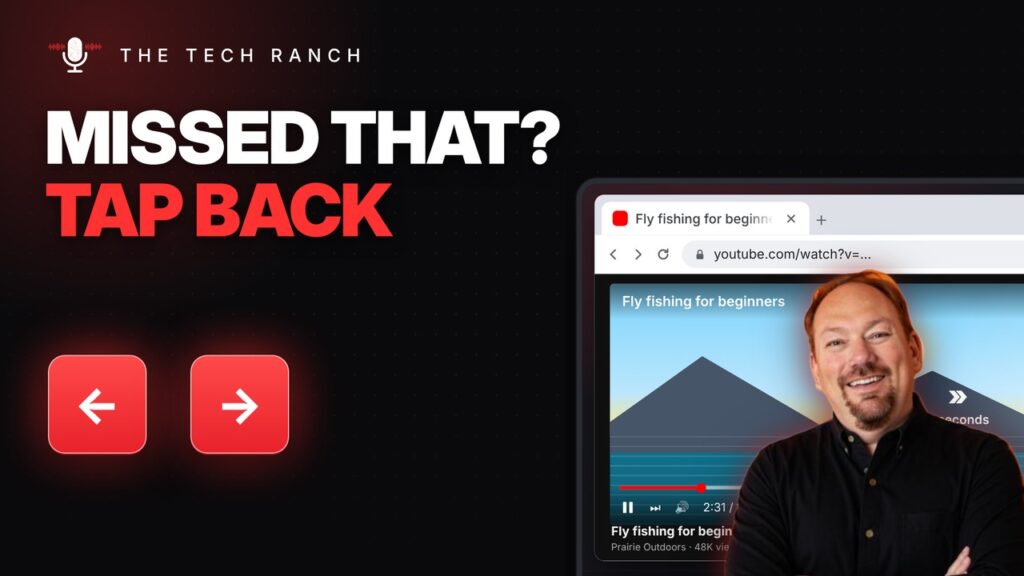
On YouTube, Left/Right arrows skip 5 seconds and Up/Down arrows change the volume.
🎬 Make YouTube Videos Bigger with T (Theater Mode)
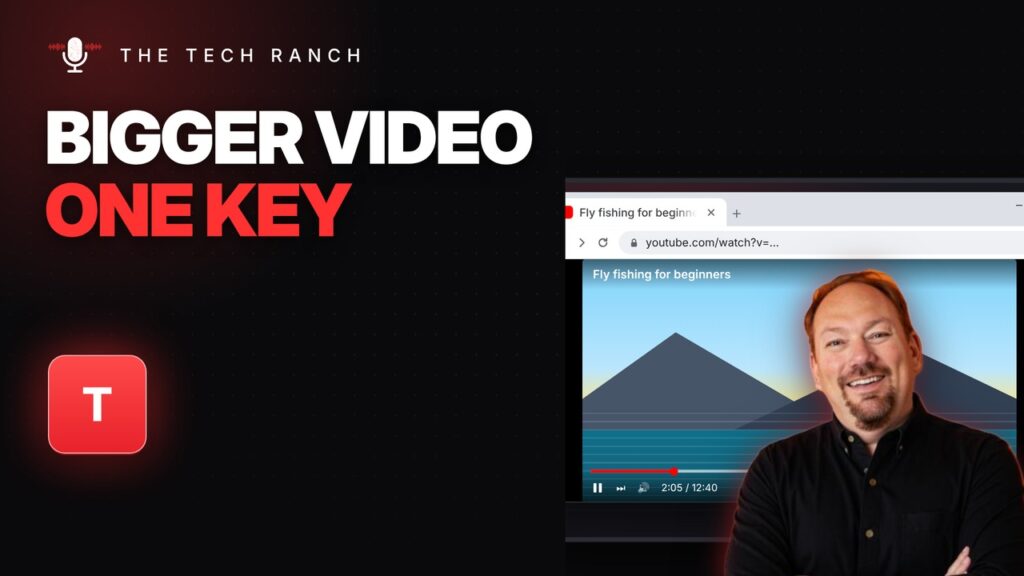
On YouTube, press T for theater mode (a bigger video in your browser). I opens the miniplayer.
▶️ Start Your PowerPoint Show from This Slide with Shift + F5
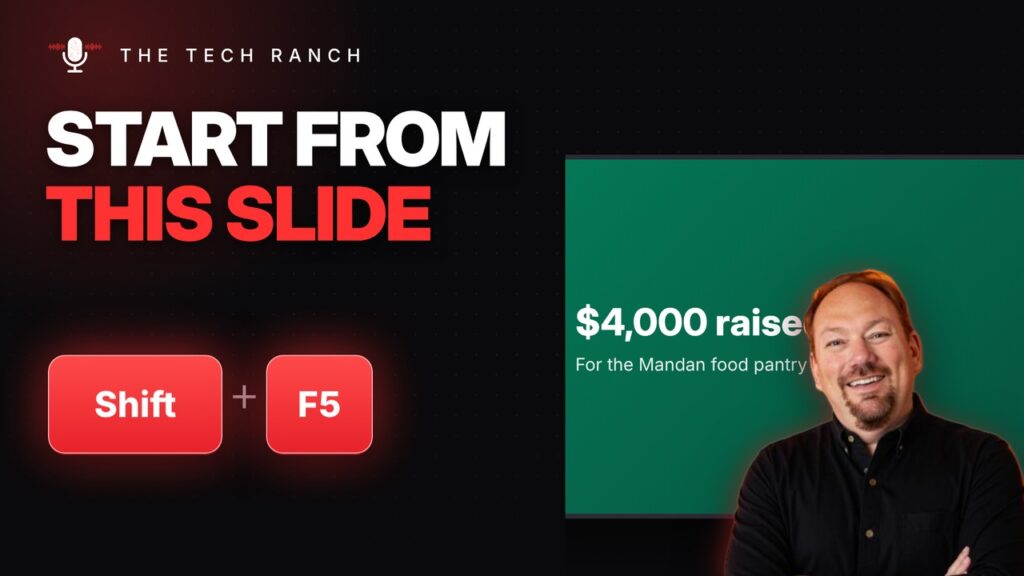
In PowerPoint, Shift + F5 starts the show from the current slide. During the show, type a number + Enter to jump.
🔤 Check Spelling and Grammar in Word with F7
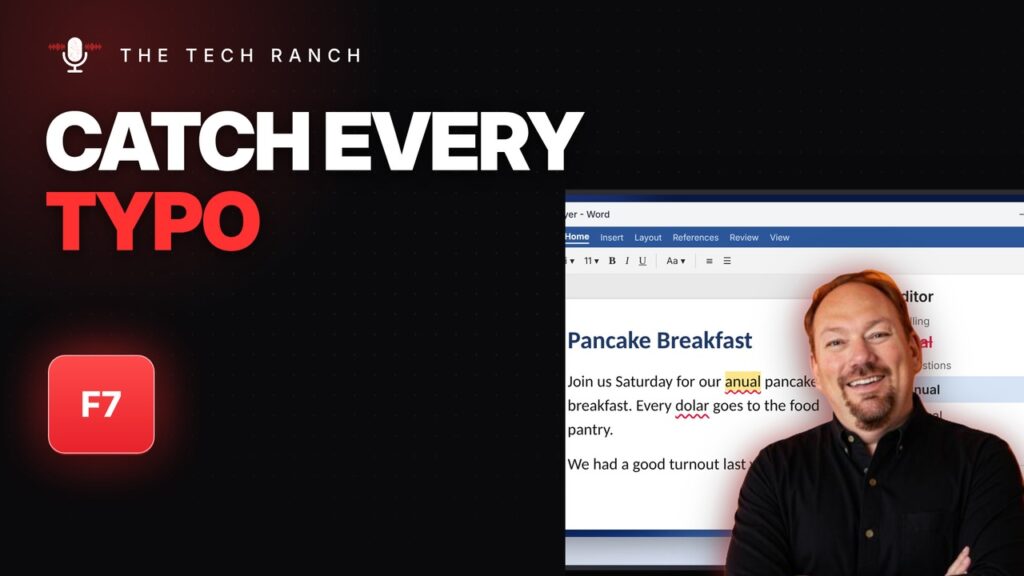
In Word, press F7 to check spelling and grammar. Shift + F7 opens the thesaurus.
🧮 See Every Formula in Excel with Ctrl + `
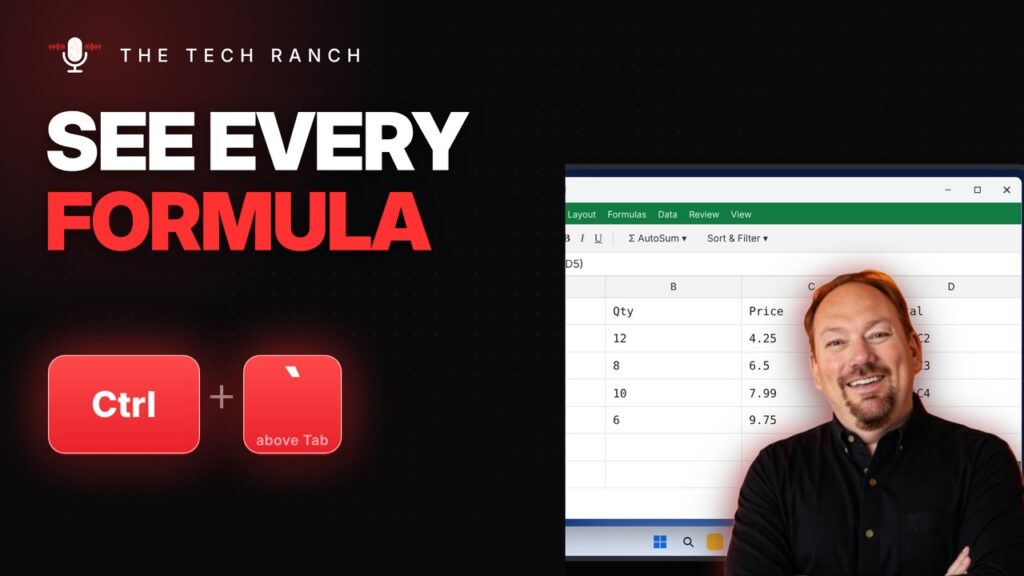
In Excel, press Ctrl + ` (above Tab) to show every formula. Ctrl + T turns a list into a table.
✂️ Screenshot Part of Your Chromebook Screen
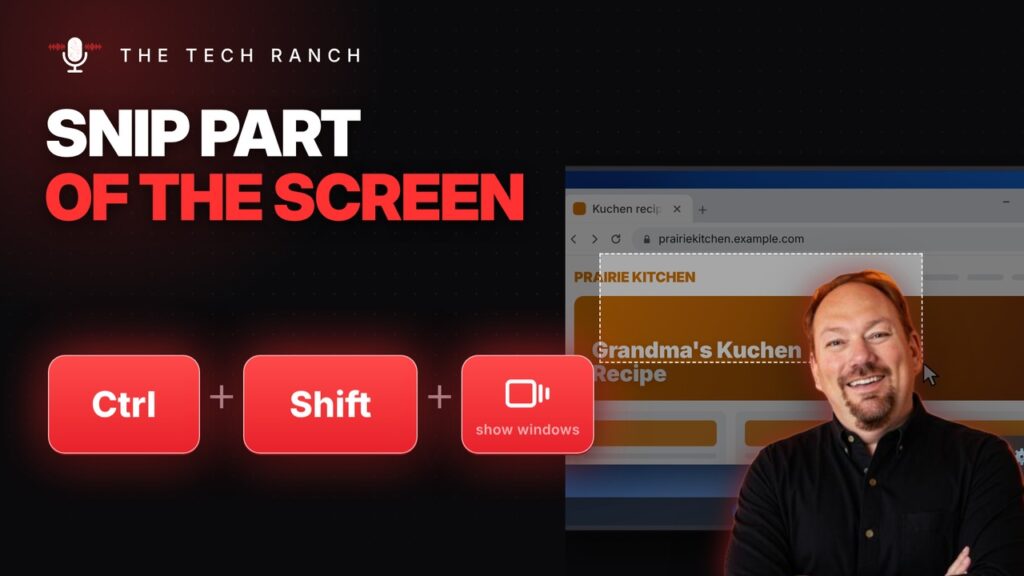
On a Chromebook, Ctrl + Shift + Show windows lets you capture part of the screen. Search + V opens clipboard history.
🔒 Lock Your Chromebook Instantly with Search + L
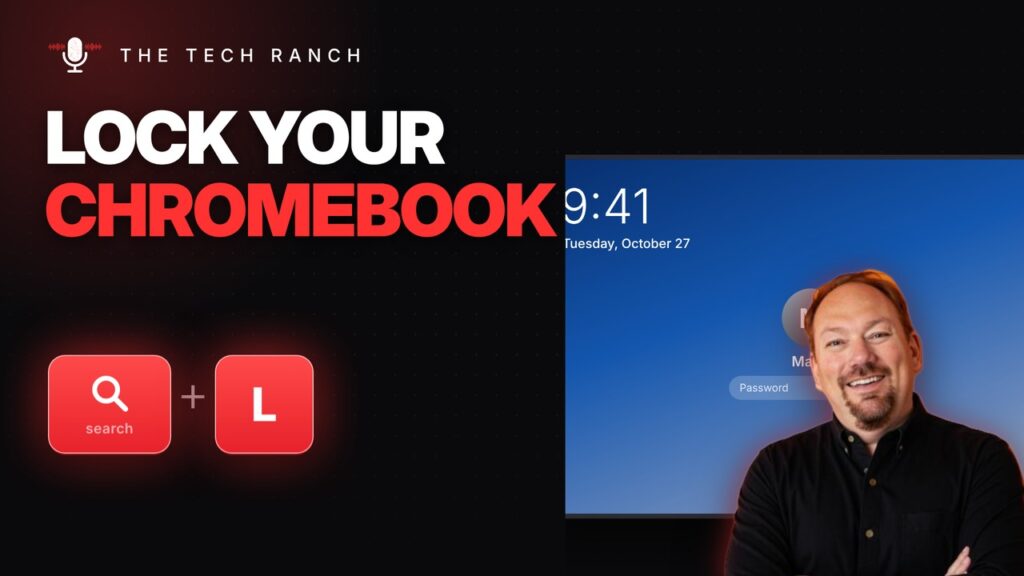
On a Chromebook, press Search + L (or Launcher + L) to lock the screen. Ctrl + Show windows takes a screenshot.
