

🎧 Switch Speakers and Headphones with Windows Key + Ctrl + V

On Windows 11, press Win + Ctrl + V to pick speakers, headphones or TV. Win + Alt + K mutes your mic in calls.
🎥 Record Your Screen for Free with Windows Key + G

Press the Windows key + G to open Game Bar and record your screen. Win + Alt + R starts and stops recording.
🔠 Make Headings in Google Docs with Ctrl + Alt + 1, 2, 3

In Google Docs, press Ctrl + Alt + 1, 2 or 3 to make headings. Ctrl + Alt + 0 for normal text. Mac: Command + Option.
⏩ Jump Anywhere in a YouTube Video with the Number Keys

On YouTube, press 0–9 to jump through a video: 5 is halfway, 0 starts over. M mutes.
📑 Duplicate a PowerPoint Slide with Ctrl + D
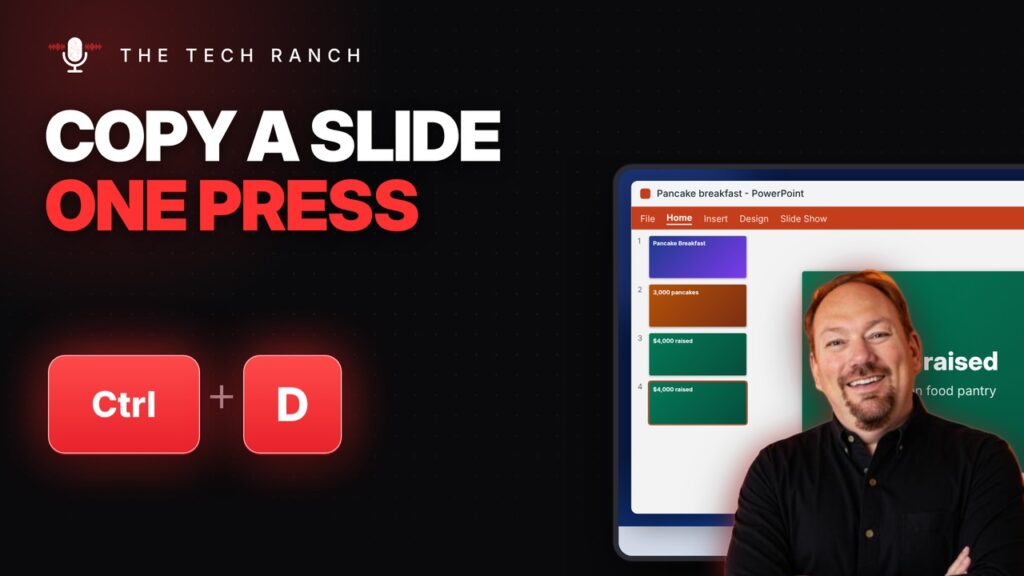
In PowerPoint, select a slide and press Ctrl + D to duplicate it. Ctrl + M adds a new slide.
↩️ Two Lines in One Excel Cell with Alt + Enter
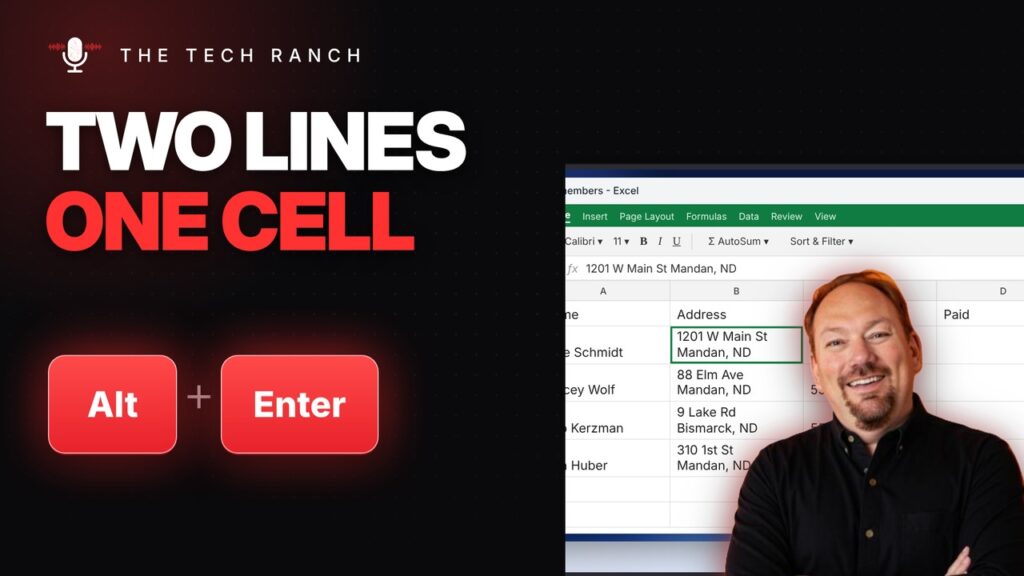
In Excel, press Alt + Enter to start a new line inside the same cell. Ctrl + Enter fills every selected cell.
🗂️ Search Your Open Tabs in Chrome with Ctrl + Shift + A

In Chrome, press Ctrl + Shift + A to search your open tabs and jump to one. Mac: Command + Shift + A.
📁 Make a New Folder on Your Mac with Command + Shift + N
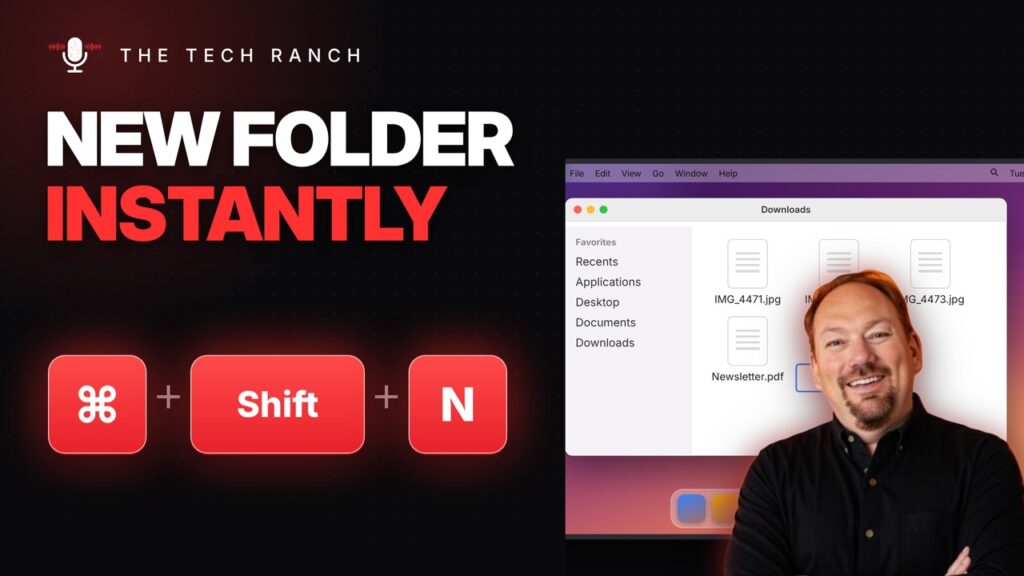
In Finder, press Command + Shift + N for a new folder. Select a file and press Return to rename it.
🪟 See Every Open Window on Your Mac with Control + Up Arrow

Press Control + Up Arrow on a Mac to see every open window at once. Control + Down shows just the current app’s windows.
🔢 Open Taskbar Apps by Number with Windows Key + 1, 2, 3

Press the Windows key + a number to open that app on your taskbar, counting from the left. Win + T walks the taskbar.
