

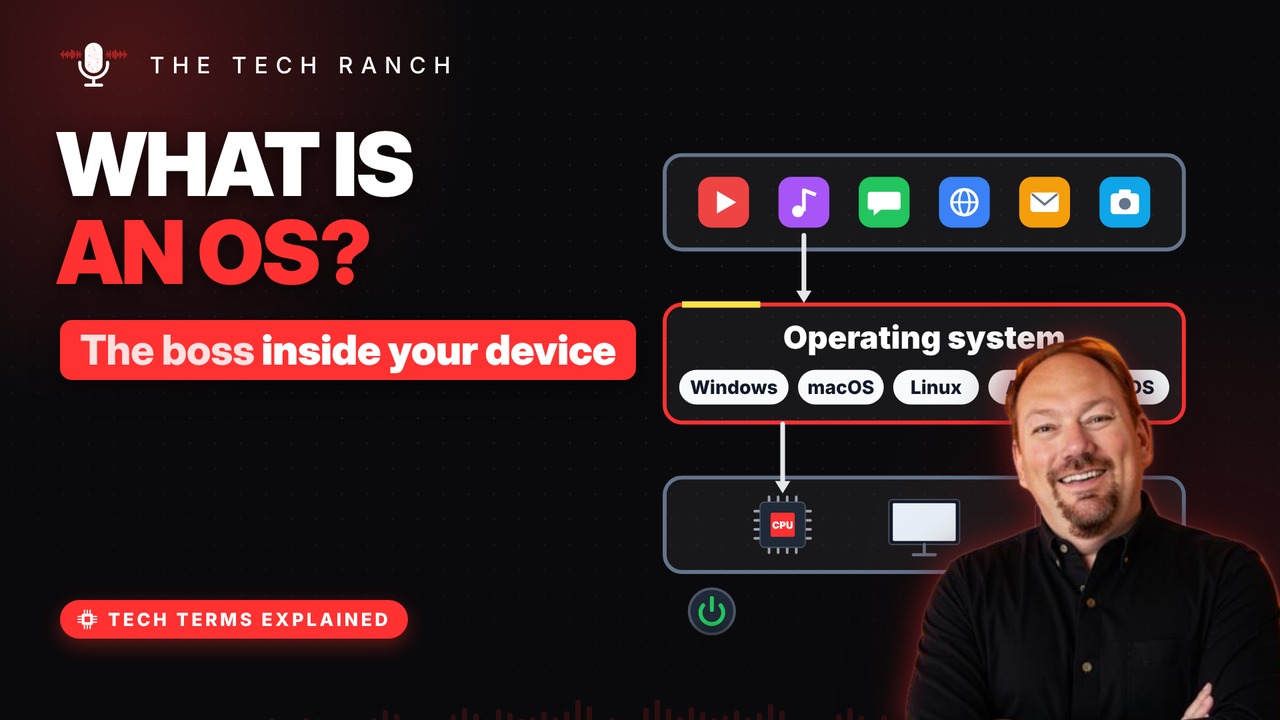
An operating system is the hidden manager that sits between your apps and your device’s hardware. This animated explainer shows how it shares the processor, hands out memory, uses drivers to talk to gadgets, and why its core is called the kernel.
The manager in the middle
An operating system (OS) sits between apps and hardware. Apps ask it for things; it talks to the chips. Windows, macOS, Linux, Android and iOS are all OSes. It loads right after you press the power button.
Taking turns on the processor
Dozens of programs want the processor at once. The OS gives each one a tiny time slice. It switches so fast it all feels simultaneous. That’s how music keeps playing while you browse.
Handing out memory and files
The OS gives each app its own slice of RAM. It keeps apps from poking into each other’s space. It organizes storage into files and folders. Apps can’t grab the hardware directly; they ask.
Drivers: the translators
Printers, mice and cameras all speak differently. A driver is a small translator program. It tells the OS how to talk to that device. That’s why new gadgets sometimes need a download.
The kernel at the core
The heart of the OS is called the kernel. It stays loaded the whole time the device is on. Apps ask the kernel; the kernel asks the hardware. Many OSes trace their design back to Unix (1969).
Bonus: Why updates matter
Updates fix bugs and close security holes. Older systems eventually stop getting fixes. Turning on automatic updates is the easy win.
More Tech Terms, Explained
This is part of my Tech Terms Explained series: everyday tech words, explained in plain English, with simple animations. Watch the whole series on YouTube and subscribe to The Tech Ranch so you don’t miss the next one.
Found this helpful? Give the video a thumbs up on YouTube. Got a tech word you’d like explained? Ask in the YouTube comments and it might be the next video.