


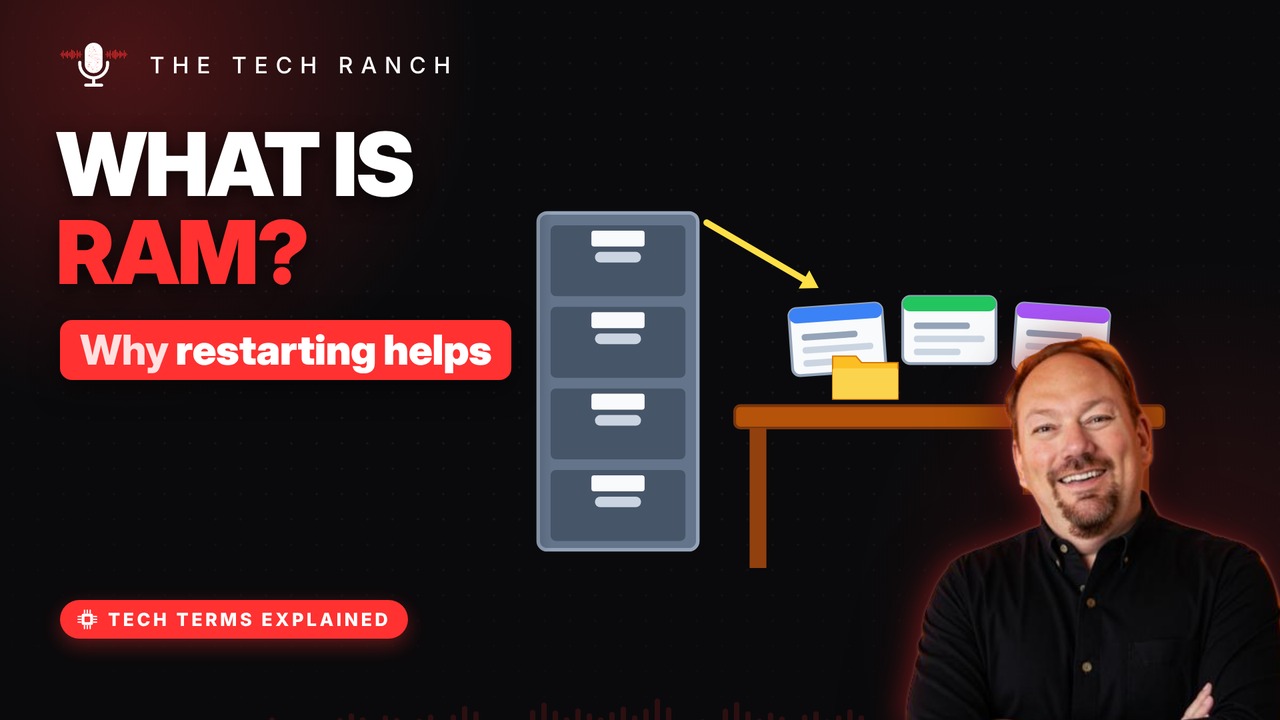
RAM is your computer’s short-term working memory: the desk where open apps and files sit while you use them. This animated explainer shows how RAM stores bits as tiny charges, why it forgets everything when the power goes off, and why a restart clears up so many glitches.
RAM is your computer’s desk
RAM stands for Random Access Memory. It holds whatever you’re using right now. Storage is the filing cabinet. RAM is the desk. Your computer works on the desk, not in the cabinet.
Bits stored as tiny charges
Each bit lives in a tiny cell on a memory chip. A tiny bucket holds charge: full = 1, empty = 0. A tiny switch next to it lets the chip read it. Billions of these cells sit on one stick of RAM.
The buckets leak
The charge slowly leaks out of each cell. So the chip refills every cell, over and over. Cut the power and the refilling stops. Within moments, the data is gone.
When the desk gets full
Every open app and tab takes up desk space. When RAM fills, the system borrows storage. It shuffles things back and forth to make room. Storage is far slower, so everything drags.
Why restarting helps
Apps can leave clutter on the desk over time. A restart wipes RAM completely. Everything reloads fresh from storage. More RAM = more open at once, not faster internet.
Bonus: RAM isn’t storage
Phone and laptop specs list two ‘memory’ numbers. The bigger one is storage: photos, apps, files. The smaller one is RAM: what’s open right now.
More Tech Terms, Explained
This is part of my Tech Terms Explained series: everyday tech words, explained in plain English, with simple animations. Watch the whole series on YouTube and subscribe to The Tech Ranch so you don’t miss the next one.
Found this helpful? Give the video a thumbs up on YouTube. Got a tech word you’d like explained? Ask in the YouTube comments and it might be the next video.