


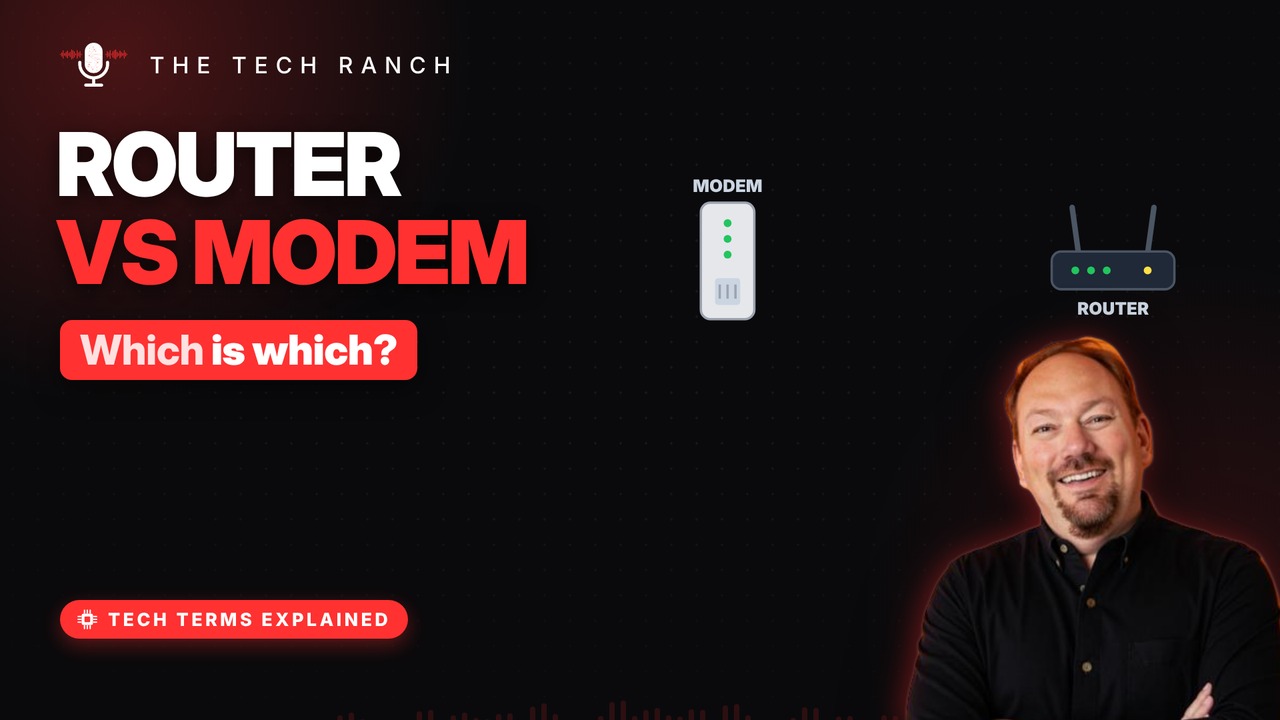
Your modem connects your home to your internet provider; your router shares that connection with every device inside. Learn what each box does, why your whole home shares one public address, what a gateway is, and the right order to restart them.
The modem: your translator
Internet arrives by cable, phone line or fiber. The modem translates that signal for your gear. Modem = MOdulator-DEModulator. Fiber homes use a cousin of it called an ONT.
The router: traffic cop
The router builds your home network. It gives each device its own local address. It sends each bit of data to the right device. Most home routers also make your Wi-Fi.
One address outside
Outside, your whole home shares one public address. The router keeps track of who asked for what. Replies come back and go to the right device. This trick is called NAT.
The 2-in-1 box
Many providers hand out a gateway. That’s a modem and a router in one box. Separate boxes let you upgrade one at a time. Not sure which you have? Look up the model number.
Restart them the right way
Unplug the modem and router; wait 60 seconds. Plug in the modem first. Give it about 30 seconds to reconnect. Then plug in the router and wait a minute or two.
Bonus: Where fiber is different
Fiber brings light, not electricity, to your home. A box called an ONT turns light into data. Your router plugs into it, just like a modem.
More Tech Terms, Explained
This is part of my Tech Terms Explained series: everyday tech words, explained in plain English, with simple animations. Watch the whole series on YouTube and subscribe to The Tech Ranch so you don’t miss the next one.
Found this helpful? Give the video a thumbs up on YouTube. Got a tech word you’d like explained? Ask in the YouTube comments and it might be the next video.