


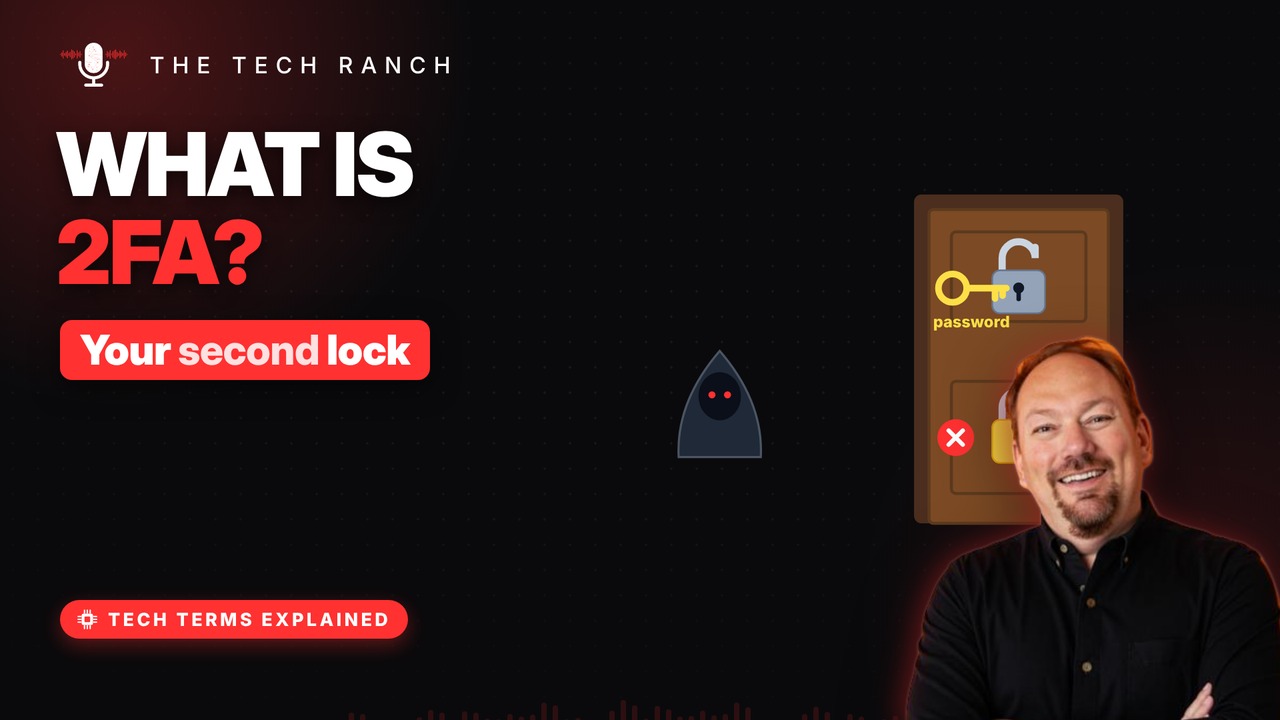
Two-factor authentication adds a second proof, like a code from your phone, on top of your password. See why it stops the vast majority of account attacks, how those 30-second codes work, which kinds are strongest, and how to avoid getting locked out.
Two kinds of proof
A factor = a way to prove you’re you. Something you know: a password or PIN. Something you have: your phone or a key. Something you are: your face or fingerprint.
Why it works
Passwords leak in breaches and scams. With 2FA, a thief also needs your device. Microsoft: it can block 99.9% of account attacks. Turn it on for email and banking first.
Codes that expire
Authenticator apps show a fresh code. Usually 6 digits, new every 30 seconds. Your phone and the site share a secret, plus the time. So both sides calculate the same code.
Not all 2FA is equal
Text codes: good — stopped 96% of bulk phishing. Phone sign-in prompts: better. Security keys: best — no targeted victims in a study. Any of them beats a password alone.
Don’t get locked out
Many sites give you one-time backup codes. Print them or store them somewhere safe. They get you in if you lose your phone. Some sites let you add a spare phone or key.
Bonus: The code-sharing scam
Scammers call pretending to be your bank. They ask you to read back a code you just got. Hang up — that code is the key to your account.
More Tech Terms, Explained
This is part of my Tech Terms Explained series: everyday tech words, explained in plain English, with simple animations. Watch the whole series on YouTube and subscribe to The Tech Ranch so you don’t miss the next one.
Found this helpful? Give the video a thumbs up on YouTube. Got a tech word you’d like explained? Ask in the YouTube comments and it might be the next video.