


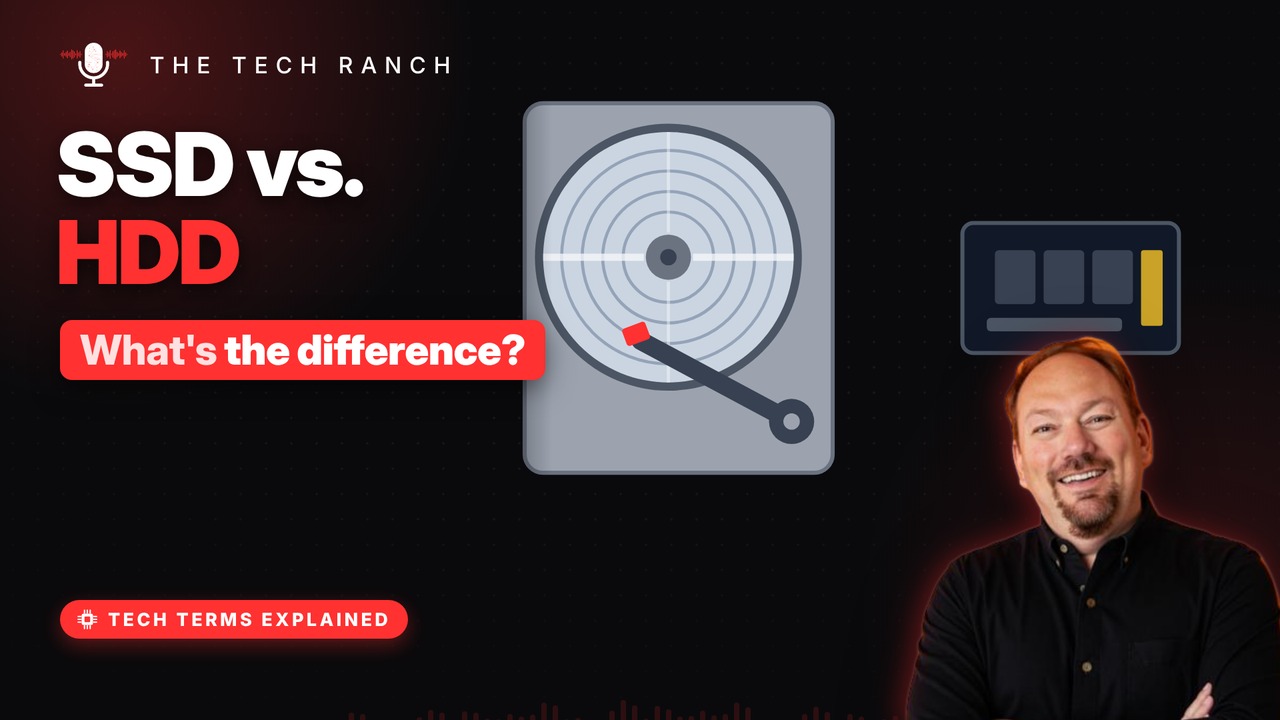
A hard drive stores data on spinning magnetic disks read by a head floating just nanometers above them, while an SSD stores data as electric charges in flash chips with no moving parts. This animated explainer shows how each one works, why SSDs feel so much faster, and when a hard drive still makes sense.
A record player for data
A hard drive stores data on spinning magnetic disks. Tiny magnetic spots on the disk mean 1 or 0. An arm with a read/write head swings across them. Common speeds: 5,400 or 7,200 turns a minute.
Flying nanometers above
The head never touches the disk. It glides on a thin cushion of air (or helium). The gap is far, far thinner than a human hair. A hard bump while it’s running can damage it.
SSD: no moving parts
SSD = Solid State Drive. It stores data in flash memory chips. Each cell traps a tiny electric charge to hold bits. It keeps that charge even with the power off.
Why SSDs feel so fast
A hard drive must spin and swing to find data. That hunt takes about 10 milliseconds. An SSD reaches any cell electronically, much faster. Faster startup, faster apps, and fewer breakable parts.
Which should you pick?
SSDs win on speed and toughness. Hard drives win on cost for lots of space. Flash wears with heavy writing; drives spread it out. Many use both: SSD to run, hard drive to store.
Bonus: The first hard drive
Shipped in 1956, it had 50 disks, each 24 inches wide. It held about 3.75 megabytes in total. A fingernail-size memory card holds thousands of times more.
More Tech Terms, Explained
This is part of my Tech Terms Explained series: everyday tech words, explained in plain English, with simple animations. Watch the whole series on YouTube and subscribe to The Tech Ranch so you don’t miss the next one.
Found this helpful? Give the video a thumbs up on YouTube. Got a tech word you’d like explained? Ask in the YouTube comments and it might be the next video.