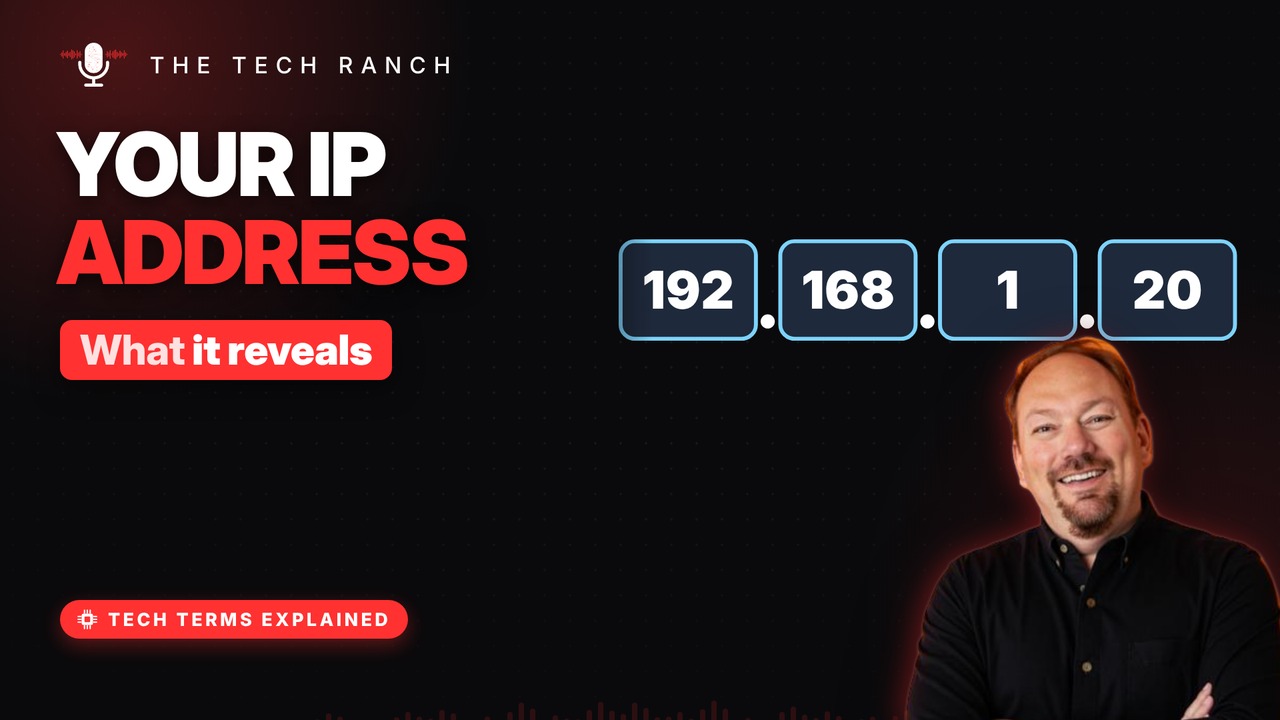
An IP address is how the internet knows where to send data. See how classic IPv4 addresses work, why the world ran out of them in 2011, how IPv6 fixes that, and what your IP address really reveals about where you are.
An address for data
Data travels in small packets, like envelopes. Each packet carries a ‘to’ and a ‘from’ address. Those are IP addresses. IP = Internet Protocol, the internet’s rulebook.
Four numbers, 0 to 255
A classic address looks like 192.168.1.20. Four numbers, each from 0 to 255. That allows about 4.3 billion addresses. This version is called IPv4.
We ran out
Phones, TVs, doorbells — everything needed one. On Feb. 3, 2011, the global free pool ran dry. Homes now share one public address (NAT). And a much bigger system was ready: IPv6.
IPv6: room for everything
IPv6 addresses are 128 bits long, not 32. About 340 undecillion — a 39-digit number. Written with letters, numbers and colons. Example: 2001:db8::1.
What your IP reveals
Sites you visit can see your public IP address. It usually reveals your country, maybe your city. City guesses are often wrong. It’s not reliable for finding a street address.
Bonus: You have two addresses
Inside your home: a private address (often 192.168…). Outside: one public address for the whole house. Searching ‘what is my IP’ shows the public one.
More Tech Terms, Explained
This is part of my Tech Terms Explained series: everyday tech words, explained in plain English, with simple animations. Watch the whole series on YouTube and subscribe to The Tech Ranch so you don’t miss the next one.
Found this helpful? Give the video a thumbs up on YouTube. Got a tech word you’d like explained? Ask in the YouTube comments and it might be the next video.