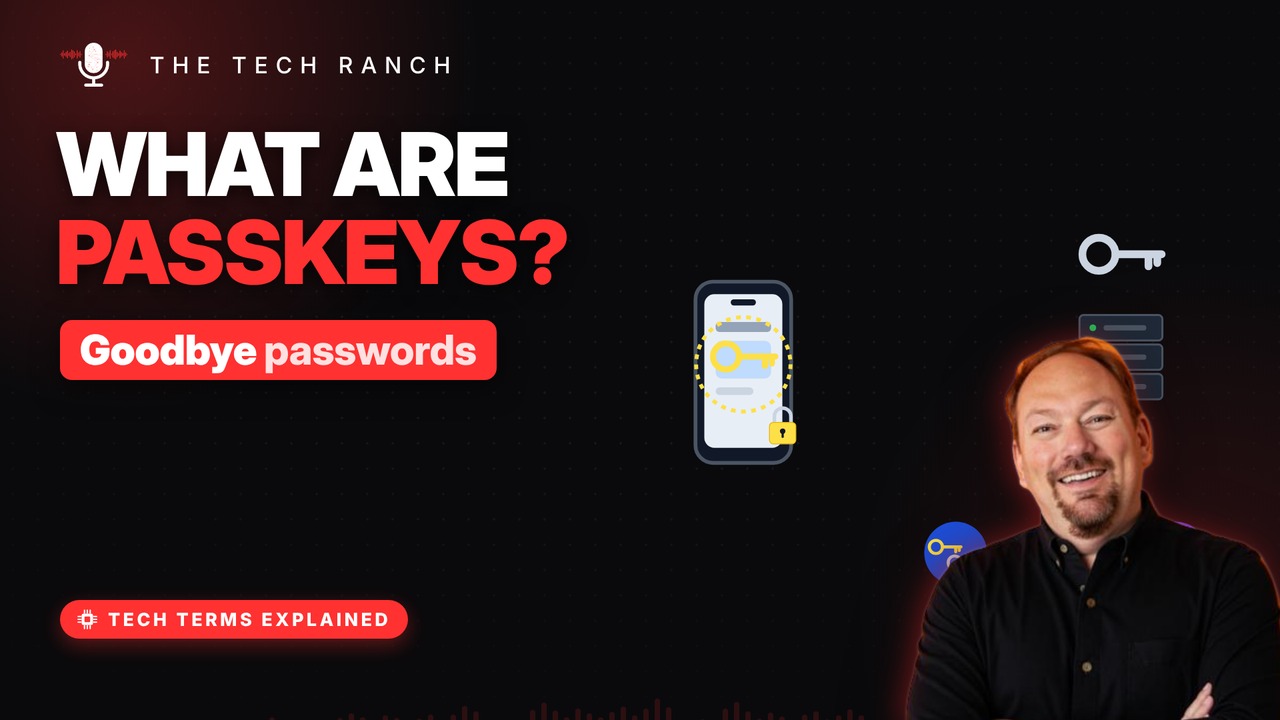
Passkeys let you sign in with your face, fingerprint or PIN instead of a password. See how a matched pair of keys works, why a fake website can’t steal a passkey, and how passkeys move with you across your phone and computer.
No password to type
A passkey replaces your password on a site. You sign in the way you unlock your phone. Face, fingerprint or PIN — that’s it. It’s an industry standard, not one company’s.
Two matching keys
Your device makes a matched pair of keys. The private key stays on your device. The site keeps only the public key. Every account on every site gets its own pair.
How sign-in works
The site sends a random challenge. Your device signs it with the private key. The site checks it with the public key. No secret ever travels to the site.
Phishing-proof
A passkey works only on the site that made it. A fake lookalike site gets nothing. Site hacked? Public keys alone can’t log anyone in. Your face or fingerprint never leaves your device.
On all your devices
Passkeys can sync across your devices. Synced passkeys are end-to-end encrypted. Or scan a QR code with your phone to sign in. Your phone must be nearby — checked by Bluetooth.
Bonus: Lost your phone?
Synced passkeys return when you sign in on a new device. Keep your account recovery options up to date. Device-only passkeys stay on that device.
More Tech Terms, Explained
This is part of my Tech Terms Explained series: everyday tech words, explained in plain English, with simple animations. Watch the whole series on YouTube and subscribe to The Tech Ranch so you don’t miss the next one.
Found this helpful? Give the video a thumbs up on YouTube. Got a tech word you’d like explained? Ask in the YouTube comments and it might be the next video.