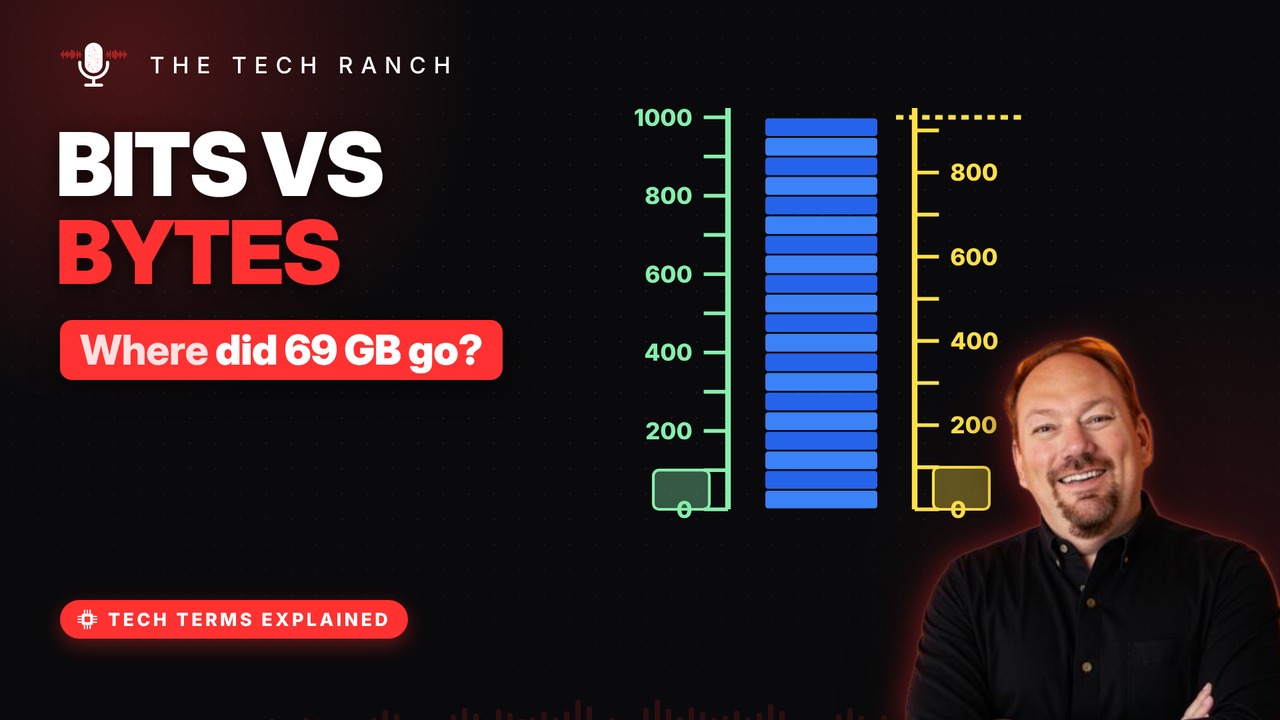
A bit is a single 1 or 0, and eight bits make a byte. This animated explainer climbs the ladder from kilobytes to terabytes, solves the mystery of why a 1 TB drive shows about 931 GB in Windows, and shows why you divide internet speeds by 8.
A bit is a light switch
A bit is the smallest piece of computer data. It’s either a 1 or a 0, like a switch on or off. The name is short for ‘binary digit.’. A Bell Labs scientist coined it around 1947.
8 bits make a byte
Group 8 bits together and you get one byte. 8 switches can make 256 different patterns. Enough to stand for one letter, like ‘A’. Spelled with a y so nobody mixes it up with ‘bit’.
Kilo, mega, giga, tera
Kilobyte: about a thousand bytes. Megabyte: about a million. Gigabyte: a billion. Terabyte: about a trillion bytes. Each step up is roughly 1,000 times bigger.
Where did 69 GB go?
Drive makers count 1 TB as 1,000,000,000,000 bytes. Windows counts in steps of 1,024 instead of 1,000. Same bytes, bigger unit, so the number looks smaller. 1 TB shows as about 931 GB. Nothing is missing.
Megabits vs. megabytes
Internet speed is sold in megabits: Mbps. File sizes are in megabytes: MB. Divide by 8 to compare them. 100 Mbps moves at most about 12.5 MB a second.
Bonus: Why 1,024?
Computers count in twos: 2, 4, 8, 16, 32. Start at 1 and double ten times: you reach 1,024. Close enough to 1,000 that both got called ‘kilo.’.
More Tech Terms, Explained
This is part of my Tech Terms Explained series: everyday tech words, explained in plain English, with simple animations. Watch the whole series on YouTube and subscribe to The Tech Ranch so you don’t miss the next one. Short on time? Here’s the quick Short version.
Found this helpful? Give the video a thumbs up on YouTube. Got a tech word you’d like explained? Ask in the YouTube comments and it might be the next video.