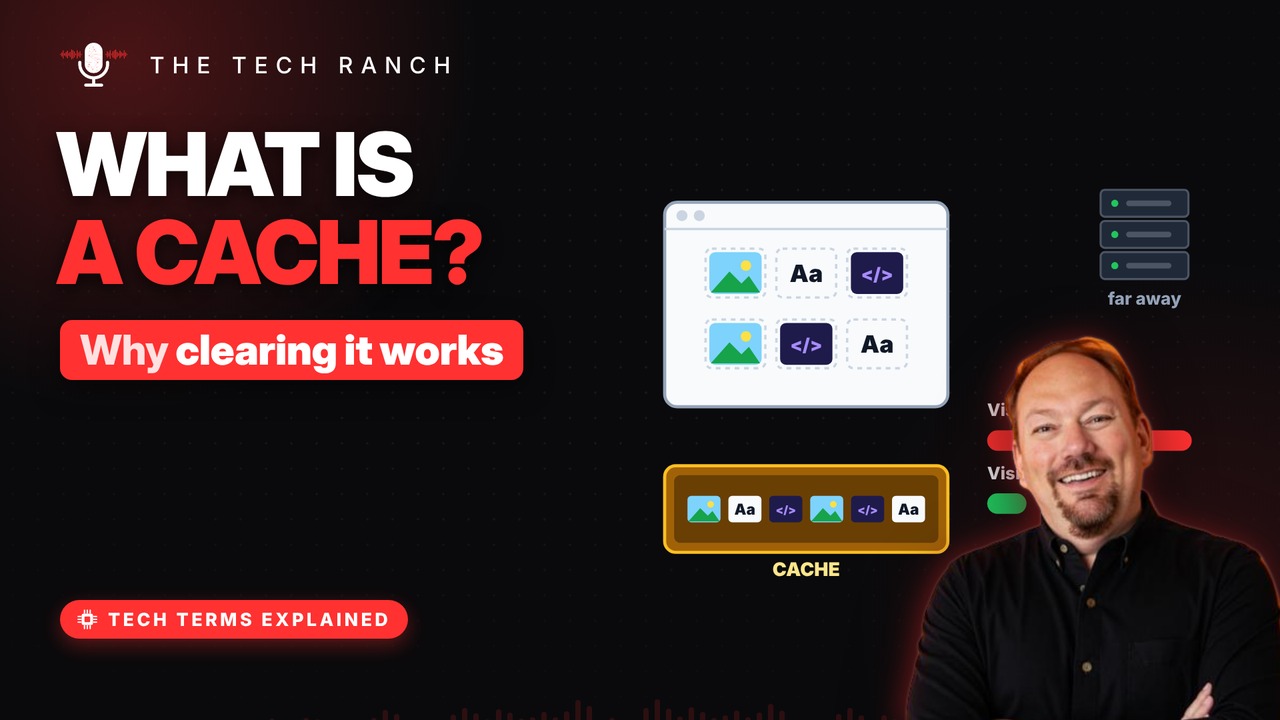
A cache is a stash of copies your devices keep close by so things load faster. This animated explainer shows how your browser’s cache speeds up websites, why stale copies make pages glitch, how clearing the cache differs from clearing cookies, and the tiny caches inside your computer’s processor.
A stash kept close by
A cache is a stash of copies kept nearby. Next time, you grab the copy instead of fetching again. Like keeping snacks in your desk, not at the store. The word comes from French cacher: to hide.
Your browser’s cache
Websites are built from images, fonts and code. Your browser saves copies of those pieces. Next visit, pages load faster with less downloading. That’s why a site you use daily pops up quickly.
When copies go stale
Sometimes a site updates but your copy doesn’t. Old and new pieces clash. Pages look broken or buttons stop working. Clearing the cache forces fresh copies.
Cache vs. cookies
Cache = copies of a site’s files. Cookies = small notes that remember you. Clearing only the cache won’t log you out. Clearing cookies will.
Caches inside your computer
Your processor has its own tiny caches. They hold the data it needs most often. The closest one is roughly 100× faster than RAM. Phones, apps and websites all use caching.
Bonus: Should you clear it often?
The cache exists to save you time and data. Clearing it daily just makes pages reload slower. Clear it when a site starts acting weird.
More Tech Terms, Explained
This is part of my Tech Terms Explained series: everyday tech words, explained in plain English, with simple animations. Watch the whole series on YouTube and subscribe to The Tech Ranch so you don’t miss the next one.
Found this helpful? Give the video a thumbs up on YouTube. Got a tech word you’d like explained? Ask in the YouTube comments and it might be the next video.