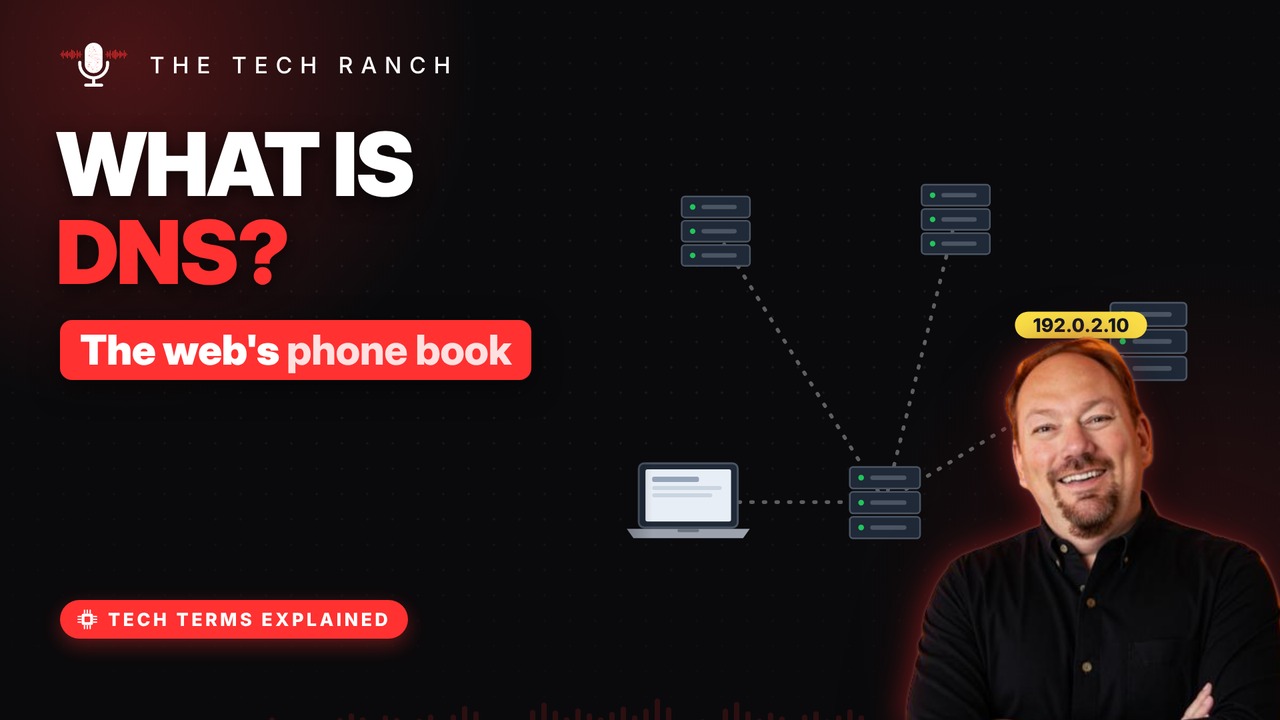
DNS is the system that turns website names into the number addresses computers use. See how the early internet ran on a single text file updated by phone, how a lookup hops from server to server, and why saved answers make it feel instant.
Names for humans
Every website lives on a computer with an IP address. Long numbers are hard for people to remember. DNS = Domain Name System. It turns a name into the right number.
Before DNS: one text file
On the early internet, one file listed every computer. It was called HOSTS.TXT. New entries were added by phone, in business hours. As the network grew, one file couldn’t keep up.
A chain of questions
Your device asks a resolver, often your provider’s. The resolver asks a root server where ‘.com’ lives. The .com servers point to the site’s own server. That server gives back the final number.
It remembers
Doing that chain every time would be slow. So answers are saved (cached) for a while. Each answer carries a timer called TTL. TTL = time to live, set in seconds.
Who runs the root
Root servers sit at the very top of DNS. There are 13 named root identities, A through M. 12 independent organizations run them. Each has many copies spread around the world.
Bonus: Why website changes take a while
Move a website, and old answers stick around. Saved copies have to expire first. Full updates can take up to 48 hours.
More Tech Terms, Explained
This is part of my Tech Terms Explained series: everyday tech words, explained in plain English, with simple animations. Watch the whole series on YouTube and subscribe to The Tech Ranch so you don’t miss the next one. Short on time? Here’s the quick Short version.
Found this helpful? Give the video a thumbs up on YouTube. Got a tech word you’d like explained? Ask in the YouTube comments and it might be the next video.