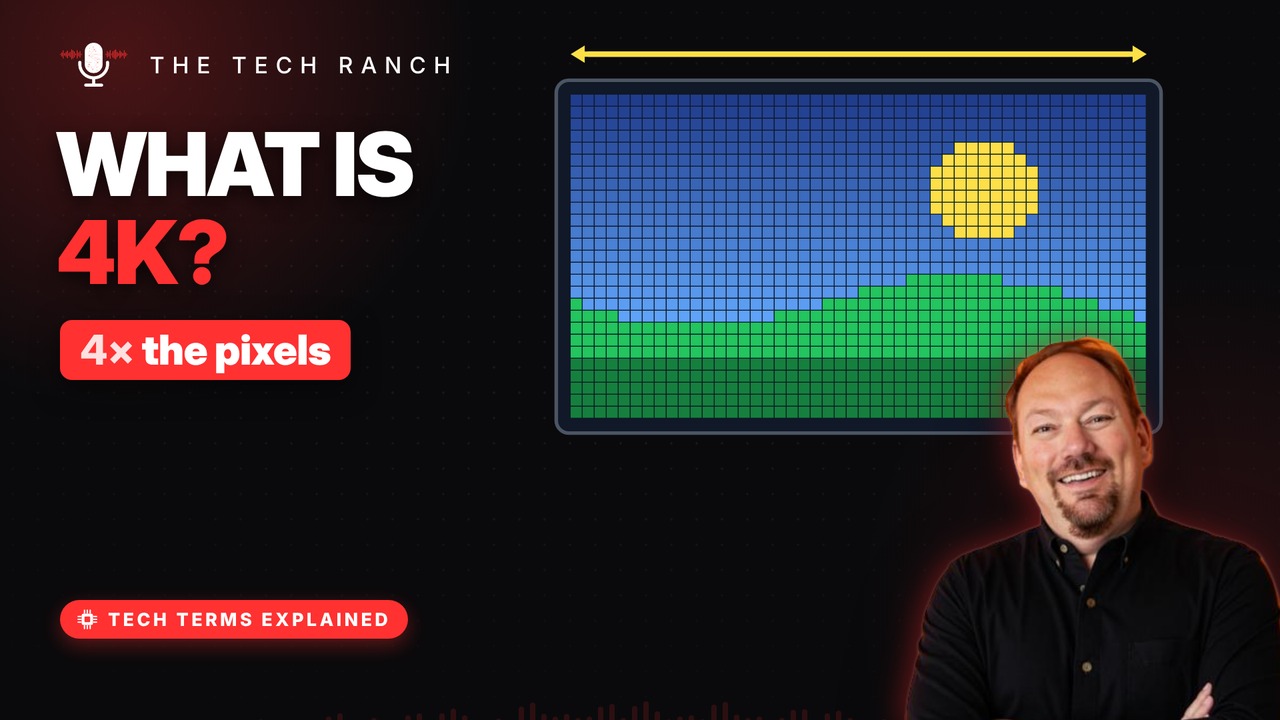
Every screen image is a grid of tiny dots called pixels, and resolution is simply how many there are. This animated explainer shows what Full HD and 4K really mean, why 4K is named for its width, and when your eyes can actually see the difference.
Pictures made of dots
Every screen image is a grid of tiny squares. Each square is a pixel, short for ‘picture element.’. Each pixel shows one color at a time. Up close: squares. From afar: a smooth picture.
Resolution = pixel count
Resolution is how many pixels across and down. Full HD is 1920 across by 1080 down. That’s about 2 million pixels. The name ‘1080p’ counts the rows.
What 4K really means
A 4K TV is 3840 pixels across and 2160 down. ‘4K’ rounds up the width: about 4,000. So HD names count rows, but 4K counts columns. Cinemas use a slightly wider 4096-pixel 4K.
Four times the pixels
4K is twice as wide and twice as tall as Full HD. Twice by twice = 4× the pixels. Four Full HD screens fit inside one 4K screen. More pixels = finer detail on a big screen.
Can you see the difference?
Your eyes can only pick out so much detail. Sit far back and extra pixels blur together. 4K shines on big screens or when you sit close. Picture quality also depends on the video itself.
Bonus: Every pixel is three lights
Look very close and each pixel splits in three. A red, a green and a blue light, side by side. Mixing their brightness makes millions of colors.
More Tech Terms, Explained
This is part of my Tech Terms Explained series: everyday tech words, explained in plain English, with simple animations. Watch the whole series on YouTube and subscribe to The Tech Ranch so you don’t miss the next one.
Found this helpful? Give the video a thumbs up on YouTube. Got a tech word you’d like explained? Ask in the YouTube comments and it might be the next video.