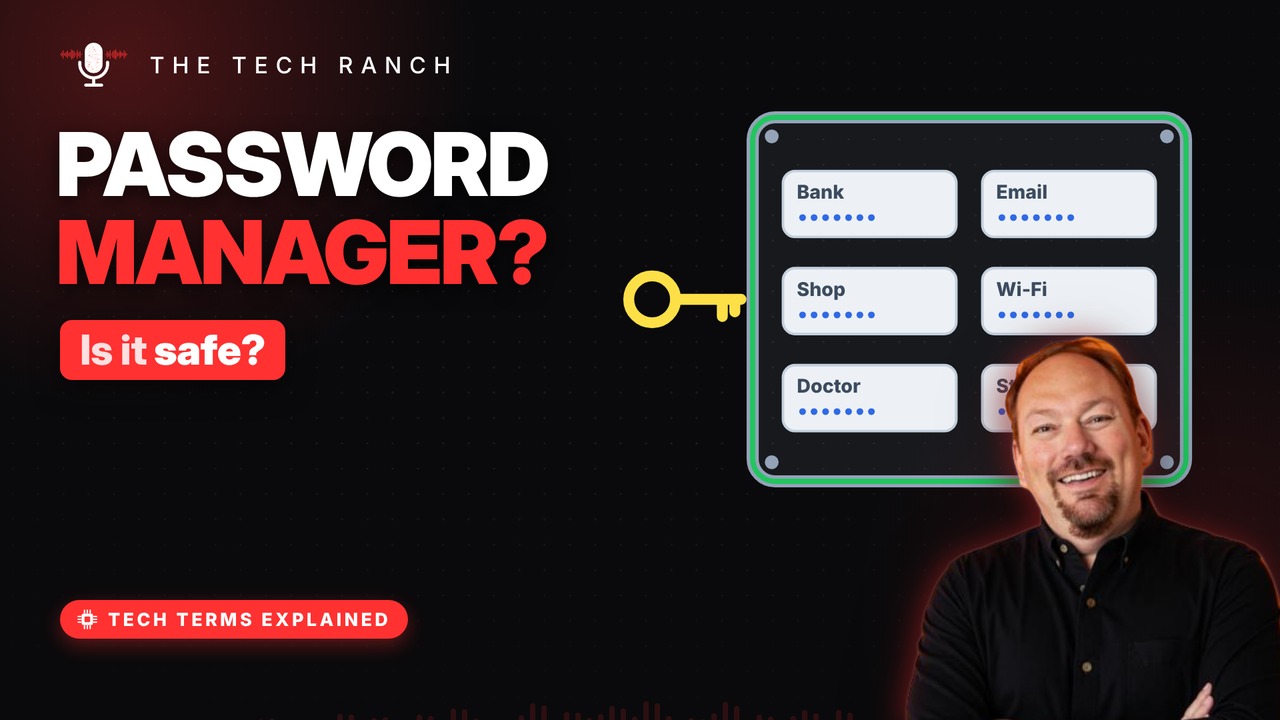
A password manager keeps every login in an encrypted vault, so you only need to remember one master password. See why reusing passwords is risky, how a manager creates long unique ones, how it helps you spot fake websites, and how to protect the master key.
The reuse problem
Sites get breached and passwords leak. Crooks try leaked logins on other sites. That’s called credential stuffing. Reuse one password, and one leak opens many doors.
A locked vault
A password manager stores all your logins. They’re kept in an encrypted vault. You unlock it with one master password. That’s the only one you need to remember.
Long, random, unique
It creates long, random passwords for you. A different one for every site. U.S. guidelines: at least 15 characters. You never have to type or memorize them.
It knows the real site
It fills logins only on the matching web address. A lookalike scam site gets no autofill. No autofill? Stop and check the address. Typing it in by hand skips that protection.
Guard the master key
Make the master password long — a phrase works. Never reuse it anywhere else. Turn on two-factor for the manager itself. Phones and browsers have built-in managers too.
Bonus: Skip the routine password changes
U.S. guidelines say no forced routine changes. Change a password if it may have leaked. Strong and unique beats changed often.
More Tech Terms, Explained
This is part of my Tech Terms Explained series: everyday tech words, explained in plain English, with simple animations. Watch the whole series on YouTube and subscribe to The Tech Ranch so you don’t miss the next one.
Found this helpful? Give the video a thumbs up on YouTube. Got a tech word you’d like explained? Ask in the YouTube comments and it might be the next video.