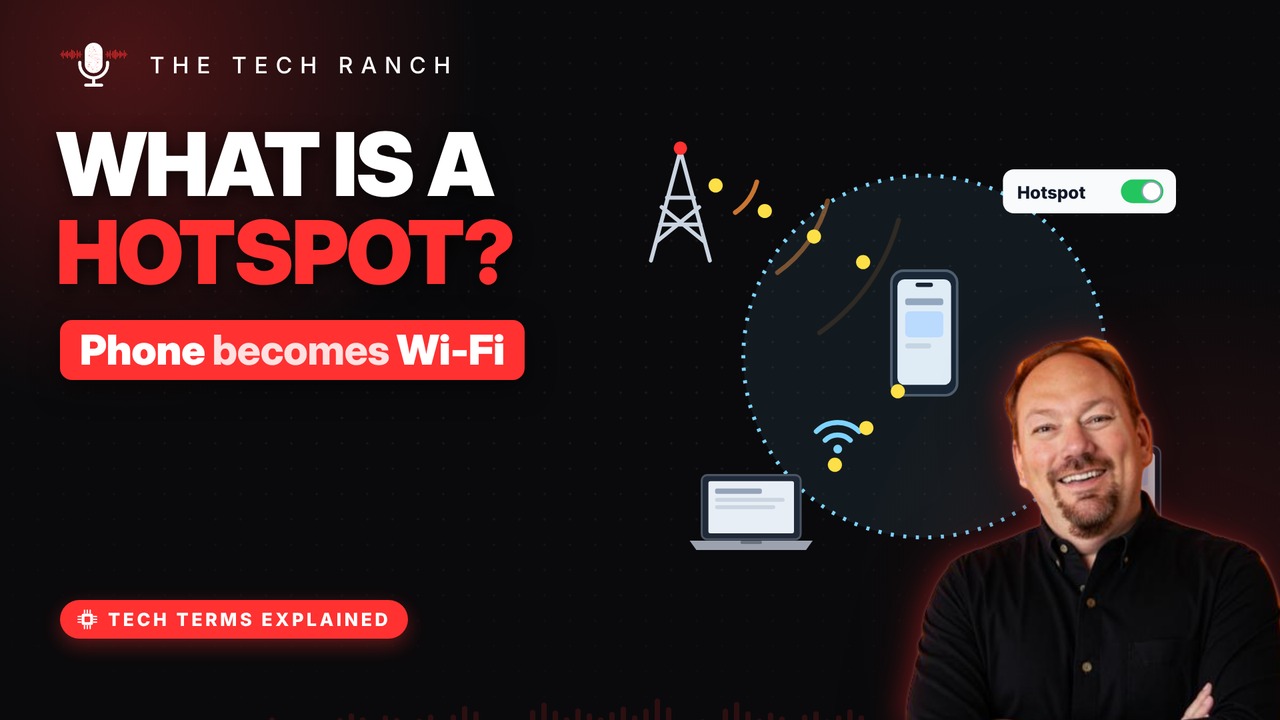
A mobile hotspot turns your phone into a small Wi-Fi router that shares its cellular data. Learn the three ways to share a connection, how it affects your data plan and battery, and why you should always keep a hotspot password on.
Your phone, the router
Your phone already has a cellular data connection. Hotspot mode shares it with nearby devices. Laptops and tablets join it like any Wi-Fi. The data still travels over the cell network.
Three ways to share
Wi-Fi hotspot: easiest, works with several devices. Bluetooth tethering: pair first, then share. USB tethering: a cable from phone to computer. Tethering just means sharing your phone’s data.
It uses your data
Everything the laptop does counts on your plan. Video and big updates can use data fast. Some carriers limit or charge extra for hotspot use. Check your plan before a long session.
Watch the battery
Hotspot keeps two radios busy at once. That drains the battery faster. Plug the phone in if you can. Turn hotspot off when you’re done.
Lock it with a password
Your hotspot is a real Wi-Fi network. Always keep the password on. Choose WPA3 or WPA2 security if offered. Often safer than open public Wi-Fi.
Bonus: ‘Hotspot’ means two things
A café’s free Wi-Fi is also called a hotspot. Many public hotspots don’t encrypt your data. Your own phone hotspot is your private network.
More Tech Terms, Explained
This is part of my Tech Terms Explained series: everyday tech words, explained in plain English, with simple animations. Watch the whole series on YouTube and subscribe to The Tech Ranch so you don’t miss the next one.
Found this helpful? Give the video a thumbs up on YouTube. Got a tech word you’d like explained? Ask in the YouTube comments and it might be the next video.