

❓ See Every Gmail Keyboard Shortcut: Press ?
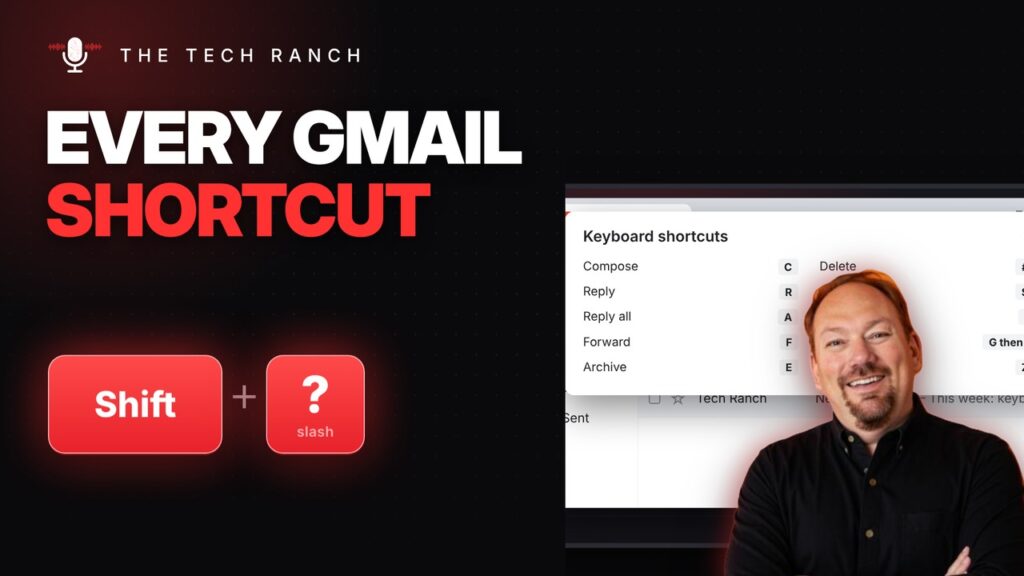
With Gmail keyboard shortcuts on, press ? to see them all. G then I jumps to your Inbox.
⭐ Star an Email in One Key in Gmail: S

With Gmail keyboard shortcuts on, press S to star an email. Shift + I marks it read, Shift + U unread.
🔎 Find Any Email in Outlook with Ctrl + E
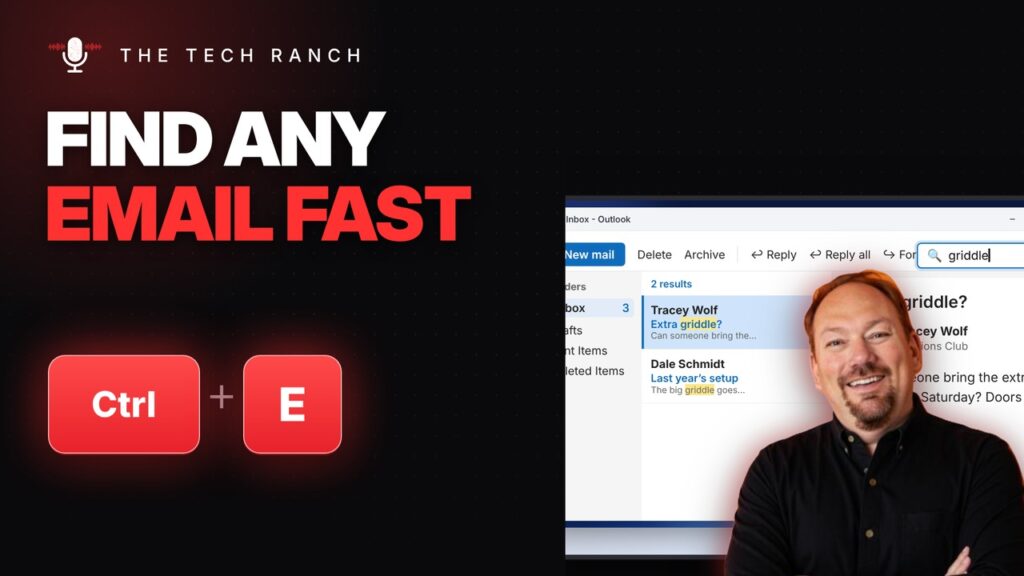
In Outlook, press Ctrl + E to search your email. Ctrl + U marks an email unread; Ctrl + Q marks it read.
↩️ Reply to an Email in One Key in Gmail
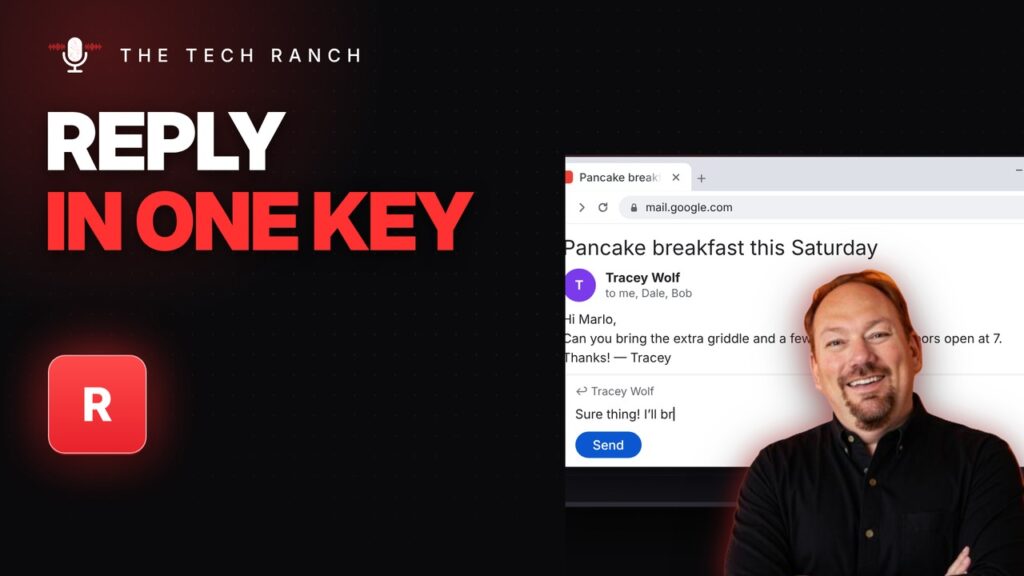
With Gmail keyboard shortcuts on, press R to reply, A to reply all, and F to forward.
📁 File Emails Fast in Outlook with Ctrl + Shift + V
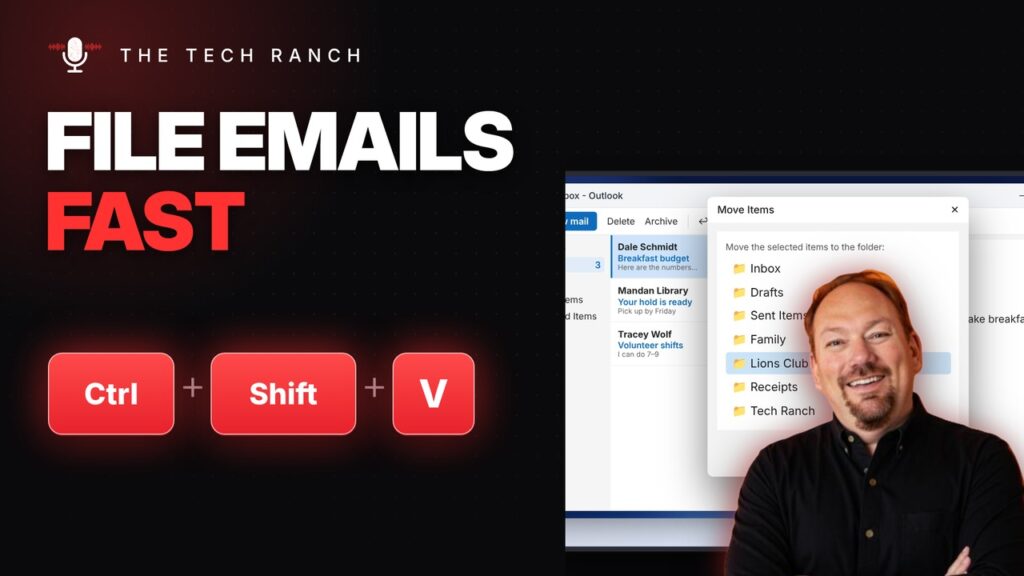
In Outlook, press Ctrl + Shift + V to move an email to a folder. Ctrl + Shift + B opens the address book.
🗑️ Delete Junk Mail in Gmail with One Key
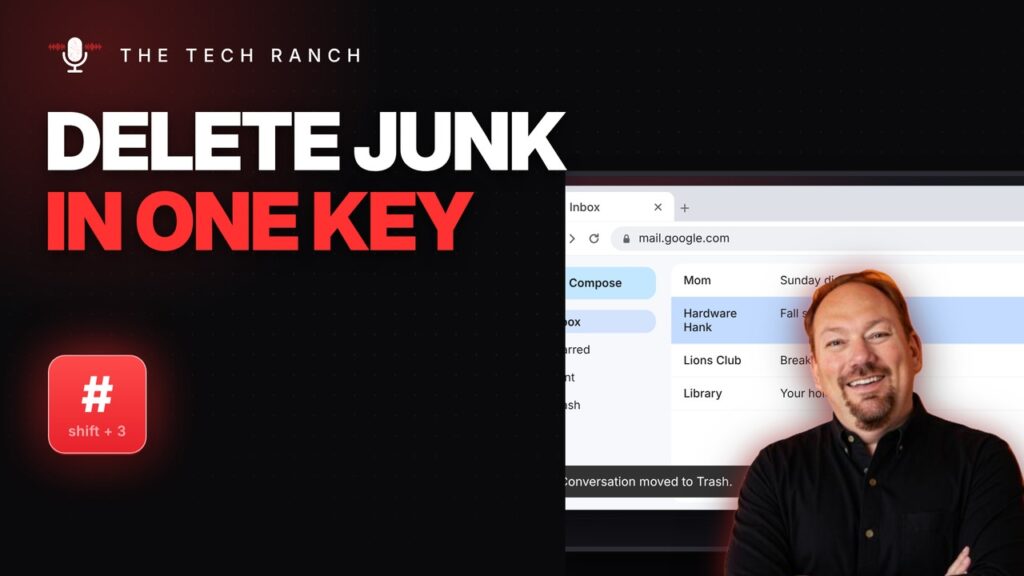
Turn on Gmail keyboard shortcuts, then press # to delete and Z to undo.
📅 Jump Between Mail and Calendar in Outlook with Ctrl + 2 / Ctrl + 1
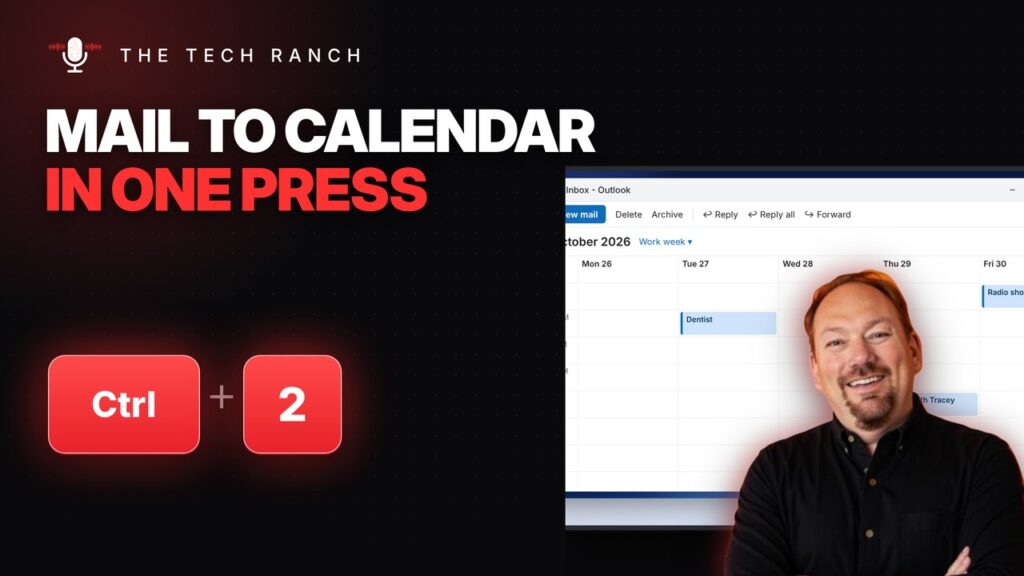
In Outlook, Ctrl + 2 opens Calendar and Ctrl + 1 goes back to Mail. Ctrl + Q marks an email read.
✉️ Start a New Gmail Instantly: Press C
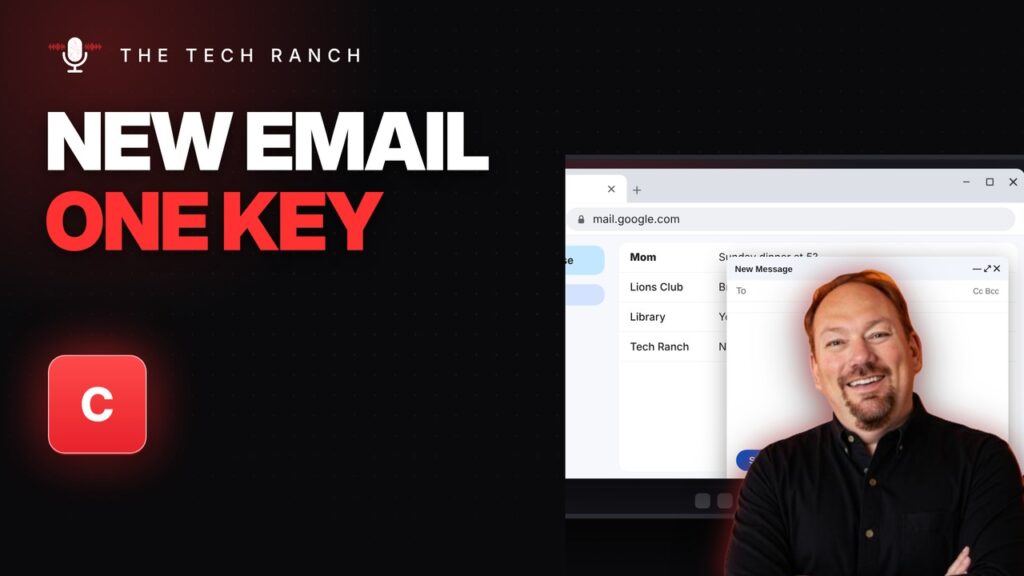
Turn on Gmail keyboard shortcuts, then press C to compose. Shift + U marks an email unread.
📥 Clean Up Your Gmail Inbox Fast: Press E to Archive
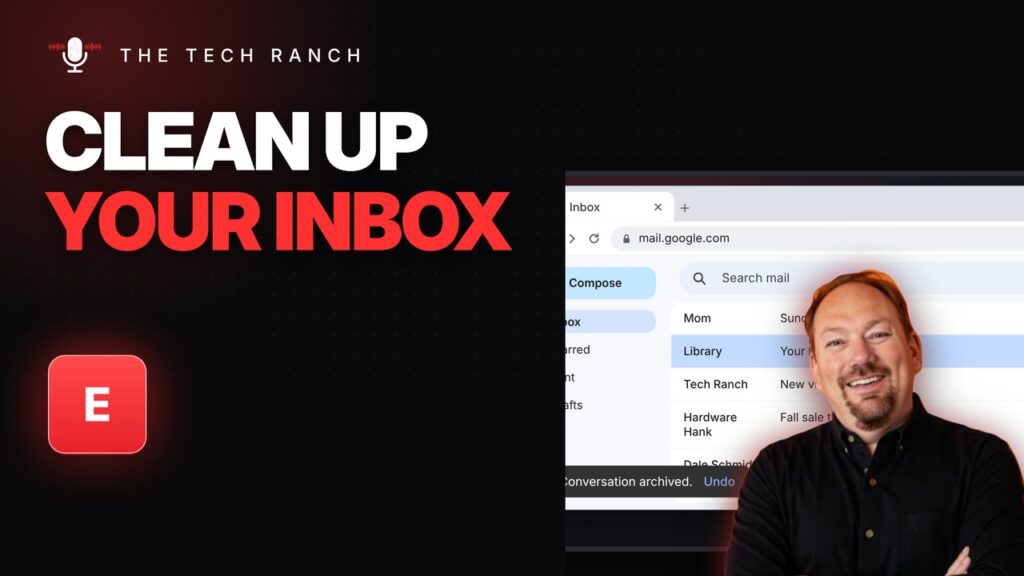
Turn on Gmail keyboard shortcuts, then press E to archive emails and / to jump to search.
✉️ New Email from Anywhere in Outlook with Ctrl + Shift + M
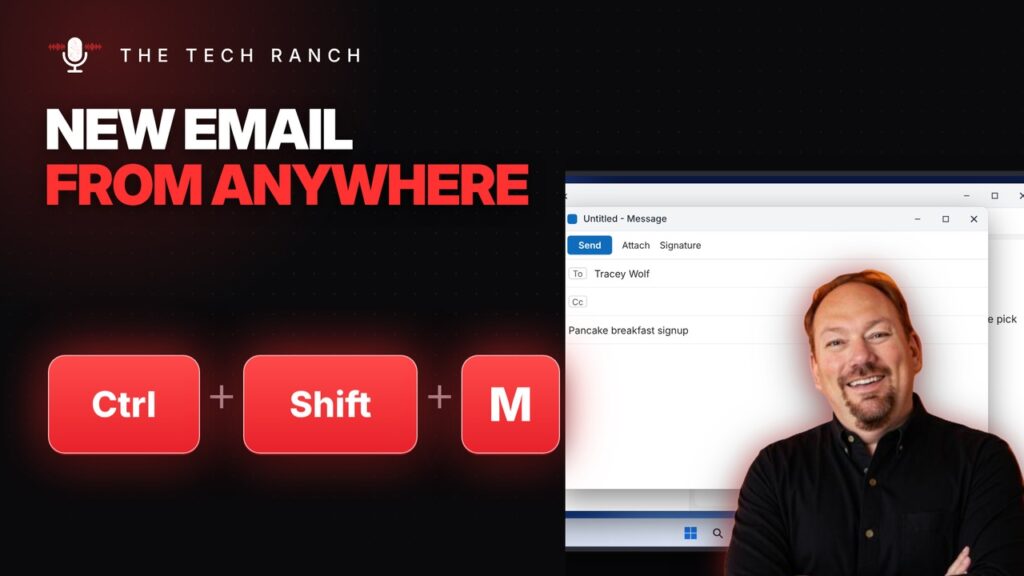
In Outlook, press Ctrl + Shift + M for a new email from anywhere. Ctrl + Shift + A makes a calendar event.
