

📂 Put Files in a New Folder in One Step: Control + Command + N

In Finder, select files and press Control + Command + N to put them in a new folder. Command + Shift + H opens Home.
✂️ Cut and Paste Files on a Mac with Command + Option + V

On a Mac, copy a file with Command + C, then press Command + Option + V to move it. Command + F searches Finder.
👻 Show Hidden Files on a Mac with Command + Shift + Period
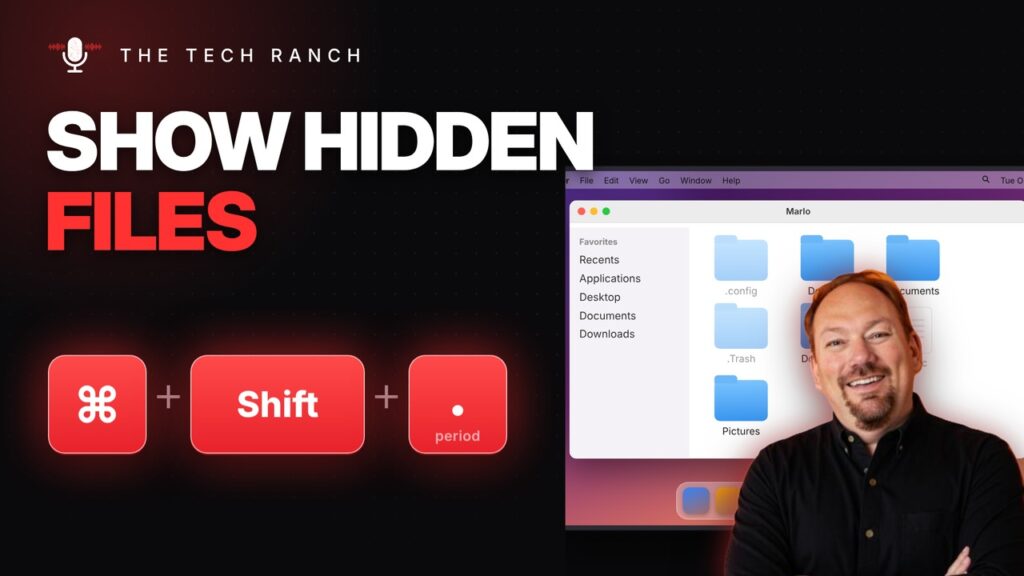
In Finder, press Command + Shift + Period to show hidden files. Command + Shift + G goes to any folder.
⬆️ Go Up One Folder on a Mac with Command + Up Arrow
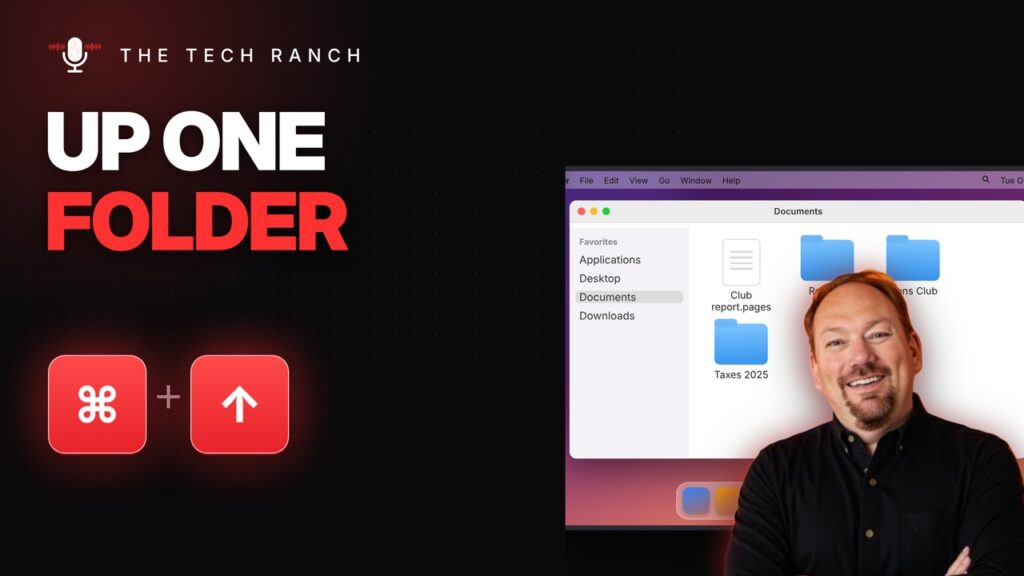
In Finder, press Command + Up Arrow to go up one folder. Command + Down opens the selected item.
📂 Open Your Mac’s Applications Folder with Command + Shift + A

In Finder, press Command + Shift + A to open Applications. Command + Option + L opens Downloads.
ℹ️ How Big Is This File? Get Info on a Mac with Command + I
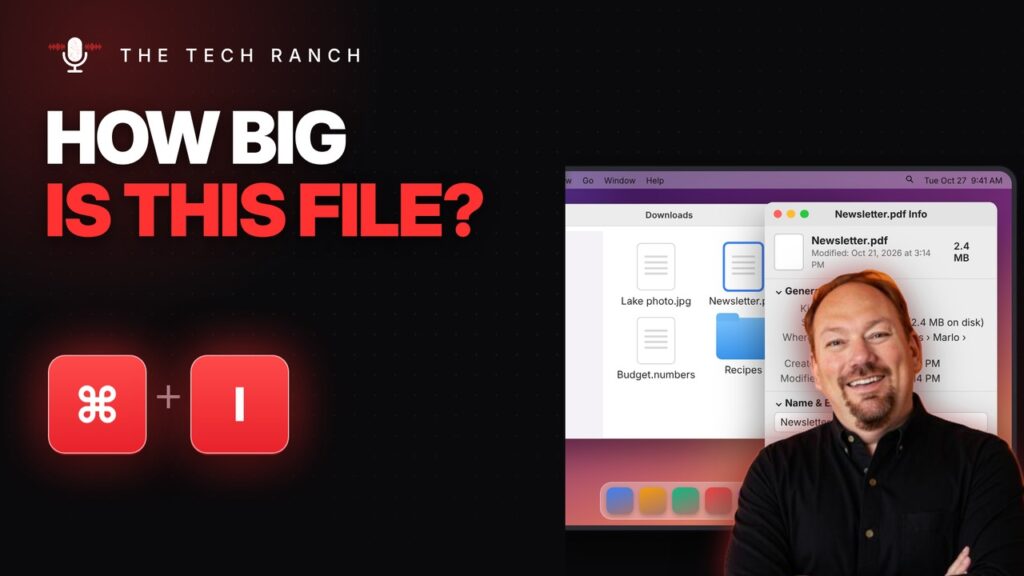
Select a file in Finder and press Command + I to see its size and details. Command + D makes a copy.
📁 Make a New Folder on Your Mac with Command + Shift + N
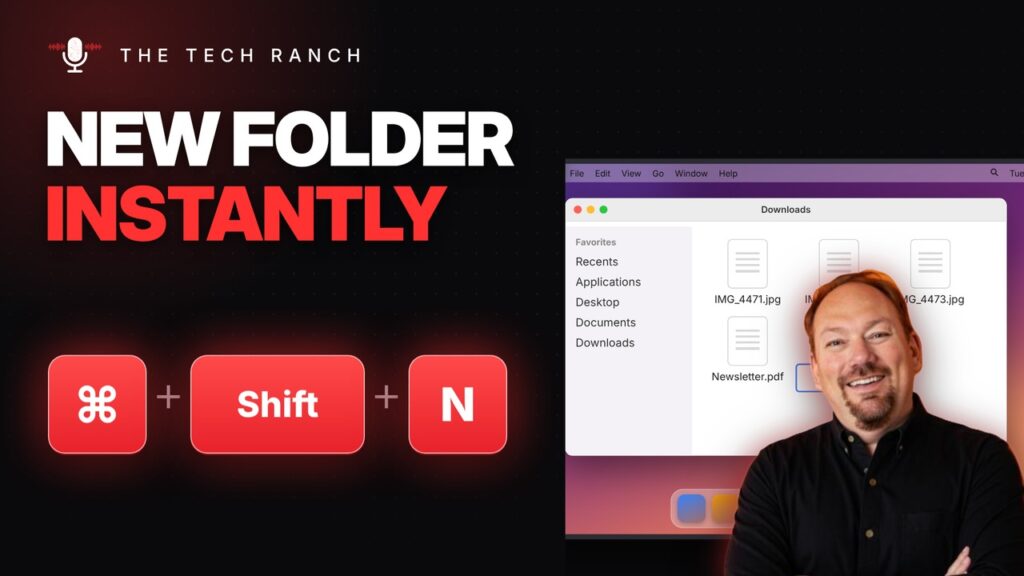
In Finder, press Command + Shift + N for a new folder. Select a file and press Return to rename it.
🗑️ Delete Files on a Mac with Command + Delete
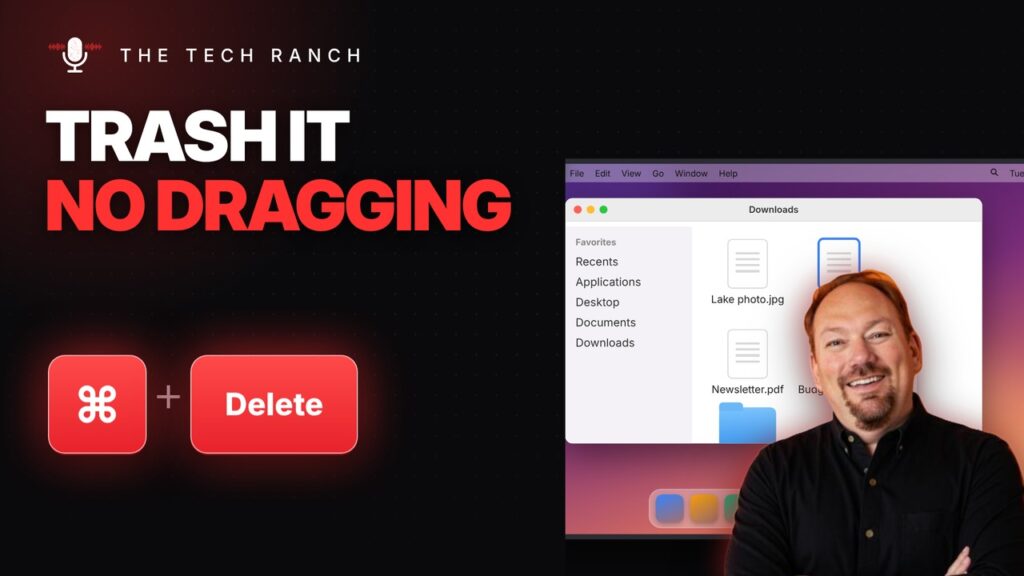
Select a file in Finder and press Command + Delete to move it to the Trash. Command + Z puts it back.
👀 Preview Any File on a Mac with the Space Bar
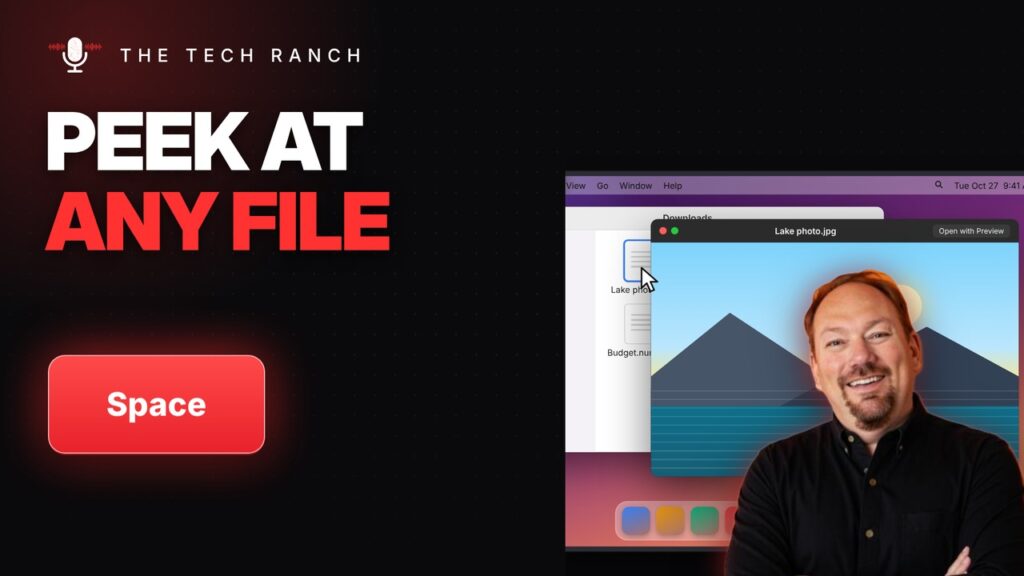
On a Mac, select a file in Finder and press the Space bar to preview it without opening an app. Space again closes it.
