

📸 Take an iPhone Screenshot with Back Tap
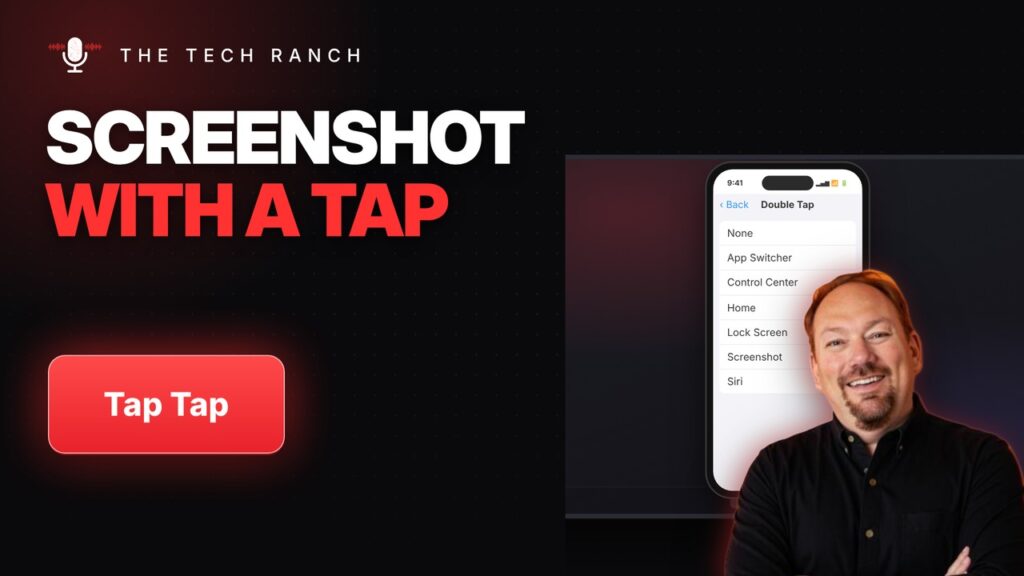
Turn on Back Tap (Settings › Accessibility › Touch) and double-tap the back of your iPhone to take a screenshot.
📱 Fix Typos on Your iPhone: Hold the Space Bar
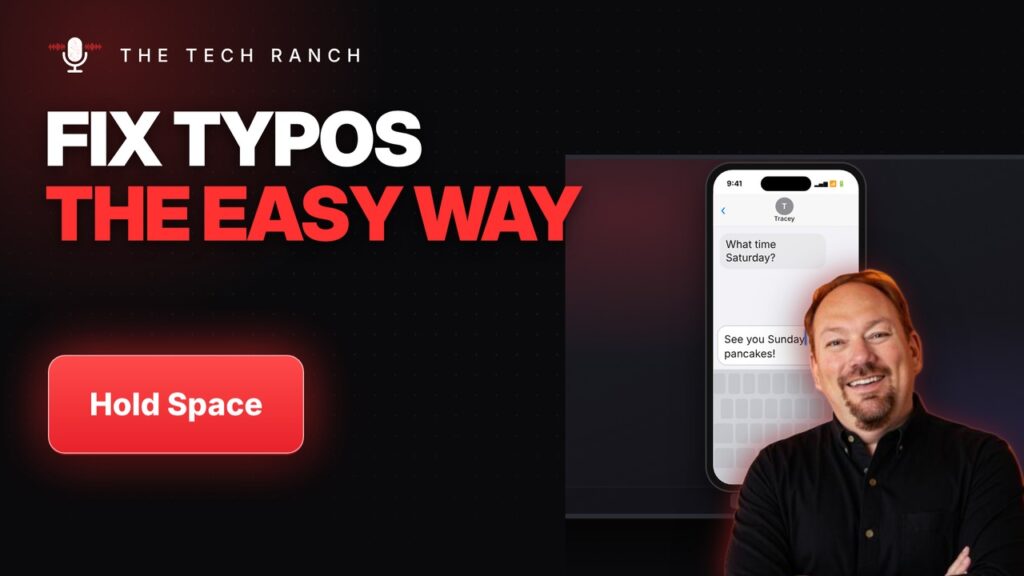
On iPhone, touch and hold the space bar to turn the keyboard into a trackpad and move the cursor. Shake to undo.
