

🔊 Let Edge Read to You with Ctrl + Shift + U
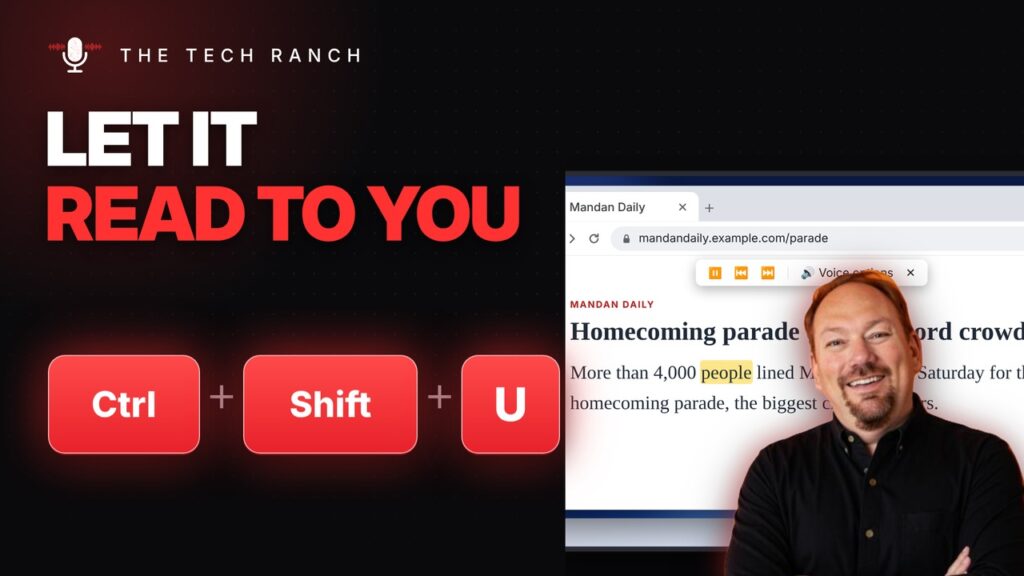
In Microsoft Edge, press Ctrl + Shift + U to have the page read aloud. F9 opens Immersive Reader.
🖥️ Share Your Screen in Zoom with Alt + S
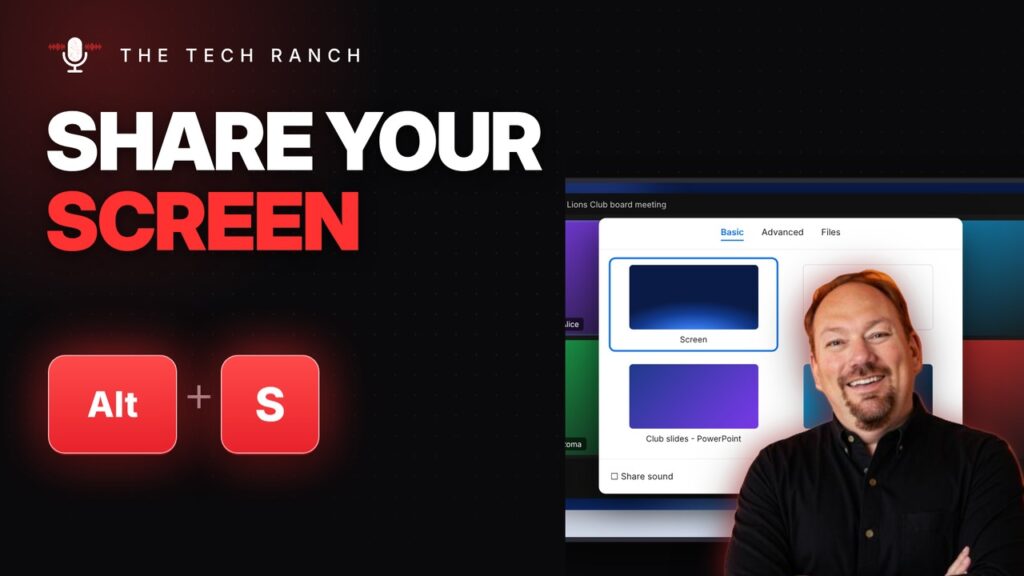
In Zoom, press Alt + S to share your screen and Alt + Y to raise your hand. Mac: Command + Shift + S / Option + Y.
✉️ New Email from Anywhere in Outlook with Ctrl + Shift + M
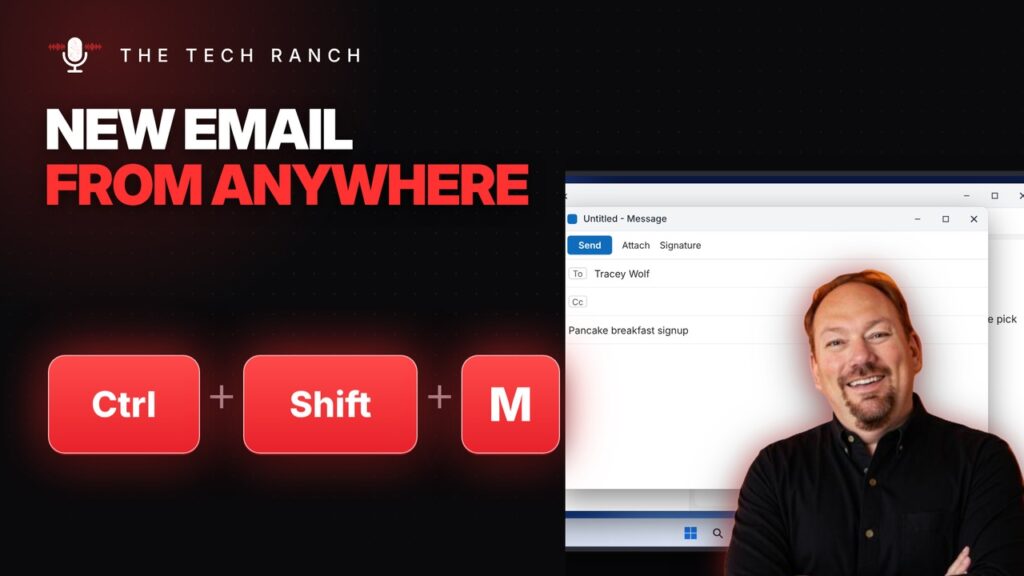
In Outlook, press Ctrl + Shift + M for a new email from anywhere. Ctrl + Shift + A makes a calendar event.
⌨️ Select Text Exactly with Shift + Arrow Keys
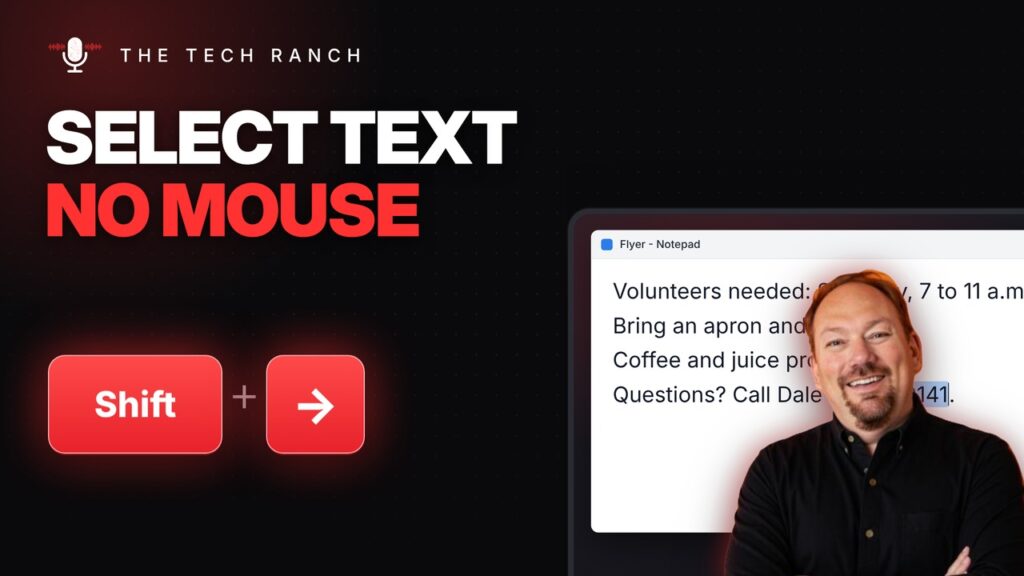
Hold Shift and press the arrow keys to select text exactly, letter by letter or line by line. Any computer.
💬 Add a Comment in Google Docs or Word with Ctrl + Alt + M
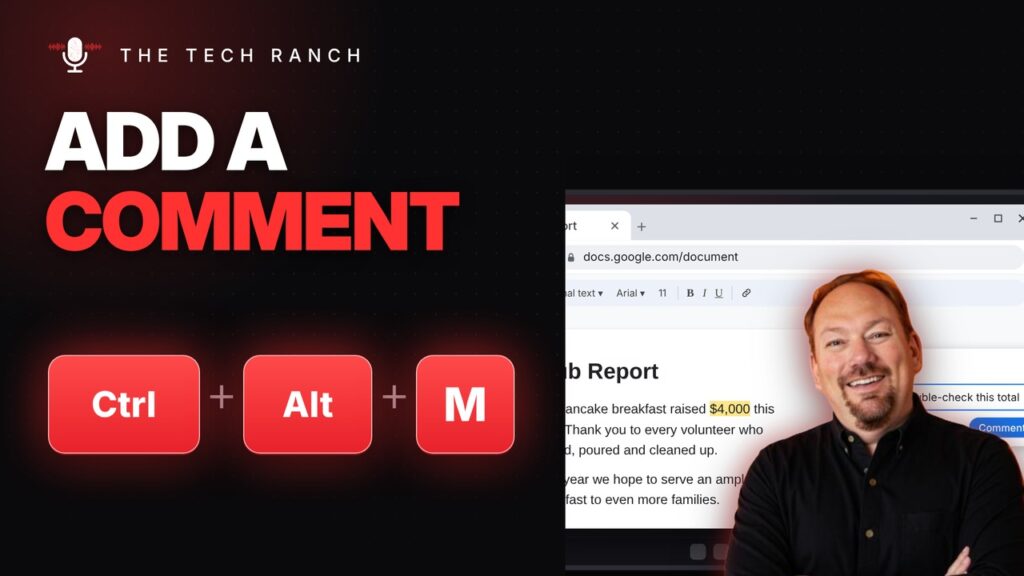
Select text and press Ctrl + Alt + M to add a comment in Google Docs or Word. Mac: Command + Option + M.
🖥️ Full Screen Browsing with F11

On Windows, press F11 for full screen browsing and F11 again to go back. Mac: Control + Command + F.
⚙️ Open Any App’s Settings on a Mac with Command + Comma
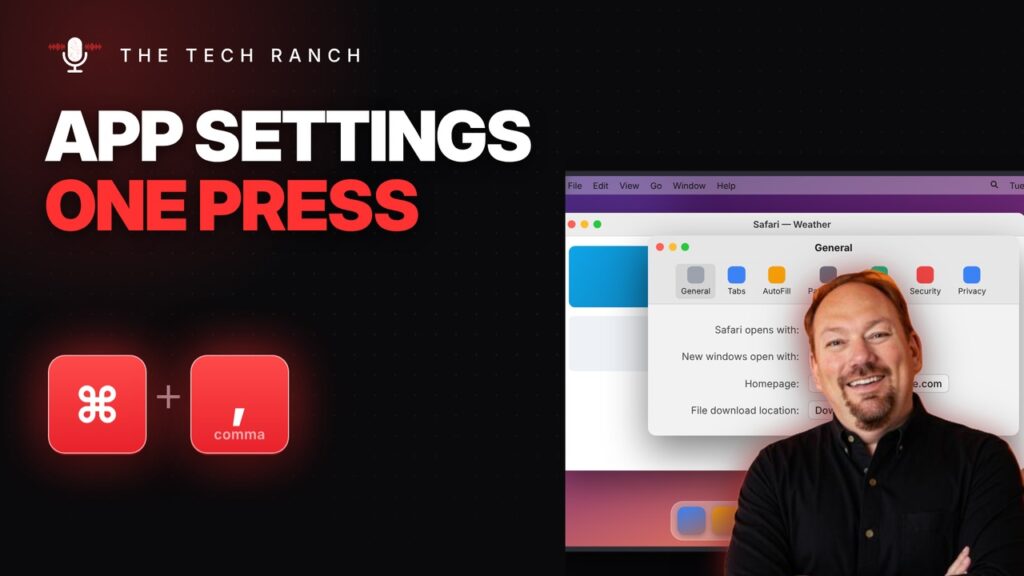
On a Mac, press Command + Comma to open Settings for the app you’re using. Command + Option + D hides the Dock.
ℹ️ How Big Is This File? Get Info on a Mac with Command + I
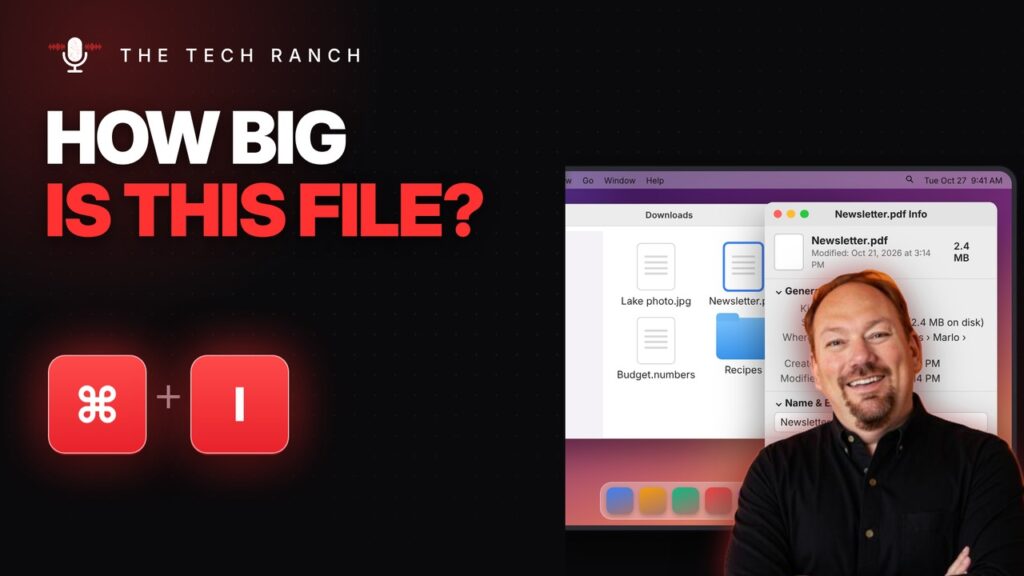
Select a file in Finder and press Command + I to see its size and details. Command + D makes a copy.
🎧 Switch Speakers and Headphones with Windows Key + Ctrl + V
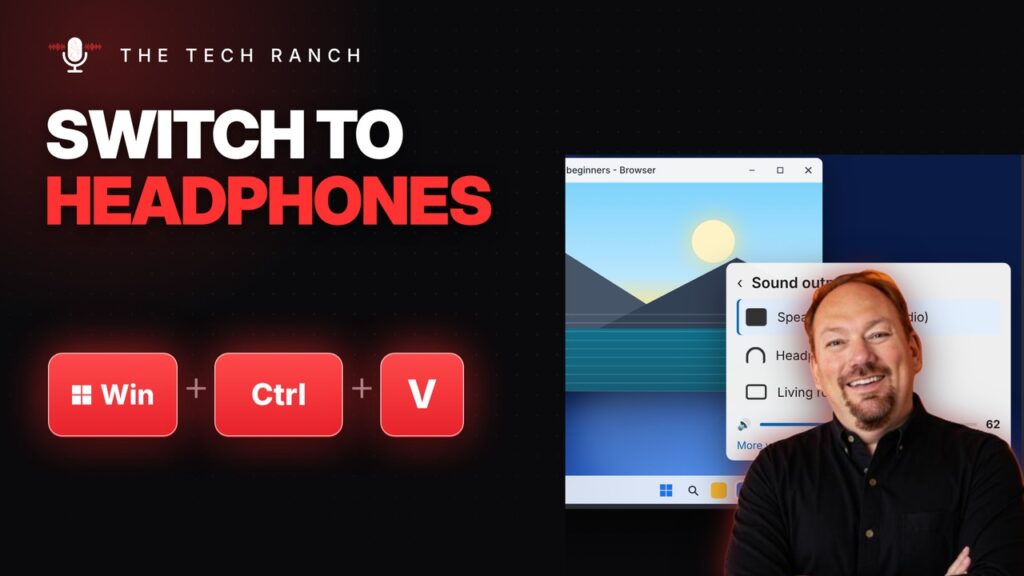
On Windows 11, press Win + Ctrl + V to pick speakers, headphones or TV. Win + Alt + K mutes your mic in calls.
🎥 Record Your Screen for Free with Windows Key + G

Press the Windows key + G to open Game Bar and record your screen. Win + Alt + R starts and stops recording.
