

⚙️ Open Windows Settings Instantly with Windows Key + I
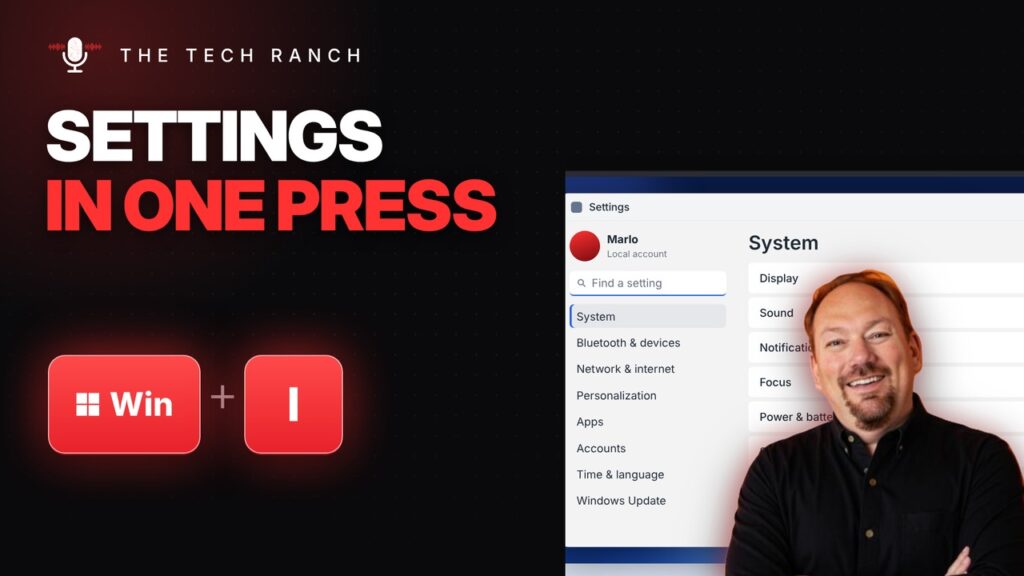
Press the Windows key + I to open Settings instantly, then start typing to find any setting. Windows 10 & 11.
🗂️ Get a Fresh Desktop with Windows Key + Ctrl + D

Press Windows key + Ctrl + D for a fresh, empty desktop. Your other windows wait on Desktop 1. Windows 10 & 11.
▶️ Control YouTube Like a Pro with K, J and L

Watching YouTube on a computer? K pauses and plays, J goes back 10 seconds and L jumps ahead 10 seconds.
⏬ Jump to the Last Row Instantly with Ctrl + Arrow

Press Ctrl + Down Arrow to jump straight to the last row of your data in Google Sheets or Excel. Mac: Command + Arrow.
🔗 Add a Link in One Press with Ctrl + K

Select text, press Ctrl + K, paste the link and press Enter. Works in Google Docs, Word, Gmail and more. Mac: Command + K.
🔲 Select Everything in One Press with Ctrl + A

Press Ctrl + A to select everything at once, then copy, delete or format it. Works on files too. Mac: Command + A.
↩️ Oops! Undo Almost Anything with Ctrl + Z

Deleted something by accident? Press Ctrl + Z to undo it. Works in almost every app. Mac: Command + Z.
⬅️ Go Back a Page Without the Mouse: Alt + Left Arrow
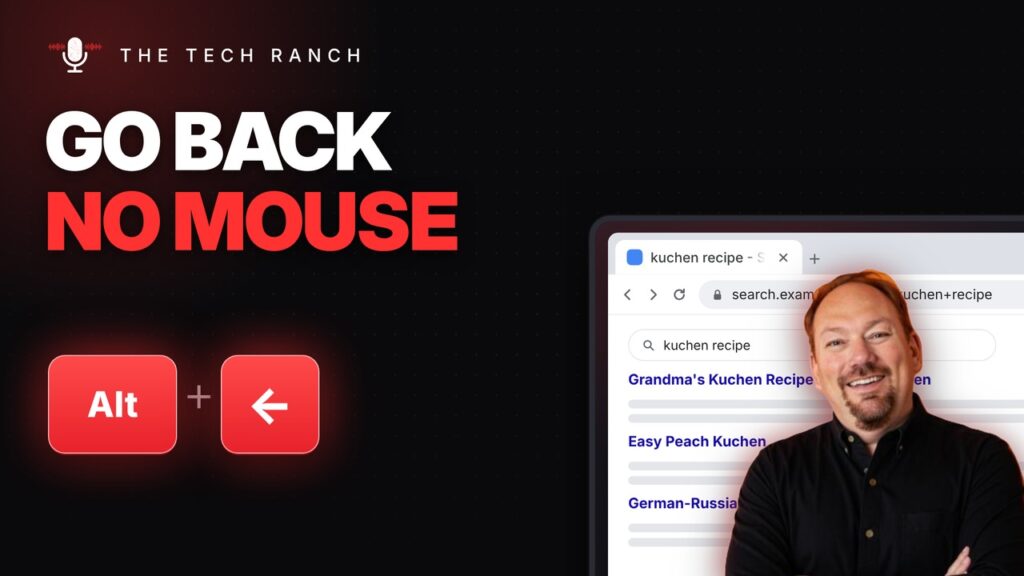
Press Alt + Left Arrow to go back a page in your browser. Mac: Command + [ or Command + Left Arrow.
➕ Open a New Tab Instantly with Ctrl + T

Press Ctrl + T to open a new tab with your cursor already in the address bar. Mac: Command + T.
🖥️ Screenshot Your Whole Mac Screen with Command + Shift + 3

Press Command + Shift + 3 to screenshot your whole Mac screen. It saves to your desktop. Click the preview to mark it up.
