

🎨 Copy and Paste Formatting in Google Docs: Ctrl + Alt + C / V

In Google Docs, Ctrl + Alt + C copies formatting and Ctrl + Alt + V pastes it. Ctrl + Alt + X checks spelling.
💻 Split Screen on a Chromebook: Alt + [ and Alt + ]
![Split Screen on a Chromebook: Alt + [ and Alt + ] - The Tech Ranch](https://thetechranch.com/wp-content/uploads/2026/10/chromebook-split-screen-alt-bracket-1024x576.jpg)
On a Chromebook, Alt + [ snaps a window left and Alt + ] snaps it right. Alt + = maximizes.
🔇 Mute Everyone in a Zoom Meeting: Alt + M

Hosting on Zoom? Press Alt + M to mute everyone except you. Alt + U shows the participants list.
👓 Read Web Pages Without the Clutter: Shift + Command + R

In Safari on a Mac, Shift + Command + R shows just the article. Shift + Command + D saves it to your Reading List.
🖱️ Select a Whole Sentence in Word: Ctrl + Click

In Word, hold Ctrl and click a sentence to select the whole thing. Alt + drag selects a block.
🔁 Repeat Your Last Action in Excel with F4
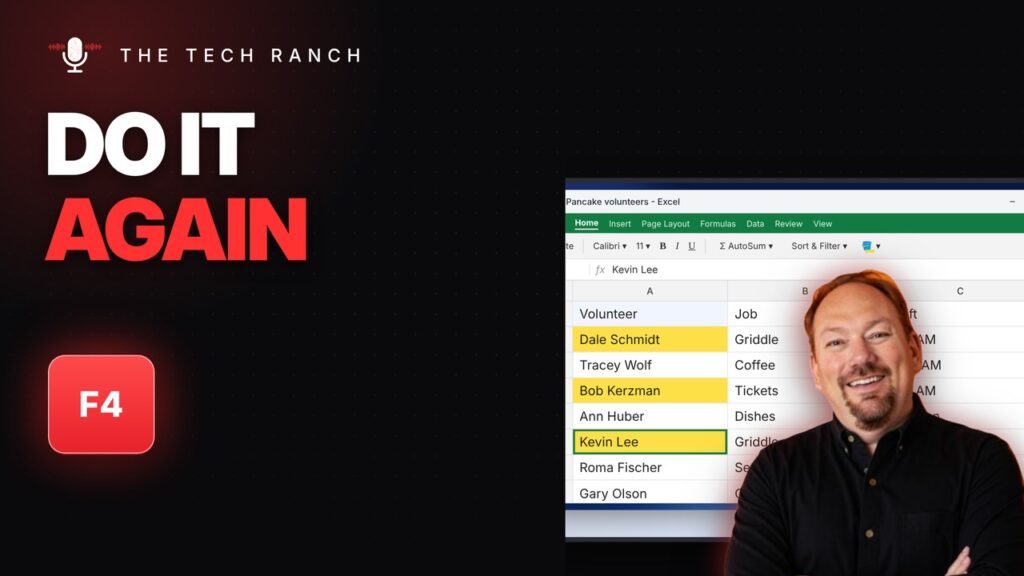
In Excel, press F4 to repeat your last action, like a fill color. Ctrl + Y works too.
⭐ Star an Email in One Key in Gmail: S

With Gmail keyboard shortcuts on, press S to star an email. Shift + I marks it read, Shift + U unread.
📑 Save All Your Open Tabs at Once: Ctrl + Shift + D

In Chrome, Ctrl + Shift + D saves every open tab into one bookmark folder. Ctrl + Shift + B shows the bookmarks bar.
🪟 Window Stuck Off the Screen? Alt + Space, Then M
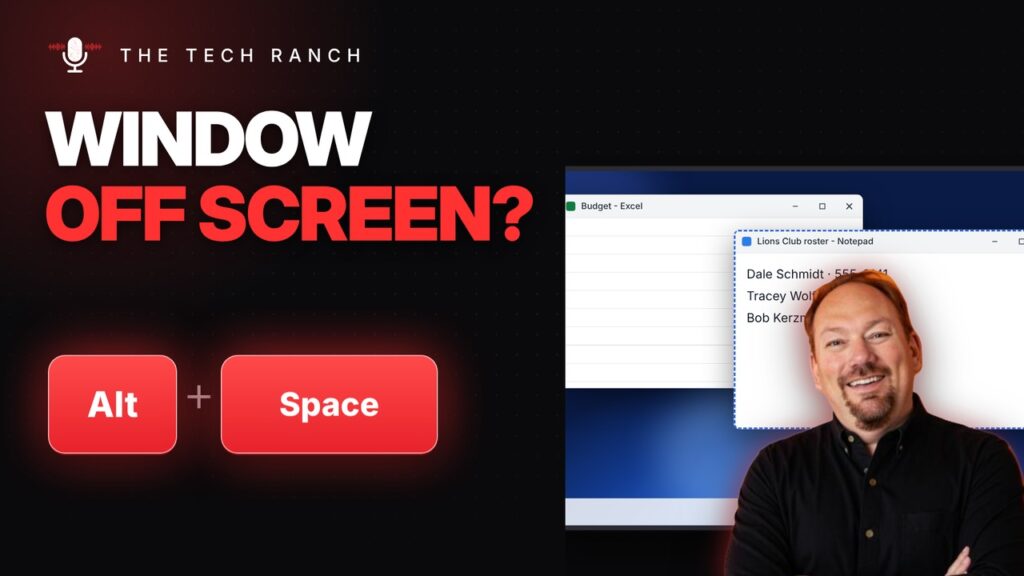
Window off screen? Press Alt + Space, then M, then the arrow keys to bring it back. N minimizes, X maximizes.
🎙️ Talk Instead of Typing: Windows Key + H

Press Windows key + H to start voice typing. Win + Ctrl + Enter turns on Narrator to read the screen aloud.
