

❓ See Every Gmail Keyboard Shortcut: Press ?
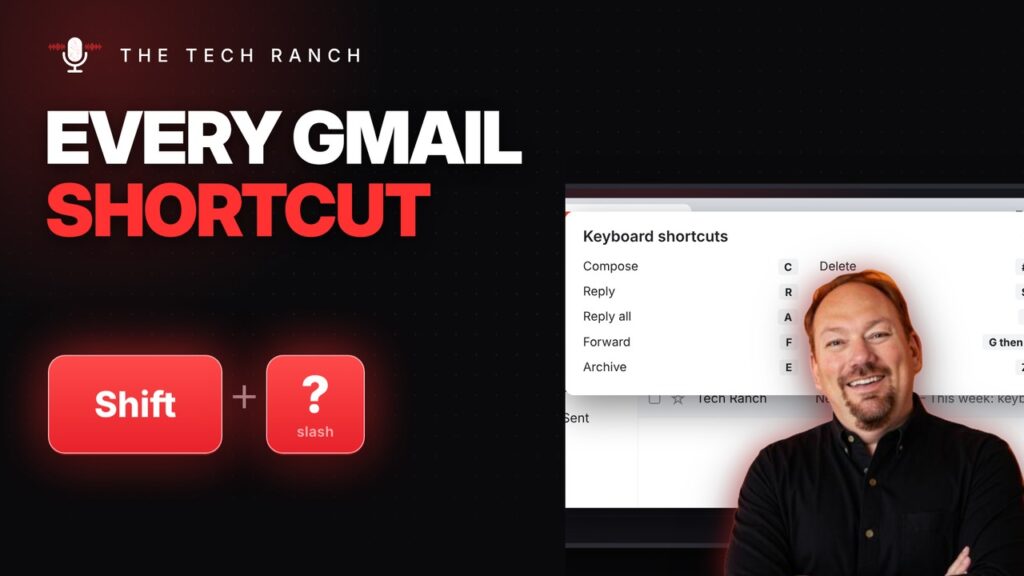
With Gmail keyboard shortcuts on, press ? to see them all. G then I jumps to your Inbox.
🗒️ See Your Notes While You Present: Alt + F5
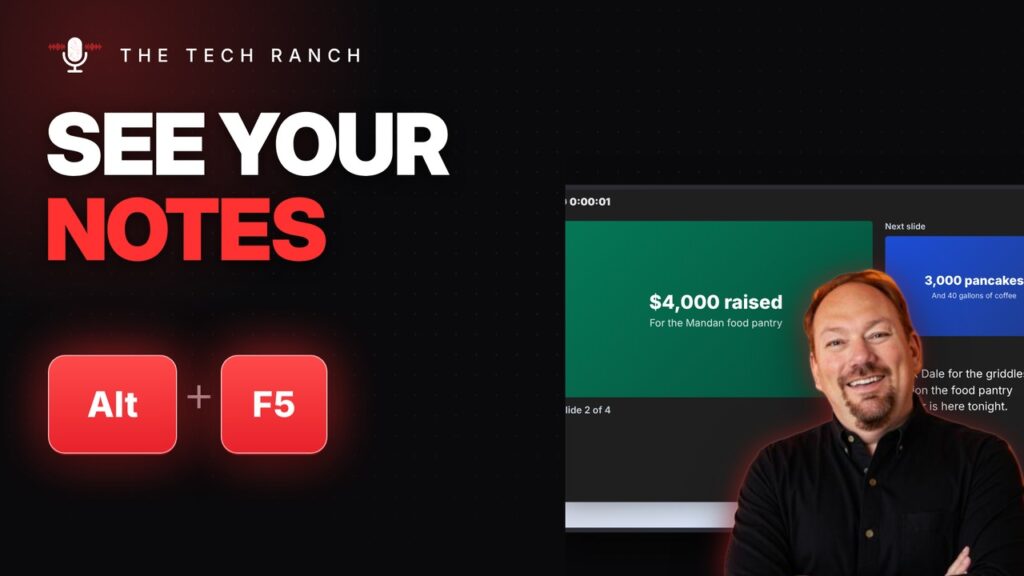
In PowerPoint, Alt + F5 starts Presenter View with your notes. Ctrl + S during the show lists all slides.
✅ Make a Checklist in Google Docs: Ctrl + Shift + 9
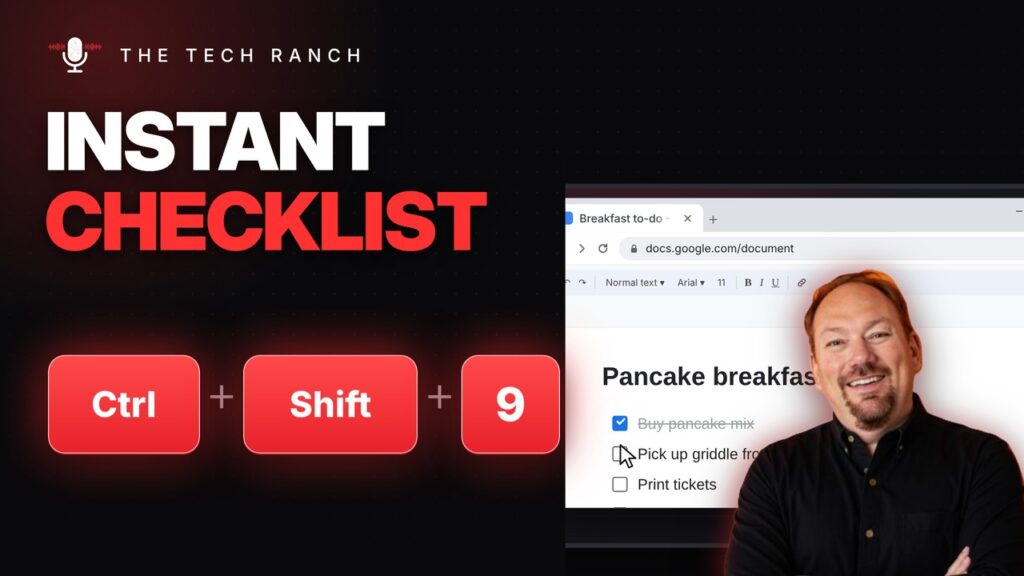
In Google Docs, Ctrl + Shift + 9 makes a checklist. Ctrl + Shift + Up/Down moves a line. Mac: Command + Shift + 9.
🧊 Chromebook Frozen? Open Task Manager with Search + Esc
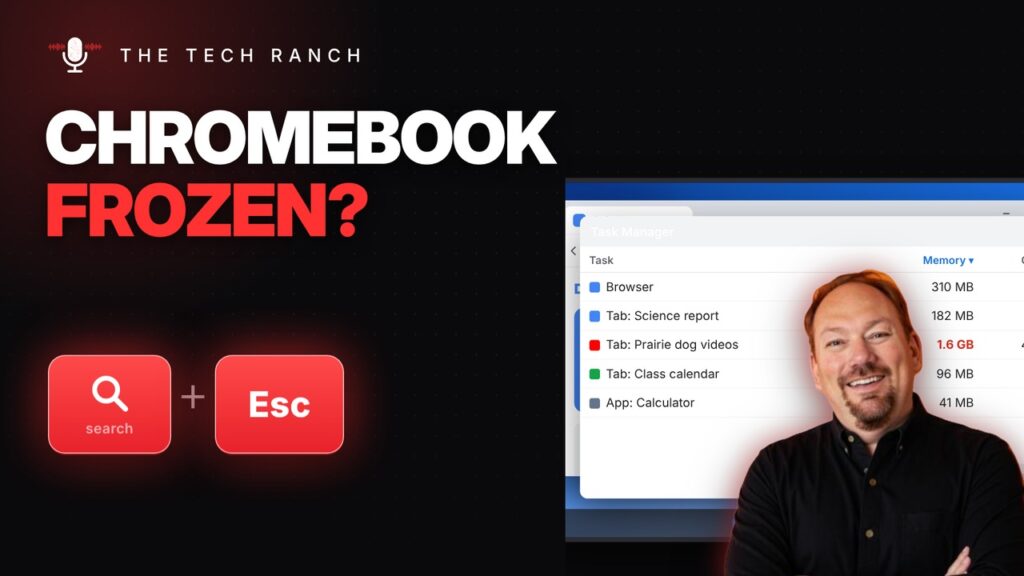
On a Chromebook, Search + Esc opens Task Manager. Ctrl + Shift + Q twice signs you out.
👥 See Everyone in a Zoom Meeting: Alt + F2
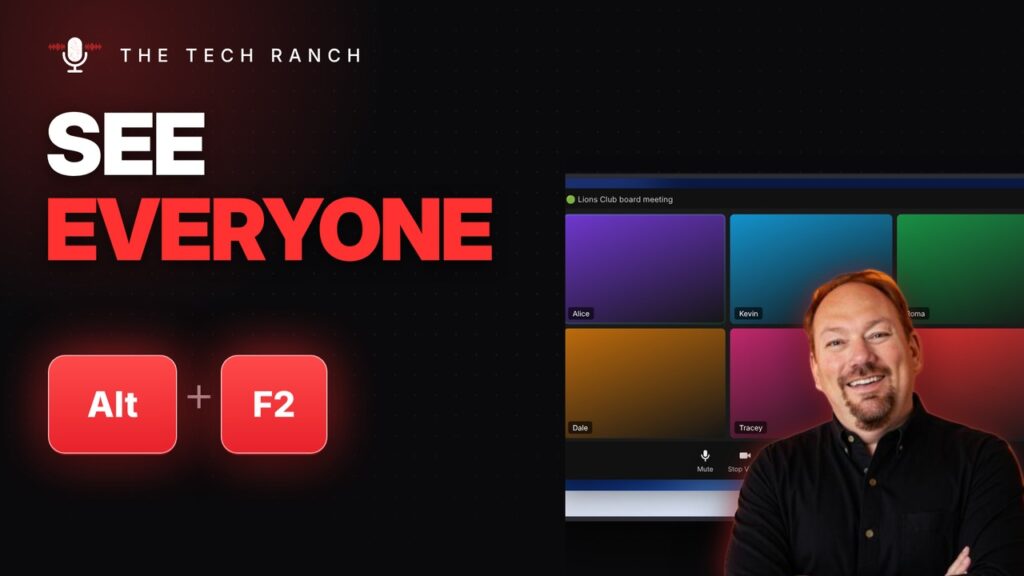
In Zoom on Windows, Alt + F2 shows Gallery view and Alt + F1 shows Speaker view. Mac: Command + Shift + W.
📂 Put Files in a New Folder in One Step: Control + Command + N
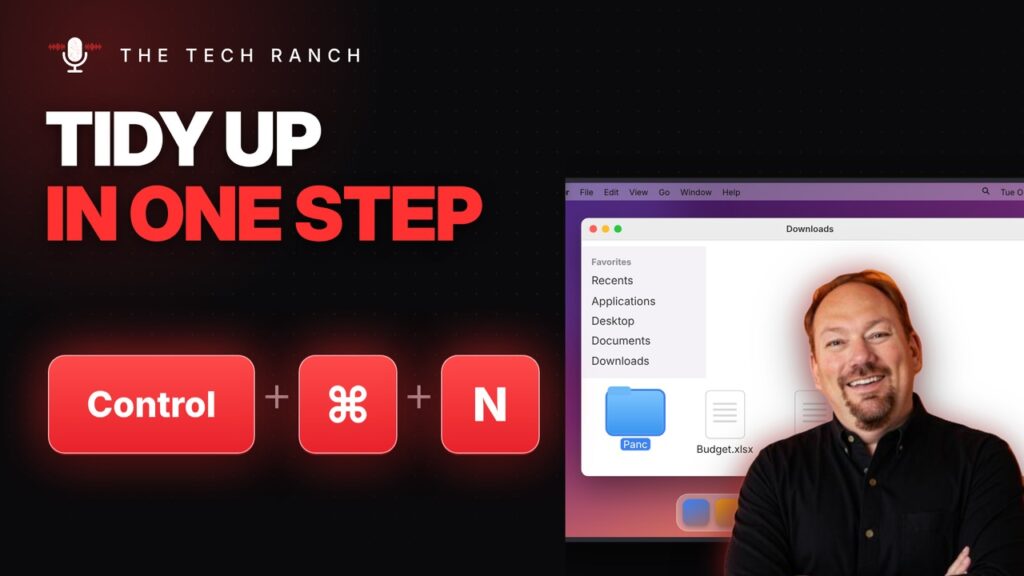
In Finder, select files and press Control + Command + N to put them in a new folder. Command + Shift + H opens Home.
🧹 Remove an Unwanted Chrome Suggestion: Shift + Delete

In Chrome, highlight an unwanted address bar suggestion and press Shift + Delete. Works on saved form entries too.
⬆️ Copy the Cell Above in Excel: Ctrl + ‘
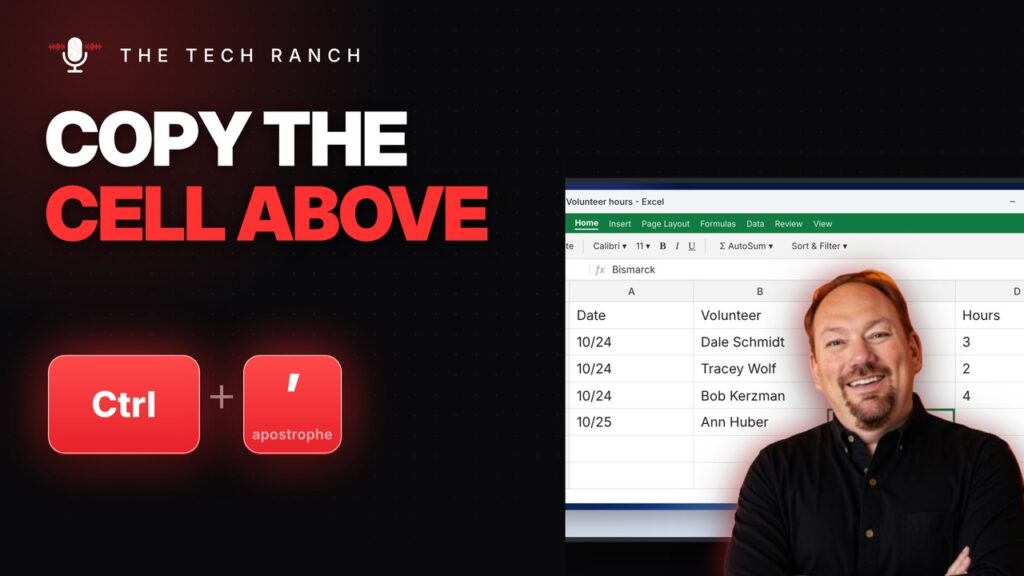
In Excel, Ctrl + apostrophe copies the cell above. Ctrl + Shift + quote copies just its value.
💾 Save a Copy Instantly: F12 Opens Save As
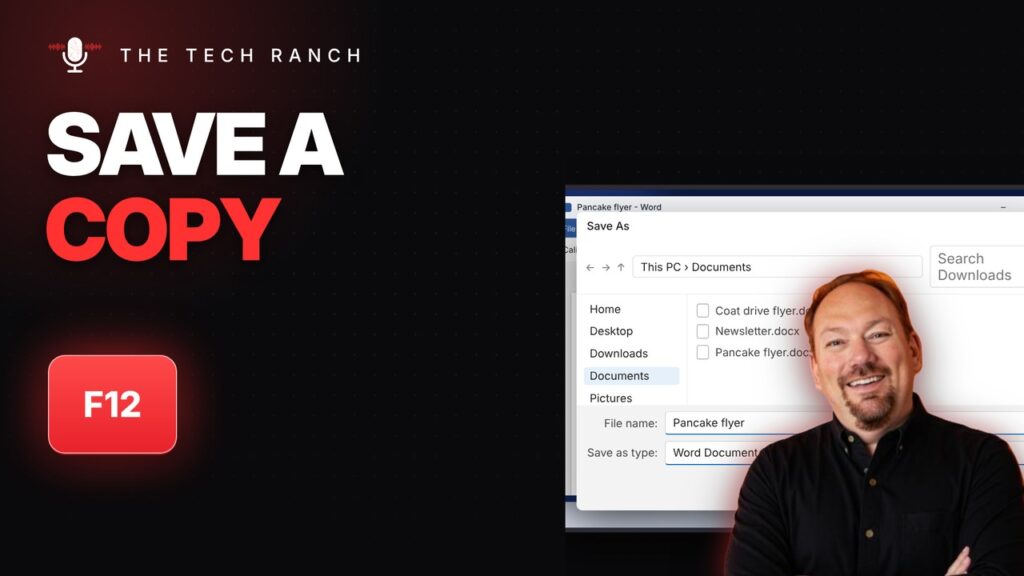
In Word, Excel and PowerPoint, press F12 to open Save As. Ctrl + F12 opens a file.
🔍 Find Any File Fast in File Explorer: Ctrl + E
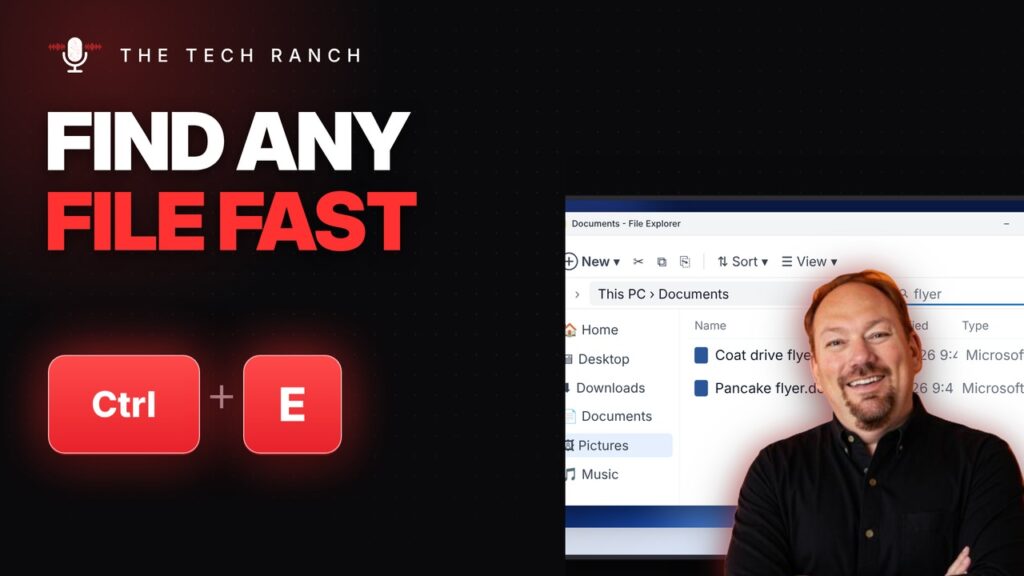
In File Explorer, press Ctrl + E to search the folder you’re in. Ctrl + T opens a new tab in Windows 11.
