

📁 File Emails Fast in Outlook with Ctrl + Shift + V
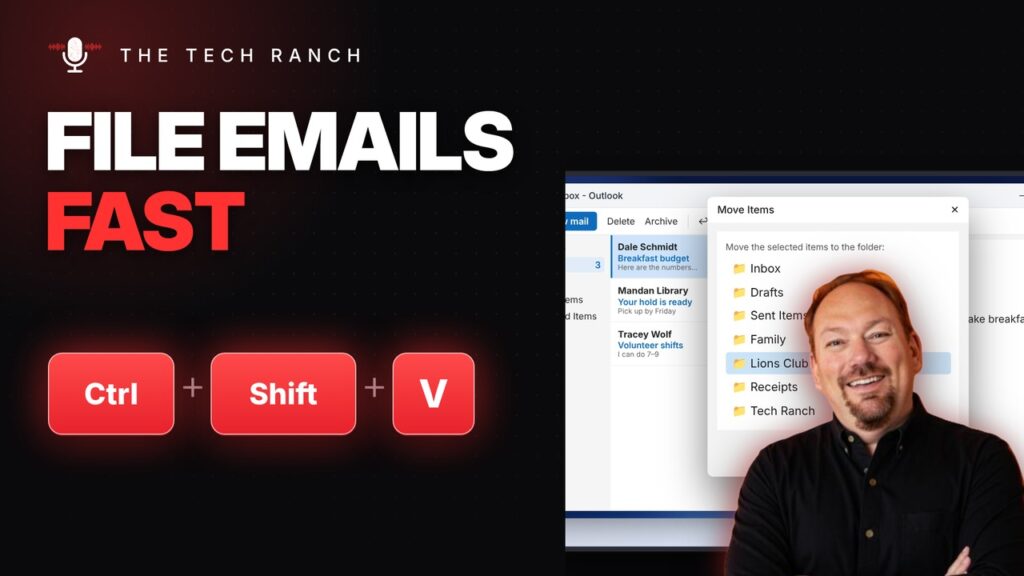
In Outlook, press Ctrl + Shift + V to move an email to a folder. Ctrl + Shift + B opens the address book.
🔠 Where’s Caps Lock on a Chromebook? Alt + Search

On a Chromebook, press Alt + Search (or Alt + Launcher) for Caps Lock. Ctrl + Search + S shows every shortcut.
✂️ Cut and Paste Files on a Mac with Command + Option + V
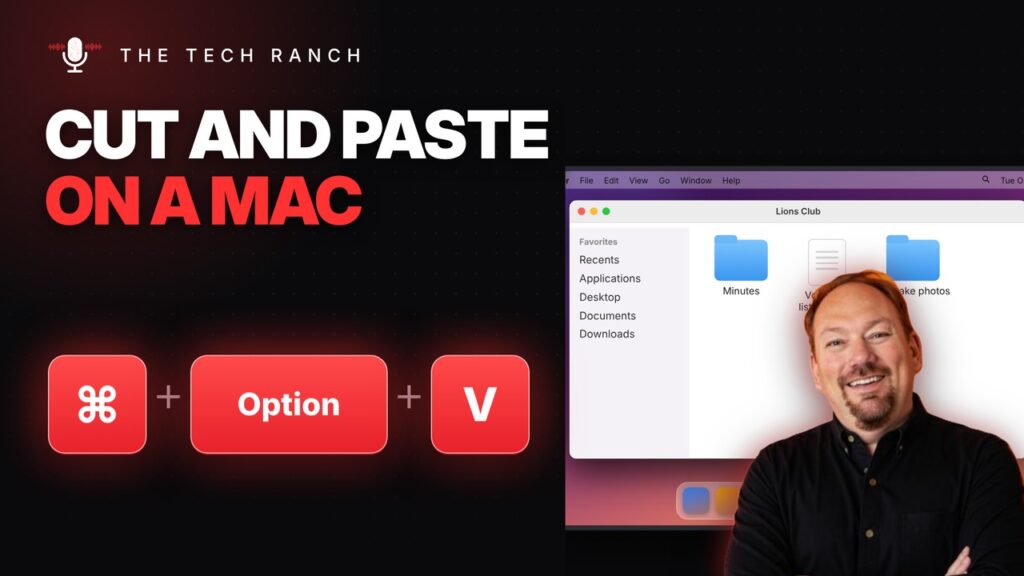
On a Mac, copy a file with Command + C, then press Command + Option + V to move it. Command + F searches Finder.
⏭️ Skip to the Next YouTube Video with Shift + N

On YouTube, Shift + N plays the next video. While paused, comma and period step frame by frame.
🗑️ Delete Junk Mail in Gmail with One Key

Turn on Gmail keyboard shortcuts, then press # to delete and Z to undo.
📋 Paste Just the Numbers with Ctrl + Alt + V in Excel
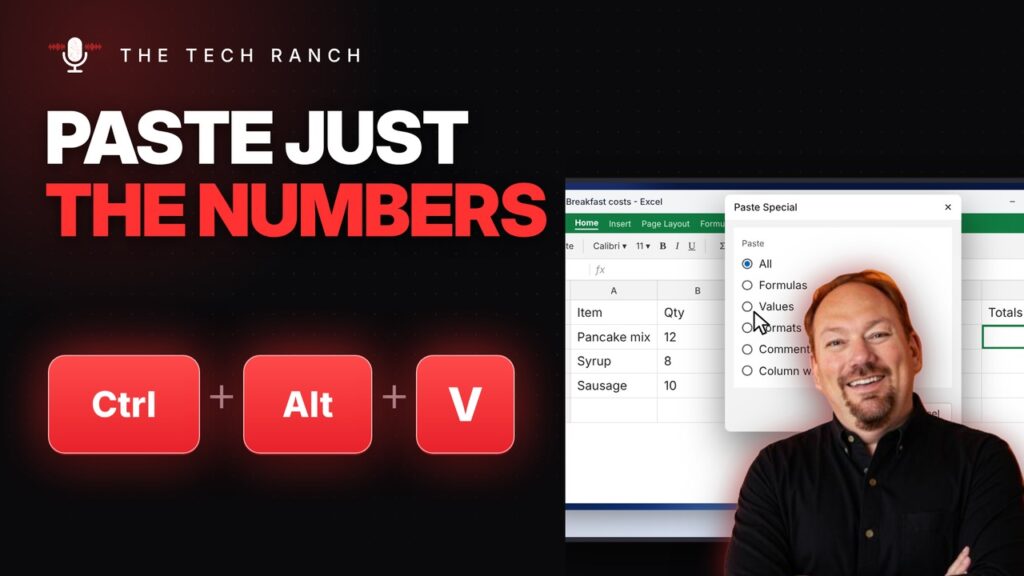
In Excel, Ctrl + Alt + V opens Paste Special to paste just values. In Google Sheets, Ctrl + Shift + V.
↔️ Fit an Excel Column to Its Text: Alt, H, O, I
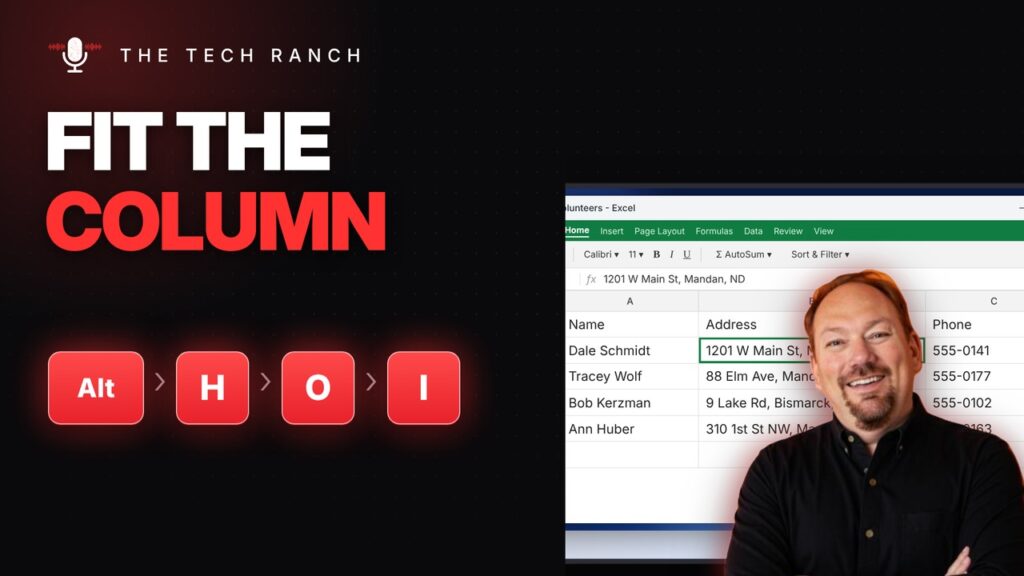
In Excel, press Alt, H, O, I one at a time to AutoFit a column. Ctrl + 9 hides rows.
⚡ Let Excel Type It for You with Ctrl + E (Flash Fill)
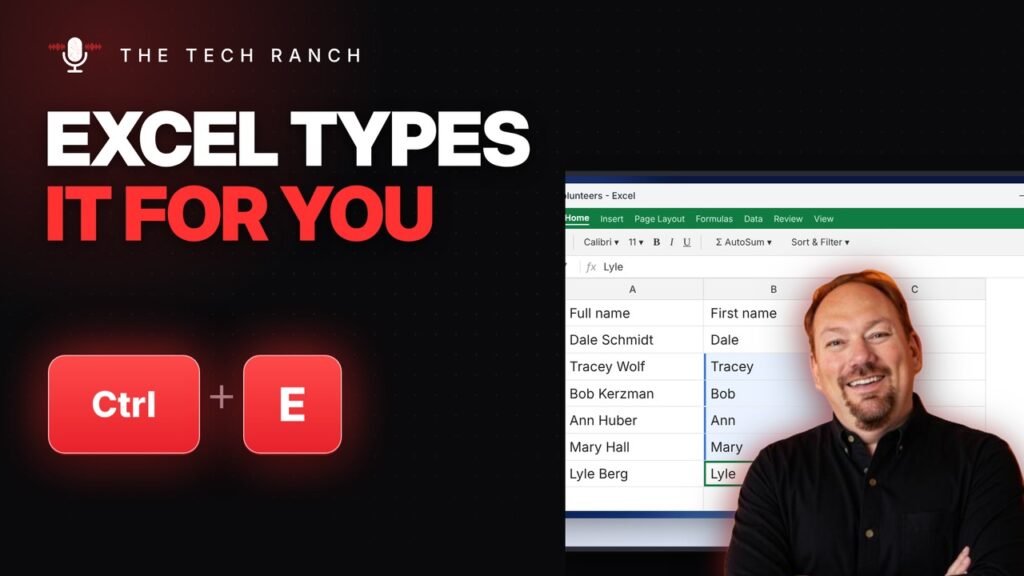
In Excel, type one example and press Ctrl + E. Flash Fill finishes the pattern. Alt + F1 makes an instant chart.
🧩 Group Shapes in PowerPoint with Ctrl + G

In PowerPoint or Word, select shapes and press Ctrl + G to group them. Ctrl + Shift + G ungroups.
➕ Insert a Row in Excel with Ctrl + Shift + Plus
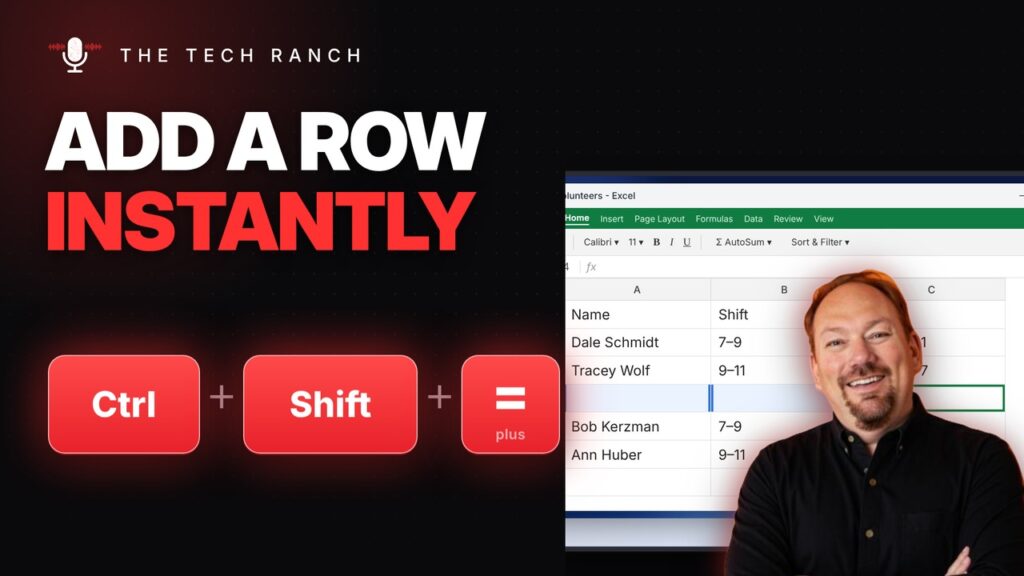
In Excel, select a row and press Ctrl + Shift + Plus to insert one. Ctrl + Minus deletes it.
