

📑 Flip Between Excel Sheets with Ctrl + Page Down
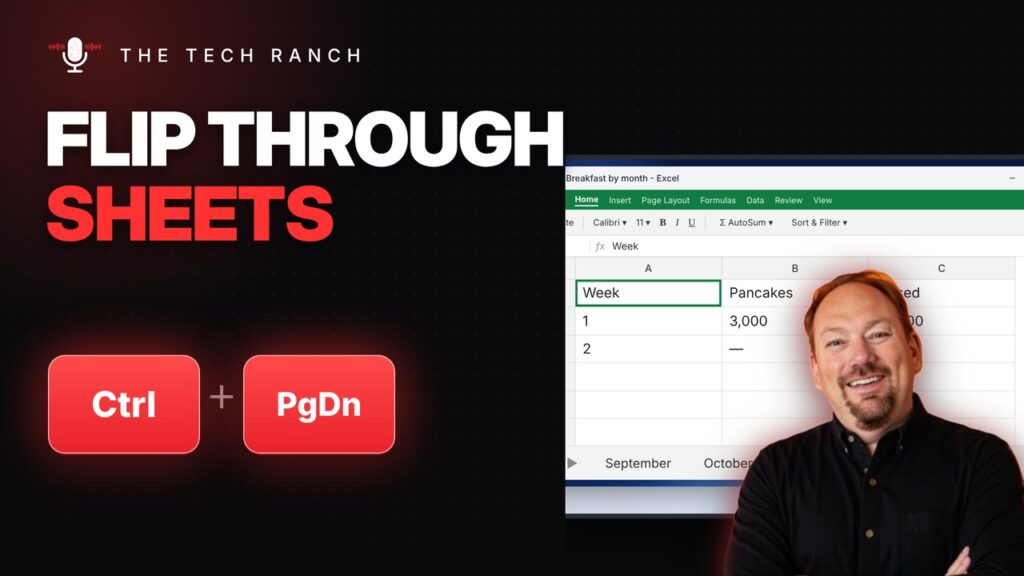
In Excel, Ctrl + Page Down goes to the next sheet and Ctrl + Page Up goes back. Ctrl + 1 opens Format Cells.
🕰️ See Every Change in a Google Doc with Version History
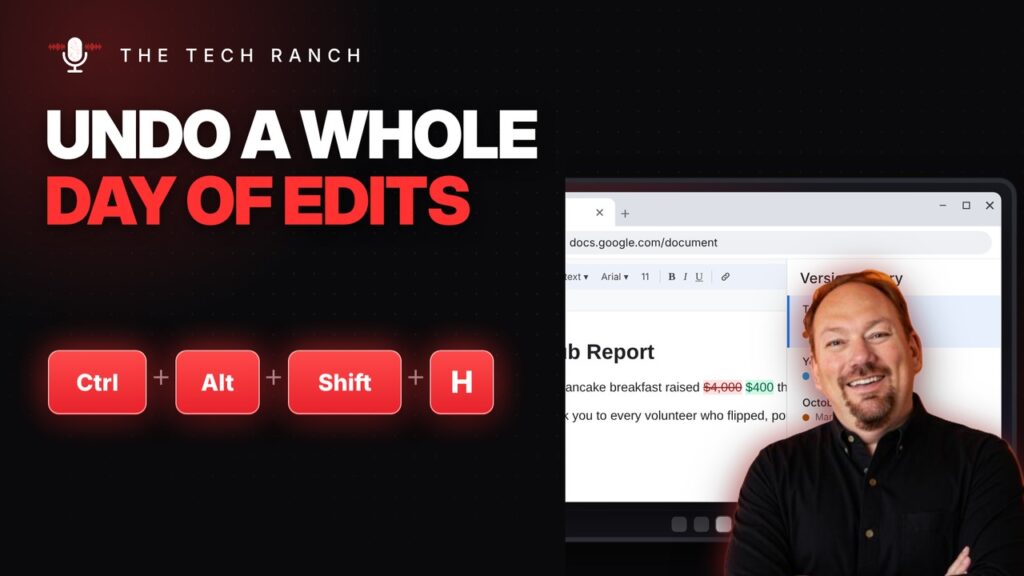
In Google Docs, Ctrl + Alt + Shift + H shows version history. Ctrl + Shift + S starts voice typing.
☑️ Cross Things Off in Google Docs with Alt + Shift + 5

In Google Docs, Alt + Shift + 5 crosses text off with strikethrough. Ctrl + . makes superscript. Mac: Command + Shift + X.
👻 Show Hidden Files on a Mac with Command + Shift + Period
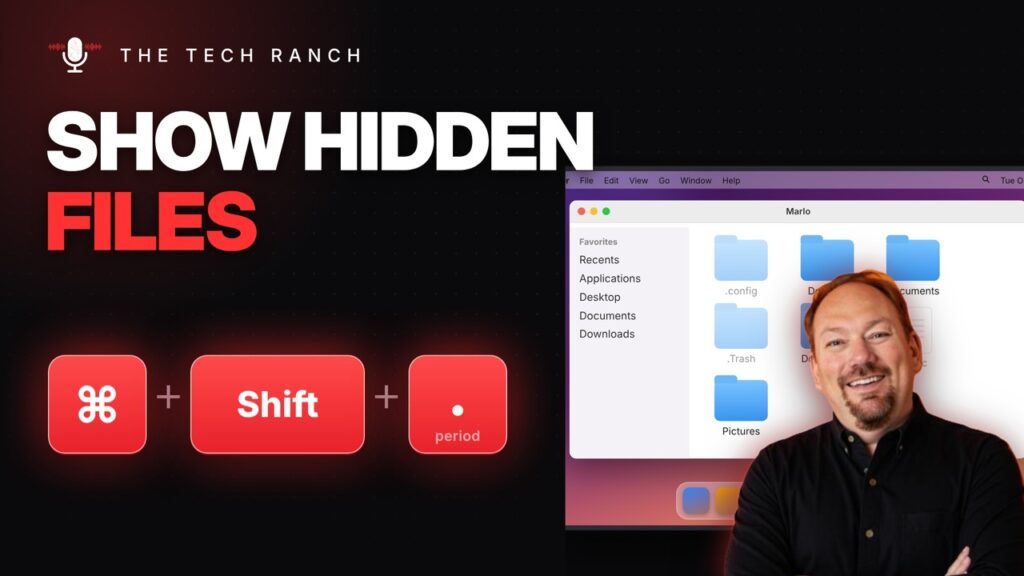
In Finder, press Command + Shift + Period to show hidden files. Command + Shift + G goes to any folder.
📍 Copy a File’s Full Location with Ctrl + Shift + C
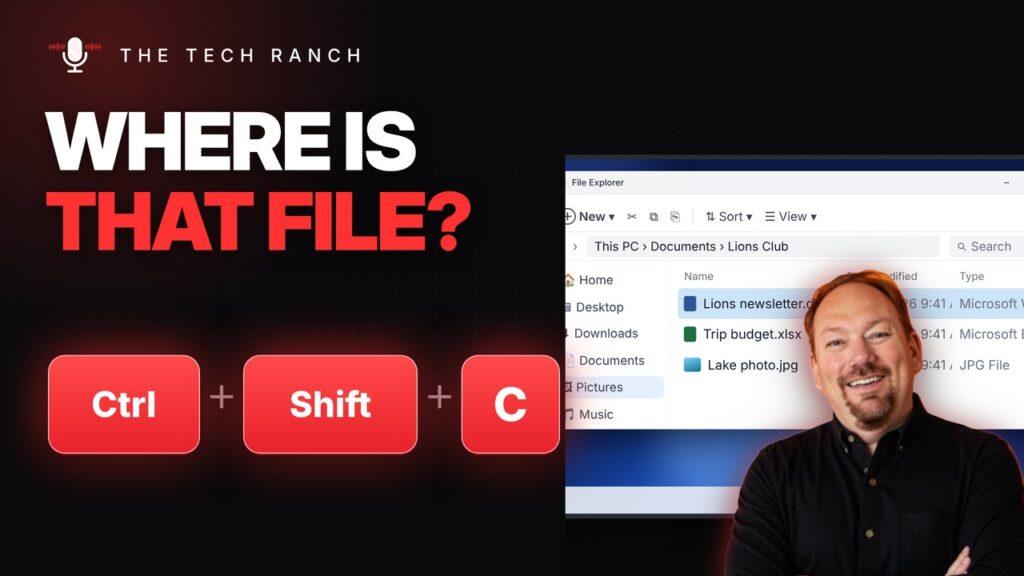
In Windows 11 File Explorer, Ctrl + Shift + C copies a file’s full path. Alt + D jumps to the address bar.
👓 Bigger Text and Easier Viewing with Windows Key + U

Press the Windows key + U to open Accessibility settings: bigger text, bigger pointer, Magnifier and more.
🖥️ Move a Window to Your Other Monitor with Win + Shift + Arrow

Press Win + Shift + Left/Right Arrow to move a window to your other monitor. Win + Shift + Up stretches it tall.
🏃 Open Any Program Fast with Windows Key + R
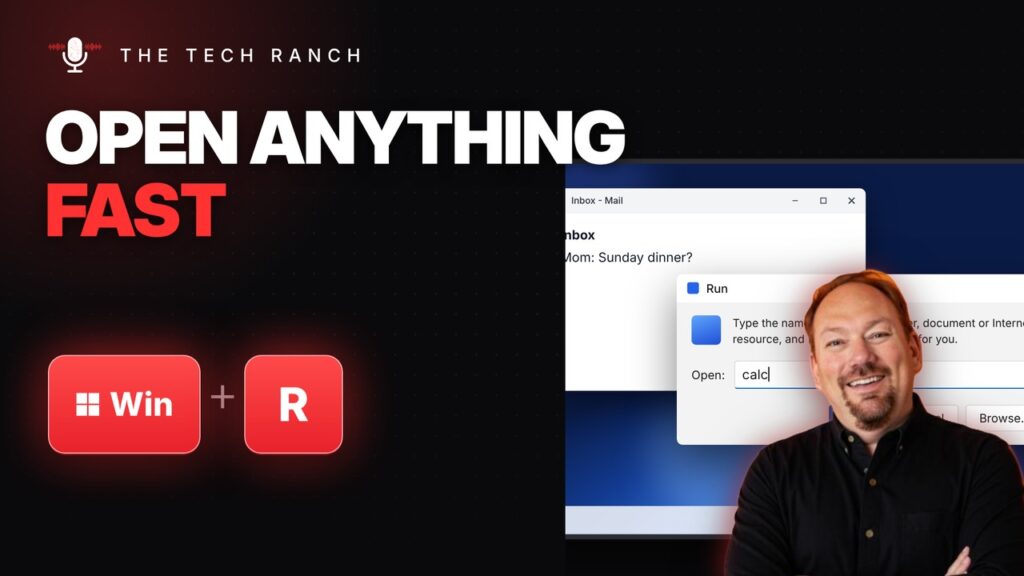
Press the Windows key + R, type calc and press Enter to open Calculator instantly. Type control for Control Panel.
🎙️ Talk Without Unmuting in Zoom: Hold the Space Bar

In Zoom, hold the Space bar to talk while muted, then let go to mute again. Alt + F goes full screen.
📅 Jump Between Mail and Calendar in Outlook with Ctrl + 2 / Ctrl + 1
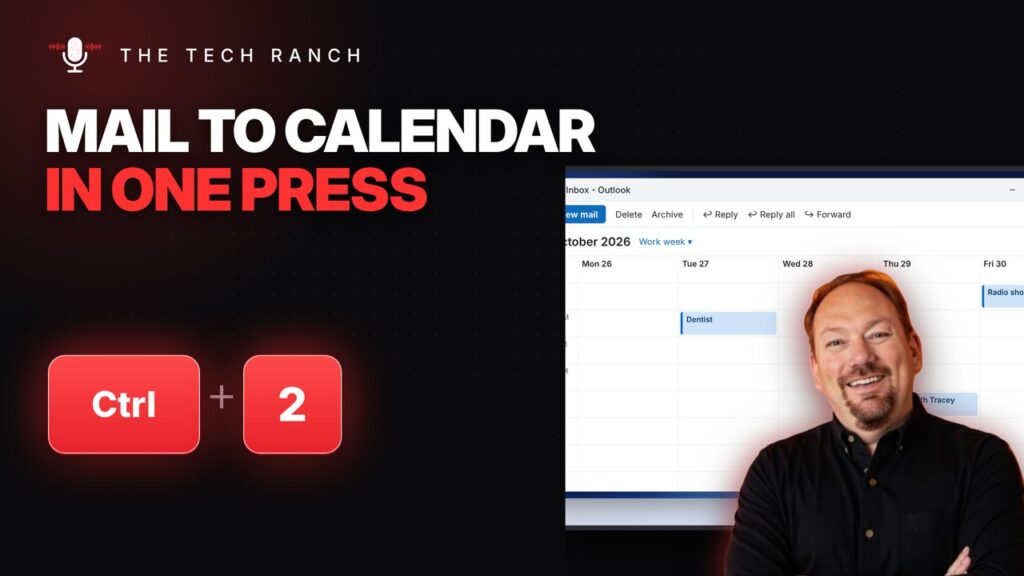
In Outlook, Ctrl + 2 opens Calendar and Ctrl + 1 goes back to Mail. Ctrl + Q marks an email read.
