


By Marlo Anderson – The Tech Ranch
No editing app needed. Your iPhone can lift a person or pet right out of a photo with a single touch.
Touch and Hold
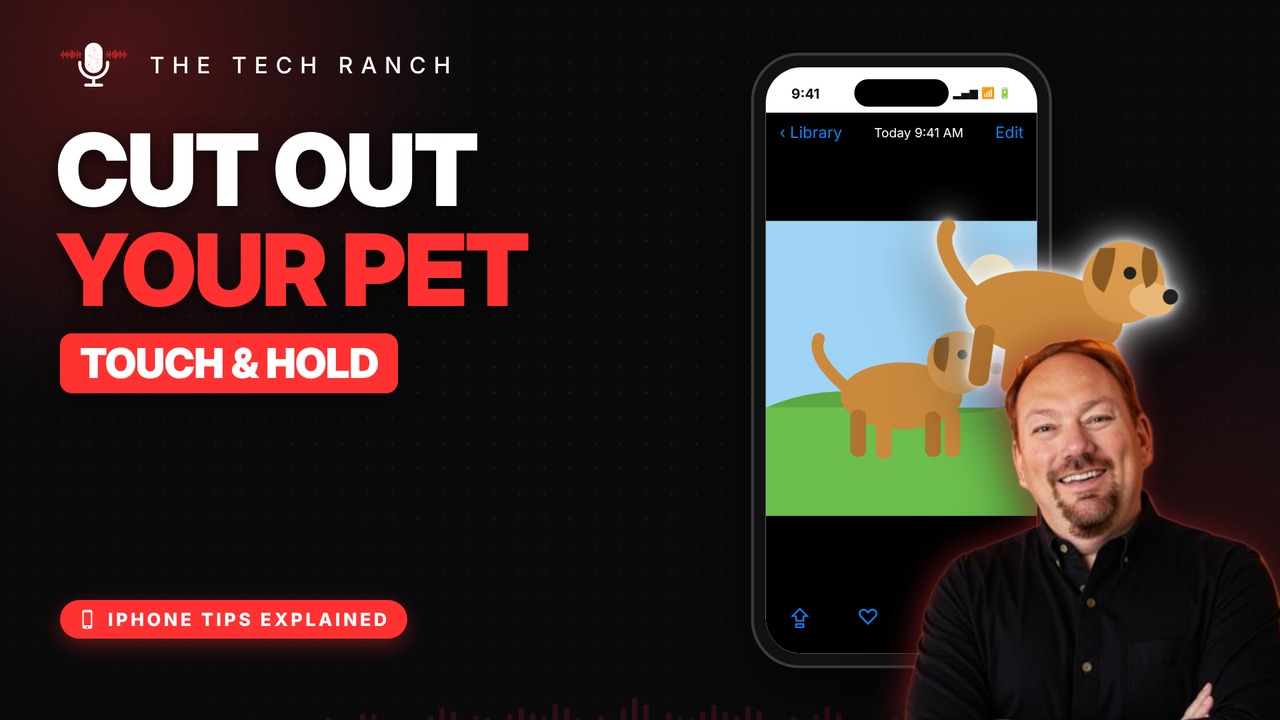
Open a photo in the Photos app and touch and hold the person or pet. A glowing outline means it worked. Let go, then tap Copy, Add Sticker or Share.
Paste It Anywhere
Open Messages, Notes or Mail, touch and hold where you type and tap Paste. Your pet shows up with no background. Tap Add Sticker to reuse it again and again.
Good to Know
It works on people, pets and objects, and on paused videos too. In Safari, touch and hold a picture for Copy Subject. Any iPhone with iOS 16 or newer can do it.
Bonus Tip: What Breed Is That?
Open a photo and tap the Info button with a little sparkle, then tap the paw or leaf icon to identify pets, plants and landmarks.
More iPhone Tips, Explained
This is part of my iPhone Tips Explained series: everyday iPhone tricks, explained in plain English with simple animations. Watch the whole series on YouTube and subscribe to The Tech Ranch so you don’t miss the next one.
Found this helpful? Give the video a thumbs up on YouTube. Got a phone question? Ask it in the YouTube comments and it might be the next video.








