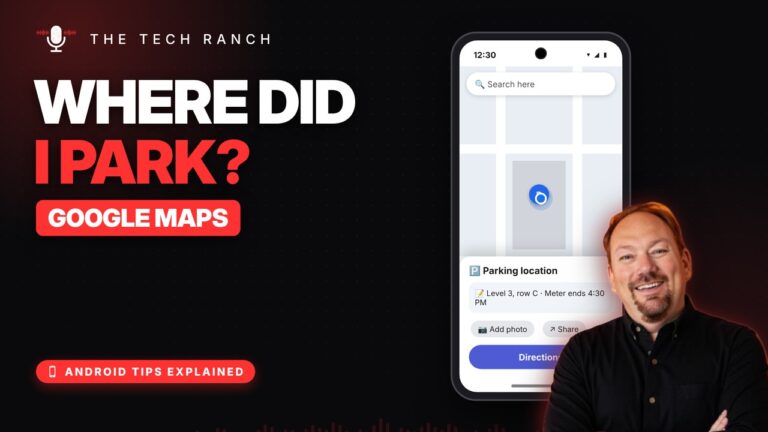
🅿️ Never Lose Your Car Again: Save Your Parking in Google Maps
Tap the blue dot › Save your parking. Find it later from the search bar.


Tap the blue dot › Save your parking. Find it later from the search bar.
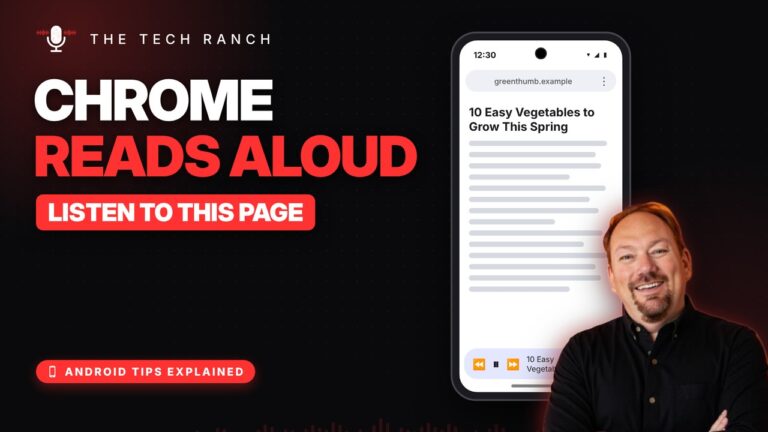
Chrome › ⋮ › Listen to this page. It even reads with the screen off.
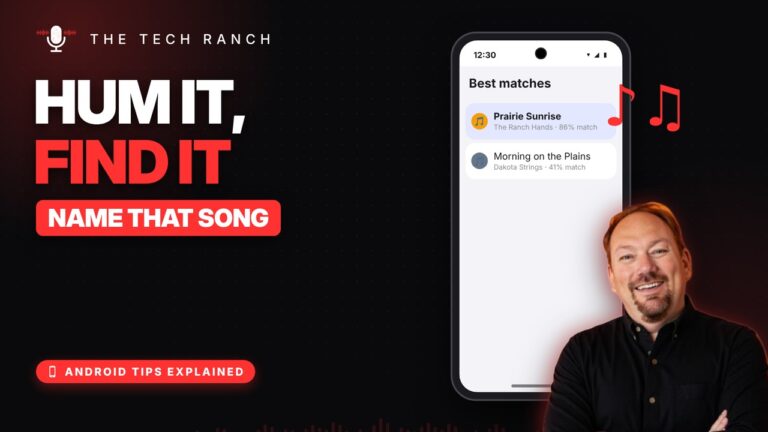
Google app › mic › Search a song › hum it. No lyrics needed.
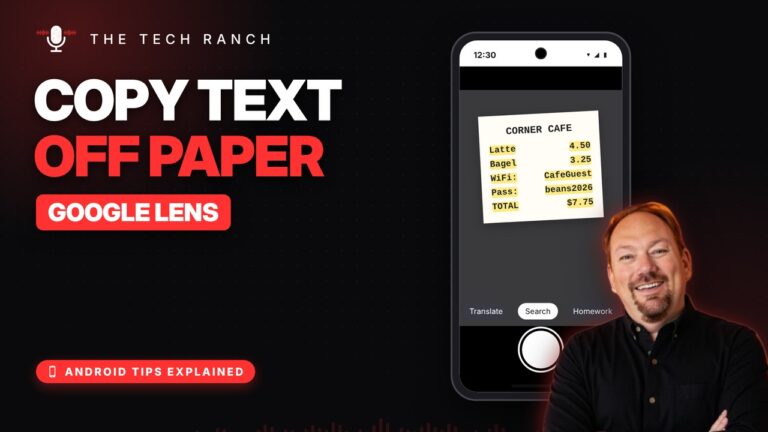
Google app › Lens › point › drag over the words › Copy text.
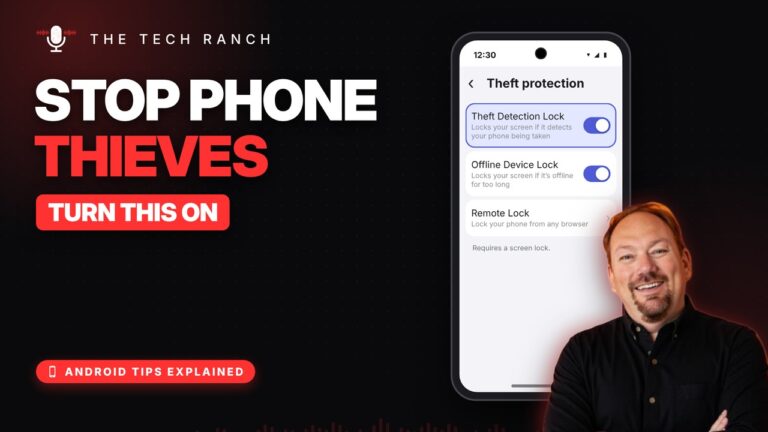
Search Settings for Theft protection and turn on Theft Detection Lock.
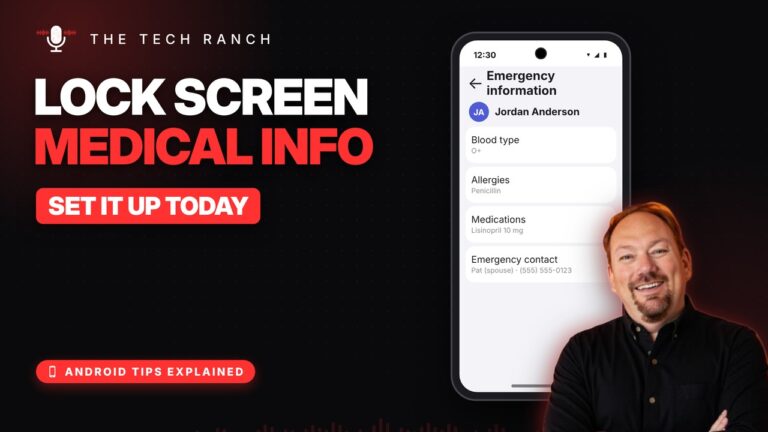
Settings › Safety & emergency › Medical info. Add emergency contacts too.
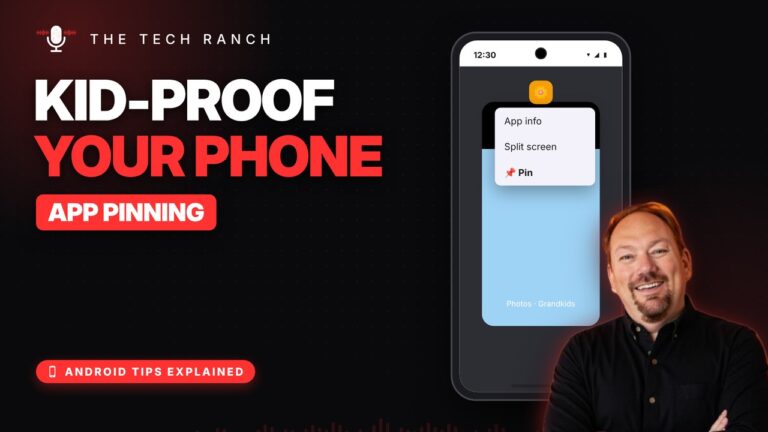
Turn on app pinning, then Recents › tap the app icon › Pin. Kids stay in one app.
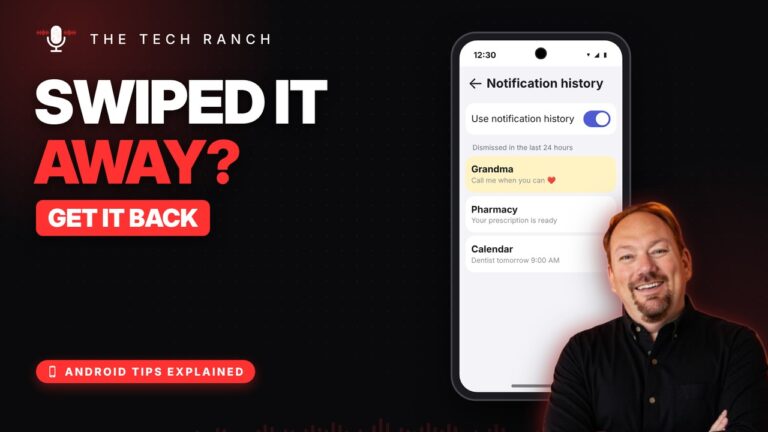
Search Settings for Notification history and turn it on. See the last 24 hours.
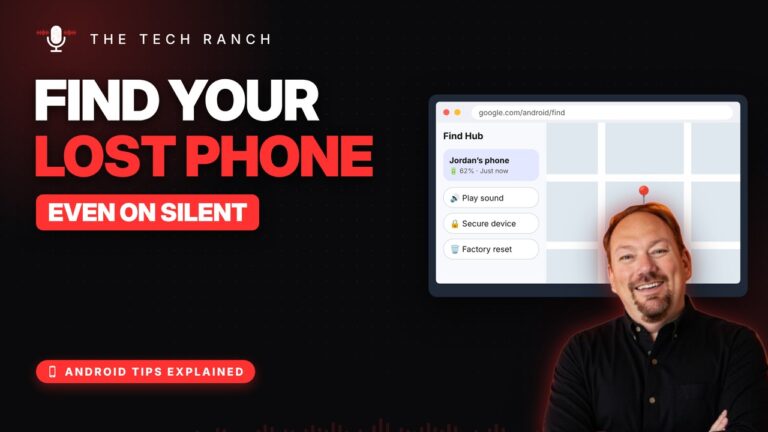
Go to google.com/android/find and tap Play sound. It rings even on silent.
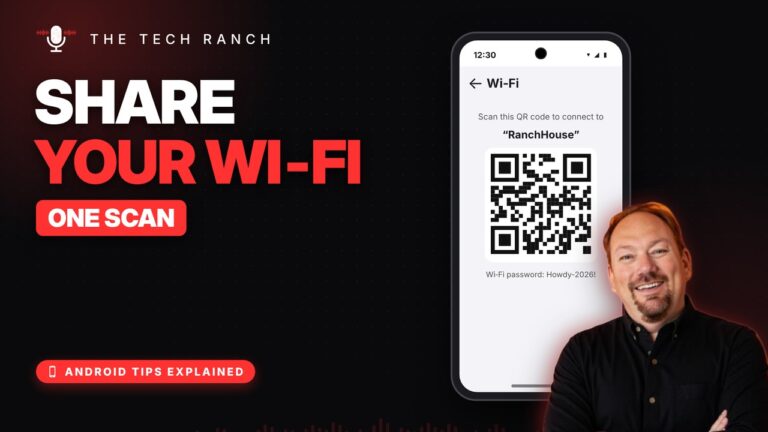
Hold the Wi‑Fi tile, tap the gear, tap Share. Guests just scan the QR code.








