


By Marlo Anderson – The Tech Ranch
Handing your phone to a grandkid? A minute later they’re in your email. Lock the phone to one app first.
Turn On App Pinning
Open Settings and search for pin. Turn on App pinning (Samsung calls it Pin app). On Pixel, keep Ask for PIN before unpinning on.
Pin the App
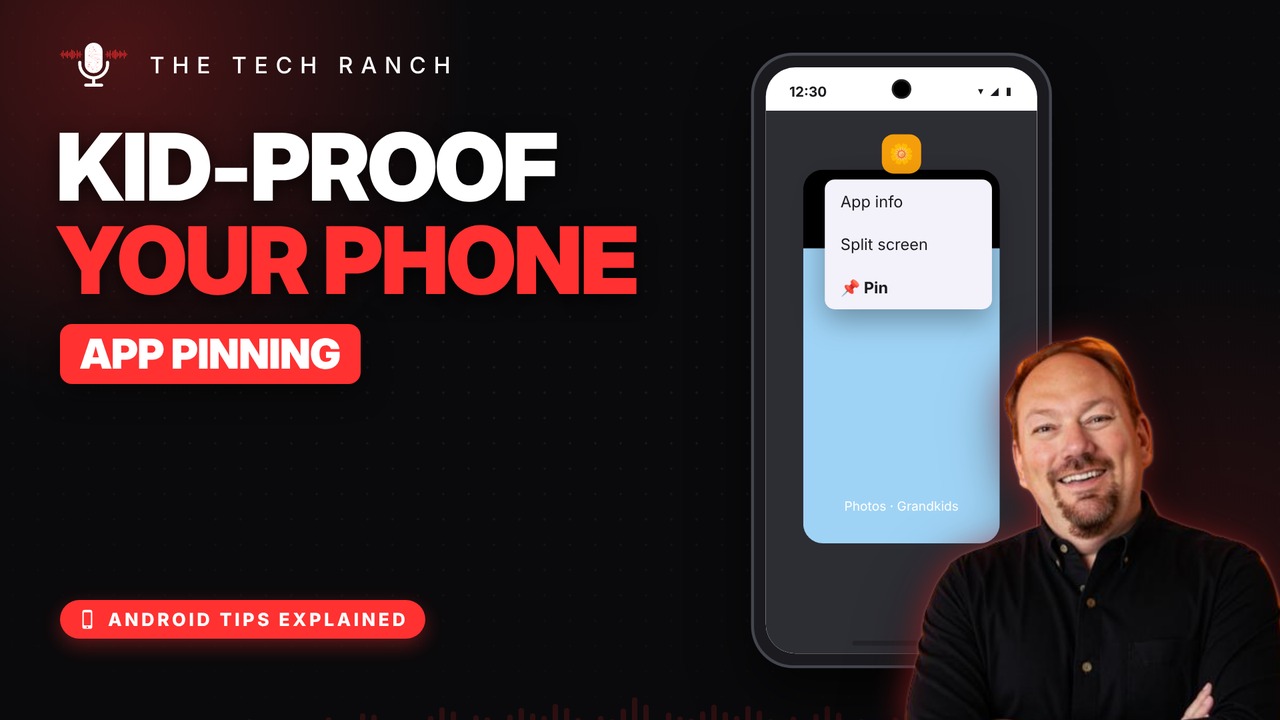
Open the app you want, like Photos. Open Recents, tap the app’s icon above its preview and tap Pin.
Getting Out
They can use that app only: no email, no texts, no notifications. To unpin, swipe up and hold (or hold Back + Recents), then enter your PIN.
Bonus Tip: Video Calls
Pin your video call app before handing over the phone, so little fingers can’t hang up and wander off into other apps.
More Android Tips, Explained
This is part of my Android Tips Explained series: everyday Android tricks that work on Pixel, Samsung and more, explained in plain English with simple animations. Watch the whole series on YouTube and subscribe to The Tech Ranch so you don’t miss the next one.
Found this helpful? Give the video a thumbs up on YouTube. Got a phone question? Ask it in the YouTube comments and it might be the next video.








