


By Marlo Anderson – The Tech Ranch
Song stuck in your head and you can’t remember the name, or the words? Just hum it.
Search a Song
Open the Google app, tap the microphone in the search bar, then tap Search a song. Hum, whistle or sing for a few seconds.
Get Your Answer
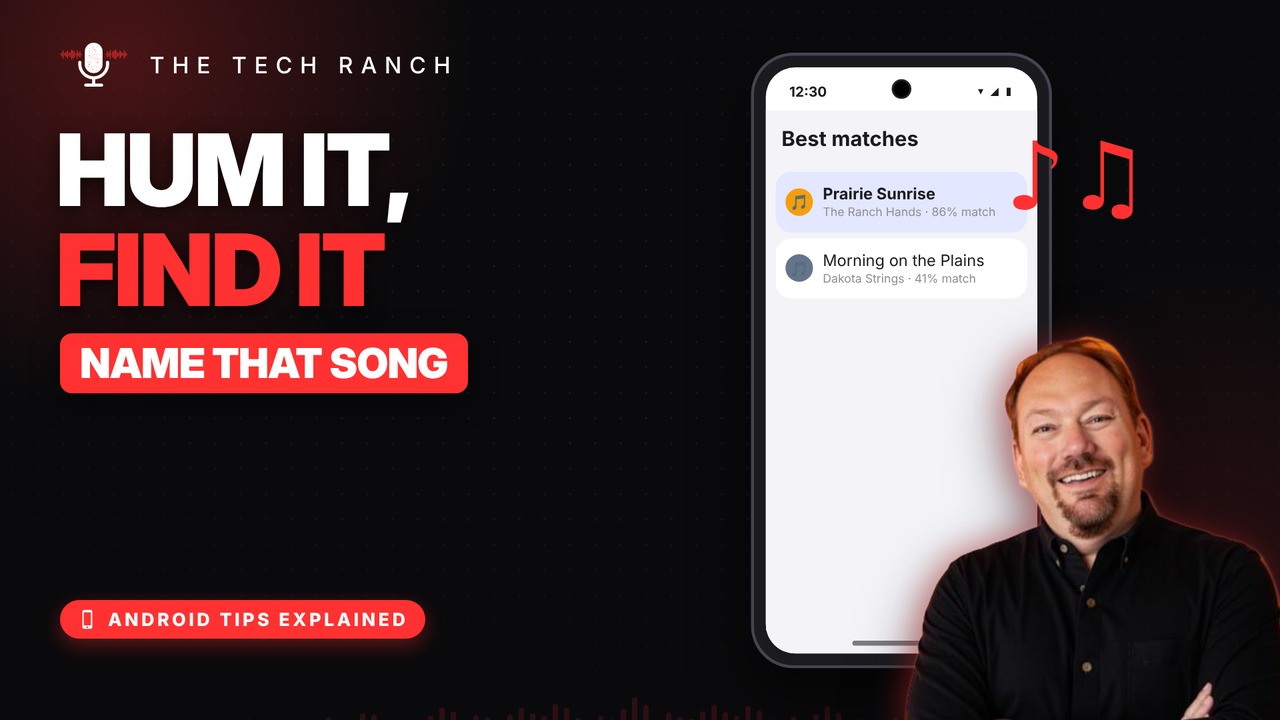
Google shows the best matches, each with a match percentage. Tap one to listen, watch the video or see the lyrics. No lyrics needed: humming works.
Good to Know
Song playing in a store? Let your phone listen to it. It also works in the Google app on iPhone.
Bonus Tip: Just Ask
Open Gemini and ask, “What’s this song?” Then hum, sing or play it.
More Android Tips, Explained
This is part of my Android Tips Explained series: everyday Android tricks that work on Pixel, Samsung and more, explained in plain English with simple animations. Watch the whole series on YouTube and subscribe to The Tech Ranch so you don’t miss the next one.
Found this helpful? Give the video a thumbs up on YouTube. Got a phone question? Ask it in the YouTube comments and it might be the next video.








