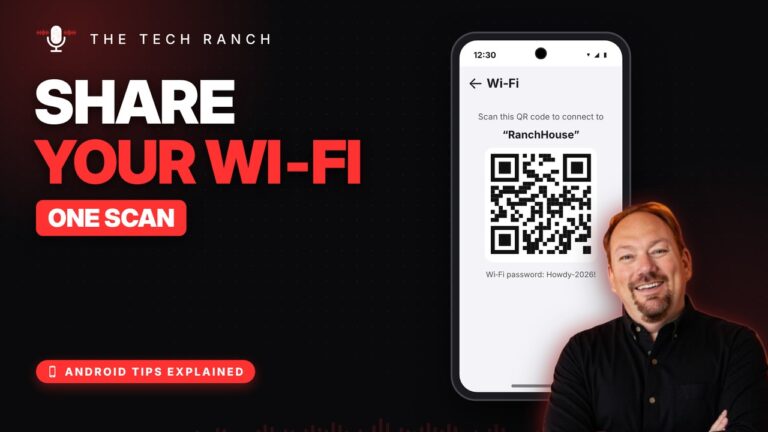
📶 Share Your Wi‑Fi With a QR Code on Android
Hold the Wi‑Fi tile, tap the gear, tap Share. Guests just scan the QR code.


Hold the Wi‑Fi tile, tap the gear, tap Share. Guests just scan the QR code.
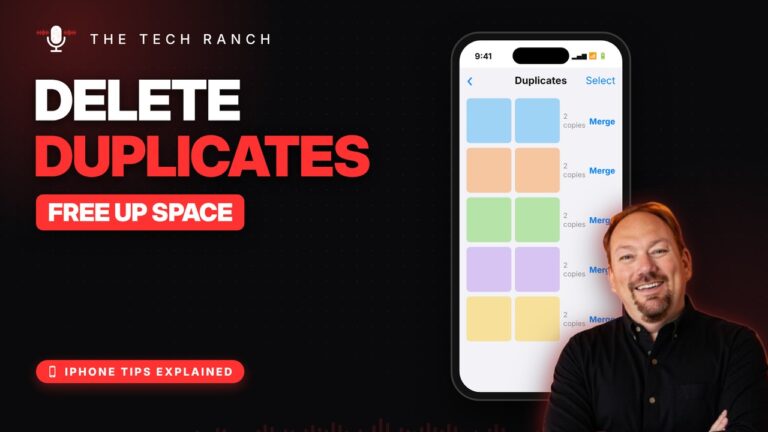
Photos › Collections › Utilities › Duplicates › Merge. Free up space in seconds.

Swipe down, type Magnifier, and zoom in on tiny print. Free and built in.

Safari can read articles out loud: page menu › Listen to Page.

Settings › Apps › Phone › Screen Unknown Callers › Ask Reason for Calling.
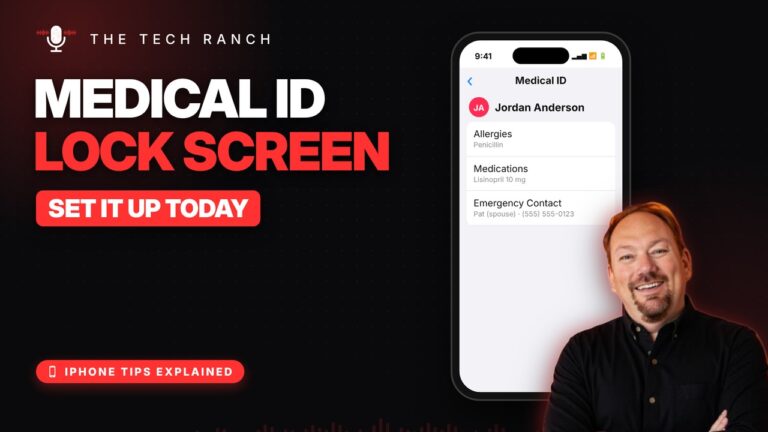
Health › profile picture › Medical ID › Edit. Turn on Show When Locked.
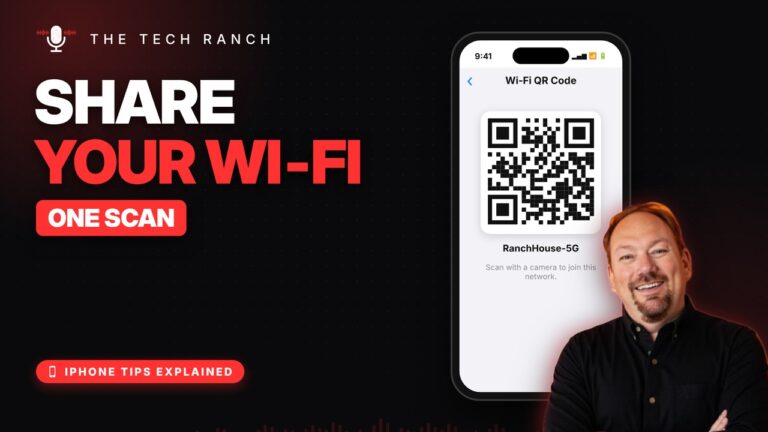
Open Passwords › Wi‑Fi › your network › Show Network QR Code. Guests just scan it.

Check In tells family when you get home, automatically. Tap + then Check In in Messages.
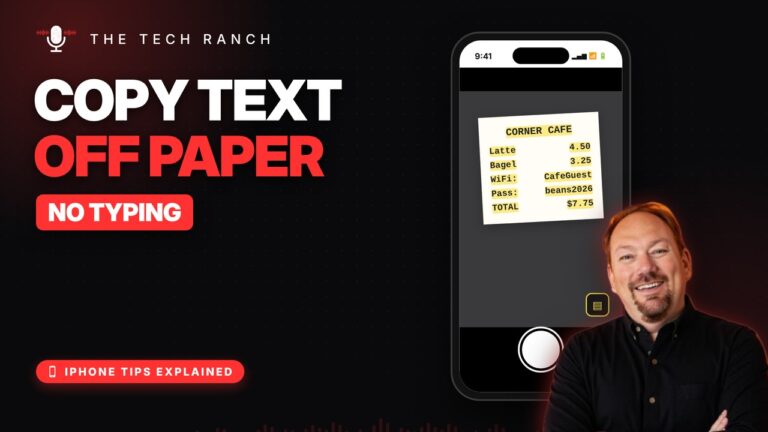
Point your camera at the words, tap the Live Text button, then Copy. No typing.