


By Marlo Anderson – The Tech Ranch
In an emergency, first responders may need your health information. Medical ID puts it on your Lock Screen.
Why It Matters
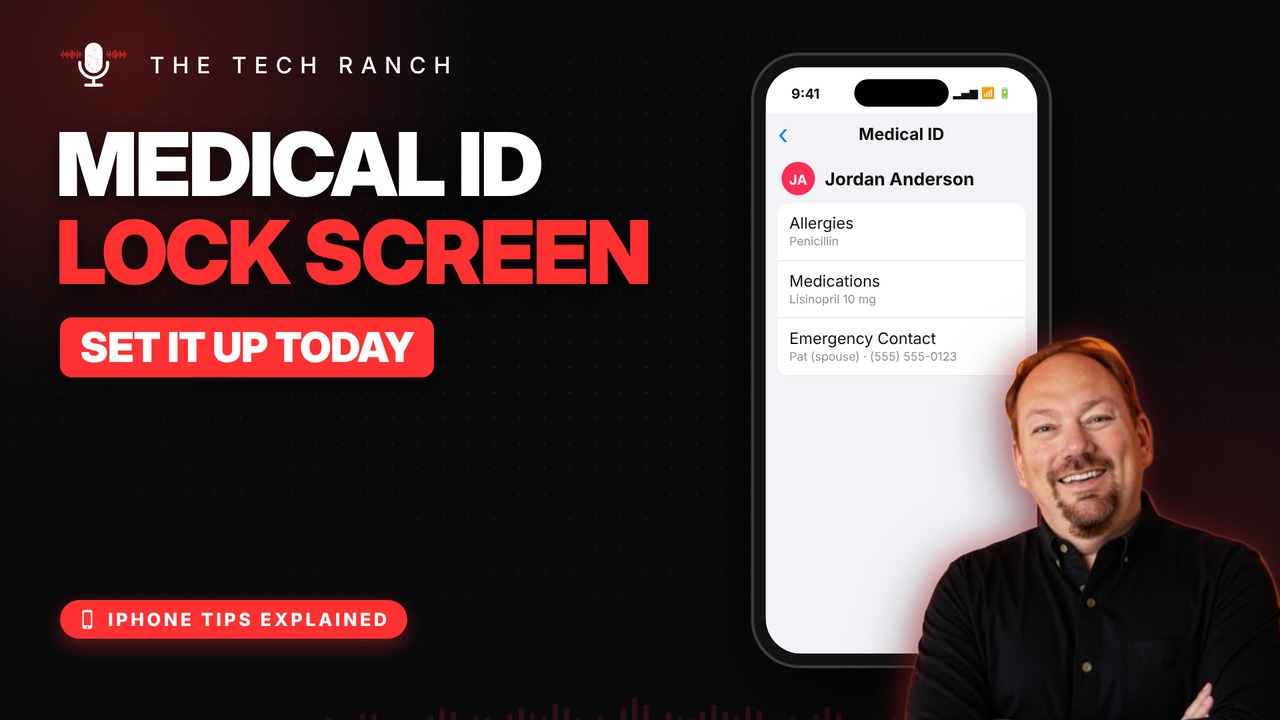
If you can’t speak, your phone can speak for you. Medical ID shows allergies, medications, conditions and emergency contacts without your passcode. Set it up before you ever need it.
Set It Up
Open Health, tap your profile picture, then Medical ID and Edit. Add your info and emergency contacts, and turn on Show When Locked.
How Responders See It
On the passcode screen, they tap Emergency, then Medical ID. Also turn on Share During Emergency Call, and update it when your meds change.
Bonus Tip: Emergency SOS
Hold the side button and either volume button until the countdown ends. Your iPhone calls emergency services, then texts your emergency contacts your location.
More iPhone Tips, Explained
This is part of my iPhone Tips Explained series: everyday iPhone tricks, explained in plain English with simple animations. Watch the whole series on YouTube and subscribe to The Tech Ranch so you don’t miss the next one.
Found this helpful? Give the video a thumbs up on YouTube. Got a phone question? Ask it in the YouTube comments and it might be the next video.








