


By Marlo Anderson – The Tech Ranch
Tired of spam calls? Let your iPhone answer first and ask who’s calling.
Your iPhone Screens the Call
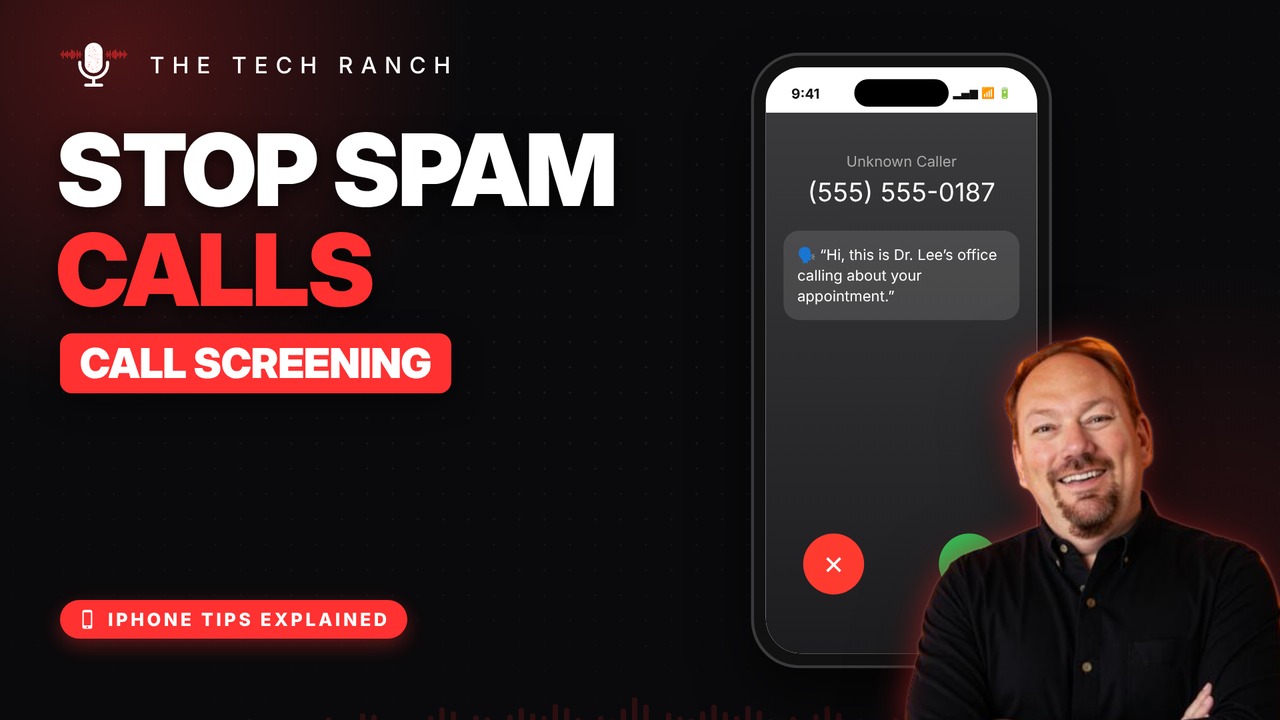
When an unknown number calls, your iPhone asks for their name and reason. You read the answer as text, then decide whether to answer.
Turn It On
Open Settings › Apps › Phone, tap Screen Unknown Callers and choose Ask Reason for Calling. It needs iOS 26 or newer.
Good to Know
Your saved contacts still ring like normal. Prefer quiet? Silence sends unknown numbers to voicemail. Screening pauses while you’re roaming and for 24 hours after an emergency call.
Bonus Tip: Hold Assist
Stuck on hold? Tap More, then Hold Assist, and your iPhone alerts you when a real person comes back on the line (iPhone 12 or newer; not available in every country).
More iPhone Tips, Explained
This is part of my iPhone Tips Explained series: everyday iPhone tricks, explained in plain English with simple animations. Watch the whole series on YouTube and subscribe to The Tech Ranch so you don’t miss the next one.
Found this helpful? Give the video a thumbs up on YouTube. Got a phone question? Ask it in the YouTube comments and it might be the next video.








