


By Marlo Anderson – The Tech Ranch
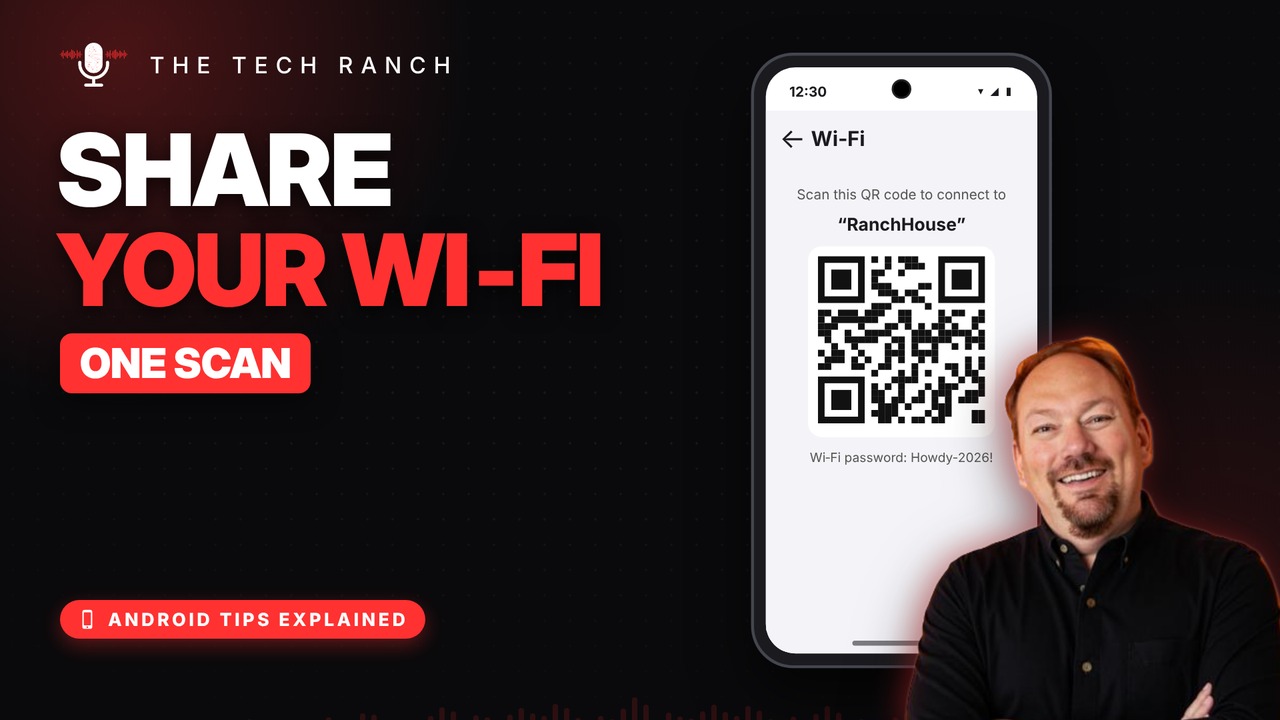
“What’s the Wi‑Fi password?” On Android, you can show a QR code instead.
Find Your Network
Swipe down to open Quick Settings, touch and hold the Wi‑Fi or Internet tile, and tap the gear next to the network you’re on. It works on Pixel, Samsung, Motorola and more.
Tap Share
Tap Share (on Samsung it says QR code) and confirm with your fingerprint or PIN. Guests scan the code with any camera, even an iPhone’s.
Pro Move: Print It
On Pixel, the password also shows under the code. Take a screenshot and print it for the guest room or fridge.
Bonus Tip: Join With a Scan
Open your Camera, point it at someone’s Wi‑Fi QR code and tap the pop-up to connect.
More Android Tips, Explained
This is part of my Android Tips Explained series: everyday Android tricks that work on Pixel, Samsung and more, explained in plain English with simple animations. Watch the whole series on YouTube and subscribe to The Tech Ranch so you don’t miss the next one.
Found this helpful? Give the video a thumbs up on YouTube. Got a phone question? Ask it in the YouTube comments and it might be the next video.








