


By Marlo Anderson – The Tech Ranch
Sent a text to the wrong person, or with an embarrassing typo? On iPhone, you can take it back.
Undo Send
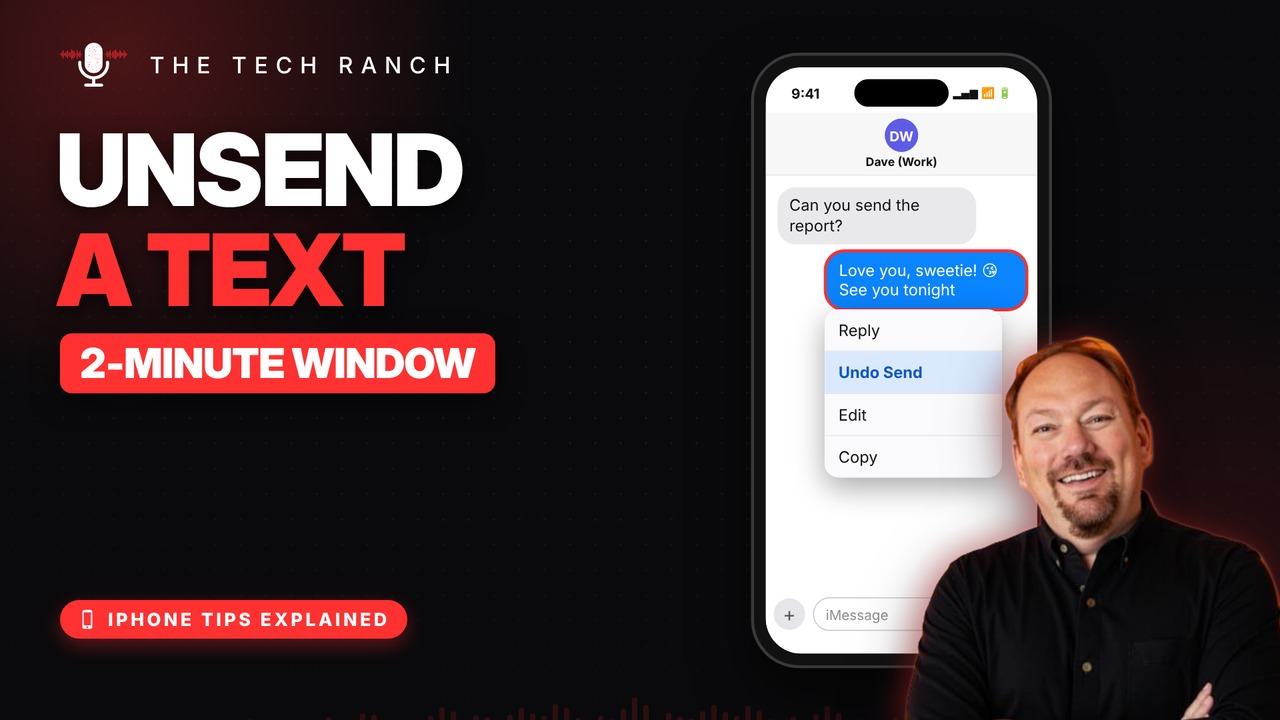
Touch and hold the message you sent and tap Undo Send. You have 2 minutes. Poof, it’s gone from the chat.
Fix a Typo
Touch and hold the message and tap Edit. You have 15 minutes. Fix it, then tap the blue check. They’ll see a small “Edited” label.
Good to Know
It works on blue-bubble iMessages, not green-bubble texts to Android phones. You can edit a message up to 5 times, and people on iOS 15 or older still see the original.
Bonus Tip: Schedule a Text
Tap +, then Send Later, and pick a time up to 14 days ahead. It needs iOS 18 or newer and works with iMessage.
More iPhone Tips, Explained
This is part of my iPhone Tips Explained series: everyday iPhone tricks, explained in plain English with simple animations. Watch the whole series on YouTube and subscribe to The Tech Ranch so you don’t miss the next one.
Found this helpful? Give the video a thumbs up on YouTube. Got a phone question? Ask it in the YouTube comments and it might be the next video.








