


By Marlo Anderson – The Tech Ranch
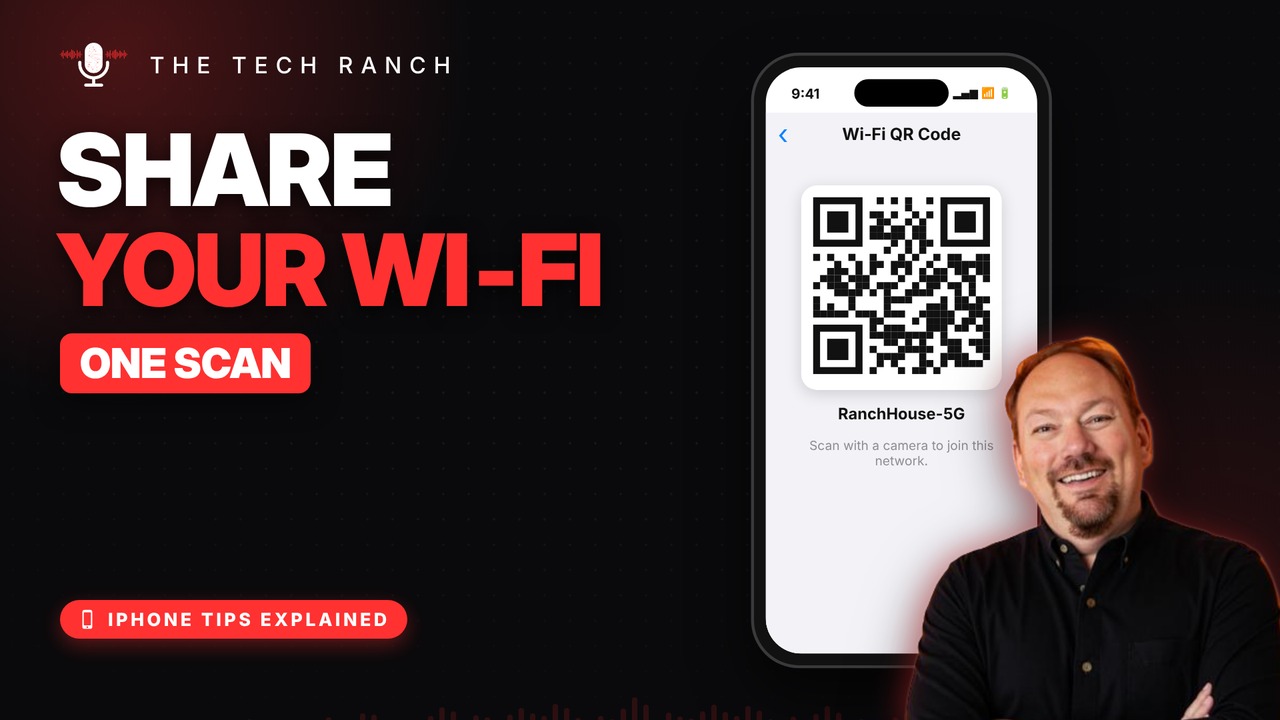
“What’s the Wi‑Fi password?” Instead of spelling it out, show your guests a QR code.
No More Spelling Passwords
Long Wi‑Fi passwords are a pain to read out. Your iPhone can show a QR code instead, and guests just point their camera at it. It works for Android guests too.
Show the QR Code
Open the Passwords app, tap Wi‑Fi, tap your network, then tap Show Network QR Code. It needs iOS 18 or newer.
Pro Move: Print It
Take a screenshot of the QR code and print it for the guest room or the fridge. Tap the Password field if you just need to see the password.
Bonus Tip: The Share Password Pop‑Up
When a guest who’s in your Contacts tries to join, your unlocked iPhone pops up Share Password. Tap it and they’re online.
More iPhone Tips, Explained
This is part of my iPhone Tips Explained series: everyday iPhone tricks, explained in plain English with simple animations. Watch the whole series on YouTube and subscribe to The Tech Ranch so you don’t miss the next one.
Found this helpful? Give the video a thumbs up on YouTube. Got a phone question? Ask it in the YouTube comments and it might be the next video.








