


By Marlo Anderson – The Tech Ranch
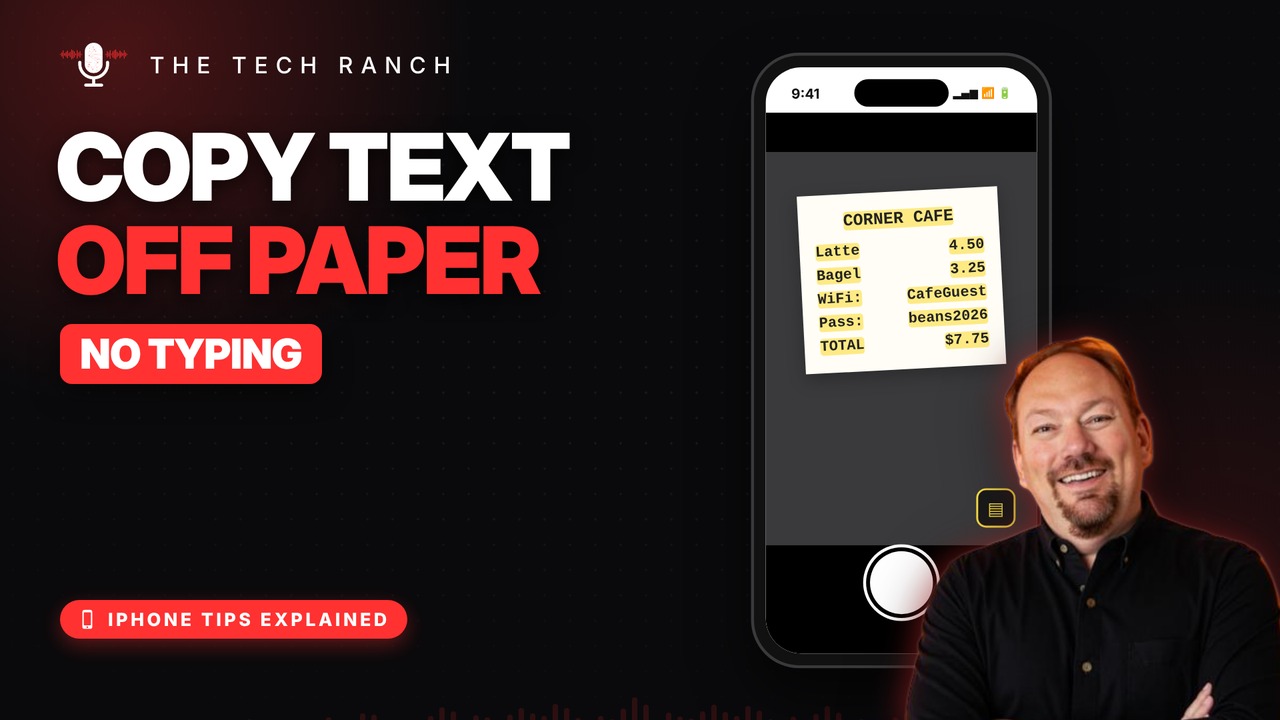
Typing out a receipt, a Wi‑Fi card or a recipe? Stop. Your iPhone camera can copy the words for you.
Point, Tap, Copy
Open the Camera and point it at the words. Tap the Live Text button in the corner, then touch and hold the words or tap Select All, and tap Copy.
Tap to Call or Visit
See a phone number in the frame? Tap it to call. A web address? Tap it to open. It works on saved photos and paused videos too. If Live Text is missing, turn it on in Settings › General › Language & Region.
Handy Uses
Wi‑Fi passwords on a card, a recipe from a cookbook, tracking numbers on a package. It needs an iPhone XS / XR or newer.
Bonus Tip: Translate a Menu
Open a photo of a sign or menu, tap the Live Text button, then tap Translate.
More iPhone Tips, Explained
This is part of my iPhone Tips Explained series: everyday iPhone tricks, explained in plain English with simple animations. Watch the whole series on YouTube and subscribe to The Tech Ranch so you don’t miss the next one.
Found this helpful? Give the video a thumbs up on YouTube. Got a phone question? Ask it in the YouTube comments and it might be the next video.








