


By Marlo Anderson – The Tech Ranch
Squinting at a pill bottle or a menu? Your iPhone has a magnifying glass built in.
A Free Magnifier
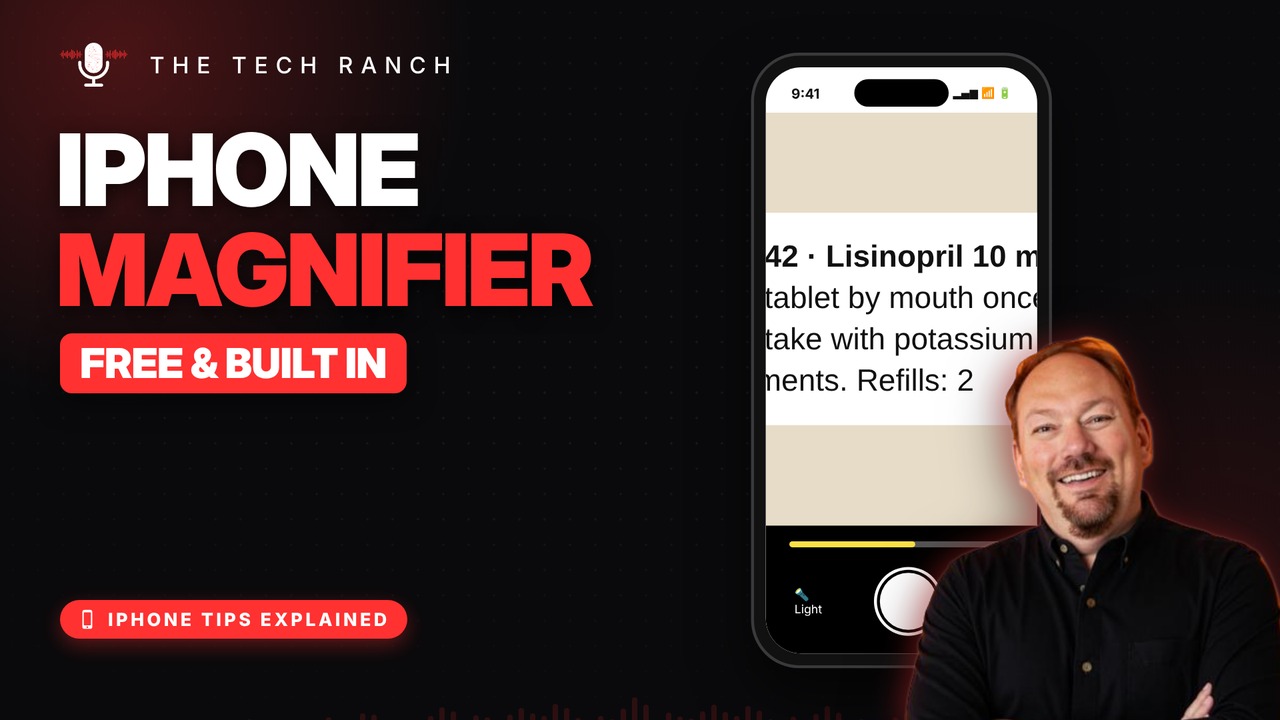
It’s called Magnifier, it’s free and it’s already on your iPhone. It uses the camera to make small print big: prescriptions, receipts, menus.
Open It and Zoom
Swipe down on the Home Screen and type Magnifier. Point at the small print, drag the zoom slider, and tap the button to freeze the picture.
Extra Tricks
In a dim restaurant, turn on the light inside Magnifier. Add Magnifier to Control Center for one-tap access.
Bonus Tip: Dim the Flashlight
In Control Center, touch and hold the flashlight and slide up or down to make it brighter or dimmer.
More iPhone Tips, Explained
This is part of my iPhone Tips Explained series: everyday iPhone tricks, explained in plain English with simple animations. Watch the whole series on YouTube and subscribe to The Tech Ranch so you don’t miss the next one.
Found this helpful? Give the video a thumbs up on YouTube. Got a phone question? Ask it in the YouTube comments and it might be the next video.








