


By Marlo Anderson – The Tech Ranch
Phone full? Duplicate photos may be the culprit, and your iPhone can clean them up.
Your iPhone Finds Them
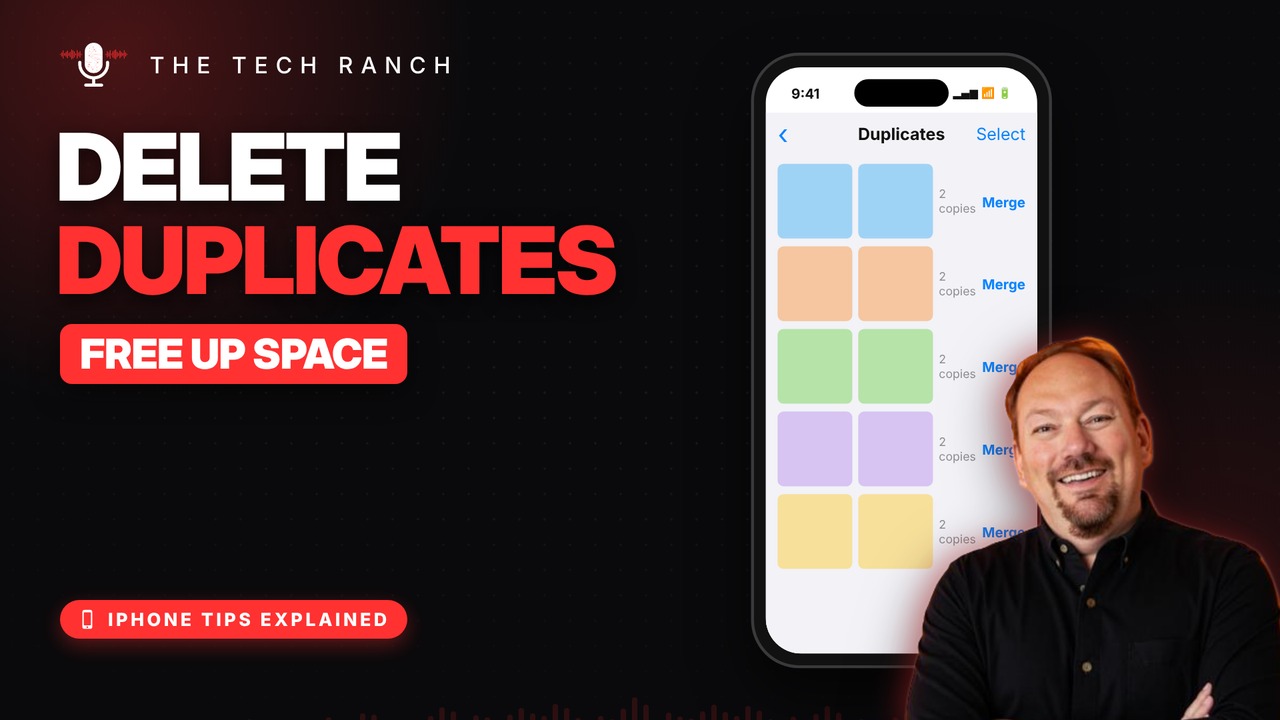
Duplicate photos quietly eat up storage. Your iPhone spots them for you and gathers them in a Duplicates album. It can take a while to appear after updating.
Merge Them
Open Photos, go to Collections › Utilities › Duplicates and tap Merge next to any set, or tap Select › Select All › Merge.
What Merge Does
It keeps the best-quality copy and combines the photo’s info into it. The extras go to Recently Deleted. It needs iOS 16 or newer.
Bonus Tip: Rescue a Deleted Photo
Deleted photos wait in Recently Deleted for 30 days. Open it, tap Select, pick the photo, then More › Recover.
More iPhone Tips, Explained
This is part of my iPhone Tips Explained series: everyday iPhone tricks, explained in plain English with simple animations. Watch the whole series on YouTube and subscribe to The Tech Ranch so you don’t miss the next one.
Found this helpful? Give the video a thumbs up on YouTube. Got a phone question? Ask it in the YouTube comments and it might be the next video.








