


By Marlo Anderson – The Tech Ranch
Lost your phone somewhere in the house, and it’s on silent? Make it ring anyway.
Go to Find Hub
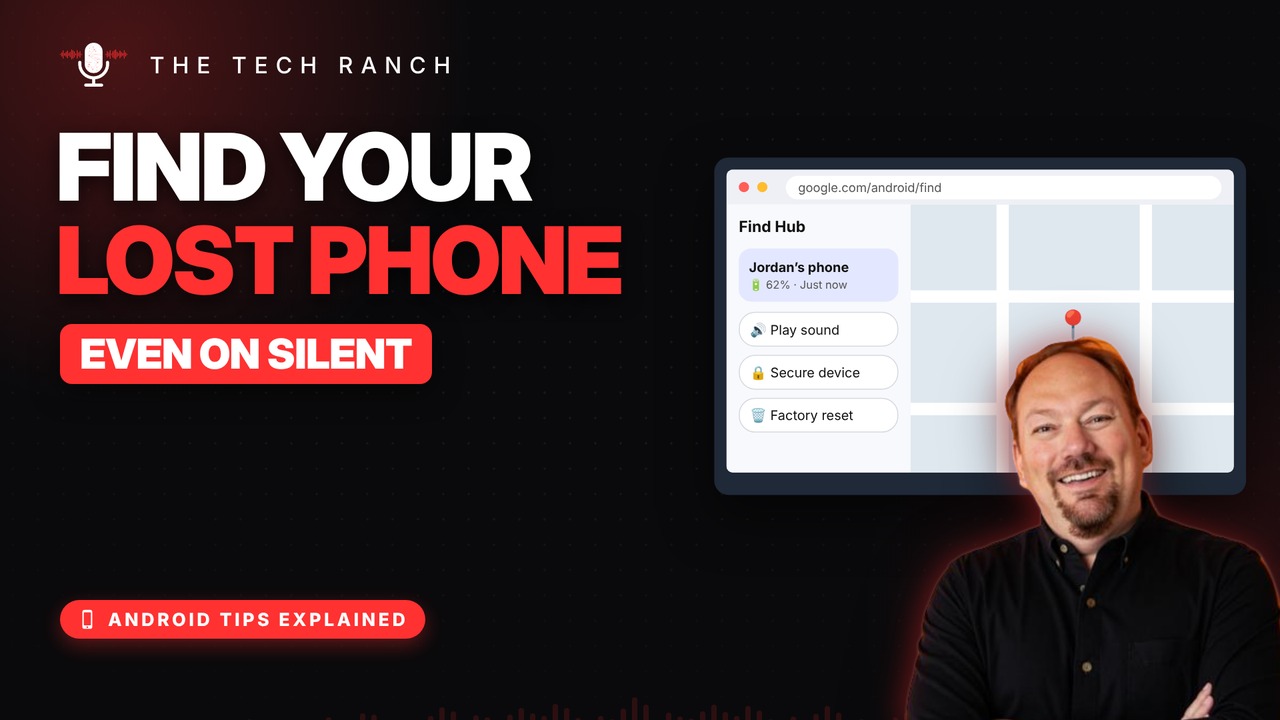
On any computer or phone, open google.com/android/find, sign in with your Google account, pick your phone and tap Play sound. It rings at full volume for 5 minutes, even on silent.
Lock It or Erase It
Can’t find it nearby? Tap Secure device to lock it and show a message, like a number to call. If it’s gone for good, you can erase it remotely. The phone must be on and online.
Good to Know
It used to be called Find My Device; Google renamed it Find Hub in 2025. Your phone must be signed into Google. Bookmark the page now, before you need it.
Bonus Tip: Use a Friend’s Phone
On a friend’s Android phone, open the Find Hub app and tap Sign in as guest.
More Android Tips, Explained
This is part of my Android Tips Explained series: everyday Android tricks that work on Pixel, Samsung and more, explained in plain English with simple animations. Watch the whole series on YouTube and subscribe to The Tech Ranch so you don’t miss the next one.
Found this helpful? Give the video a thumbs up on YouTube. Got a phone question? Ask it in the YouTube comments and it might be the next video.








