


By Marlo Anderson – The Tech Ranch
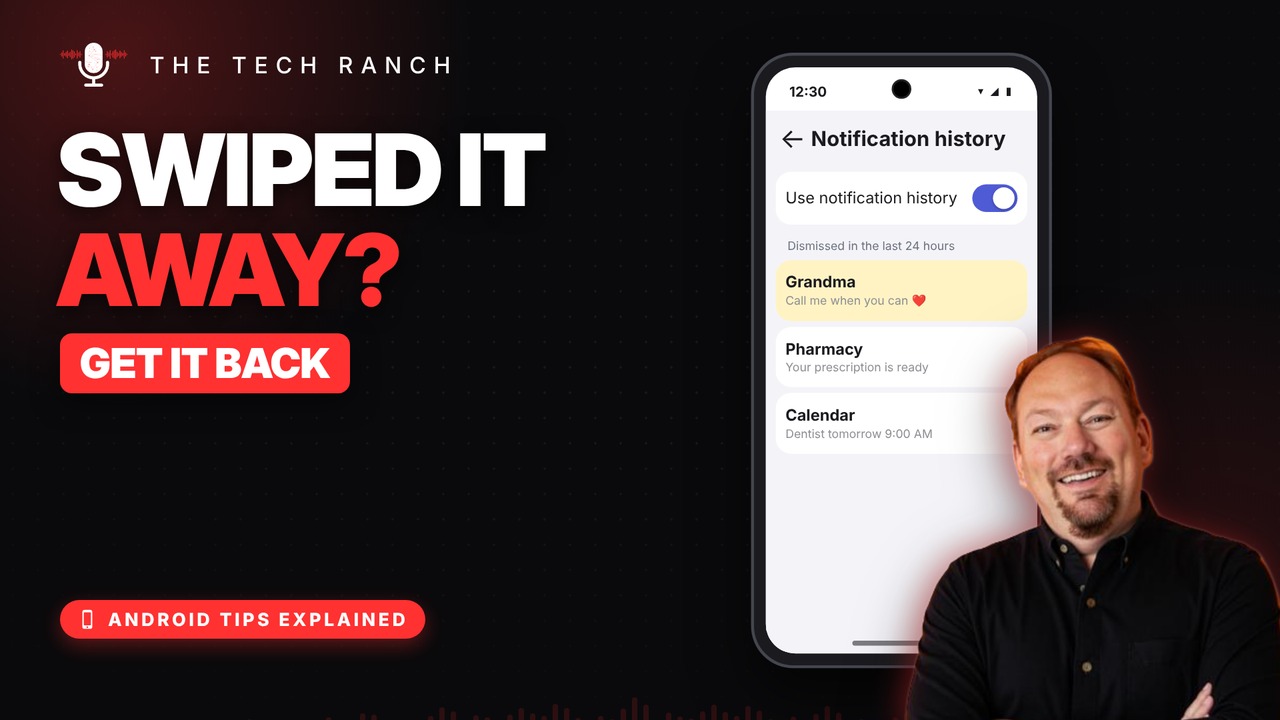
Swiped away a notification by accident? Your Android can bring it back.
Turn On Notification History
Open Settings, search for Notification history and turn on Use notification history. It works on Android 11 and newer: Pixel, Samsung and more.
See What You Missed
On Pixel and Motorola, tap History at the bottom of your notifications. On Samsung, go back to Settings › Notification history. You’ll see everything from the last 24 hours.
Good to Know
It only saves notifications after you turn it on, so turn it on today.
Bonus Tip: Snooze It
Tap the down arrow on a notification, then the snooze icon, and pick a time. It comes back right when you need it.
More Android Tips, Explained
This is part of my Android Tips Explained series: everyday Android tricks that work on Pixel, Samsung and more, explained in plain English with simple animations. Watch the whole series on YouTube and subscribe to The Tech Ranch so you don’t miss the next one.
Found this helpful? Give the video a thumbs up on YouTube. Got a phone question? Ask it in the YouTube comments and it might be the next video.








