


By Marlo Anderson – The Tech Ranch
In an emergency, responders may need your health information. Your Android can show it, even when it’s locked.
Add Your Medical Info
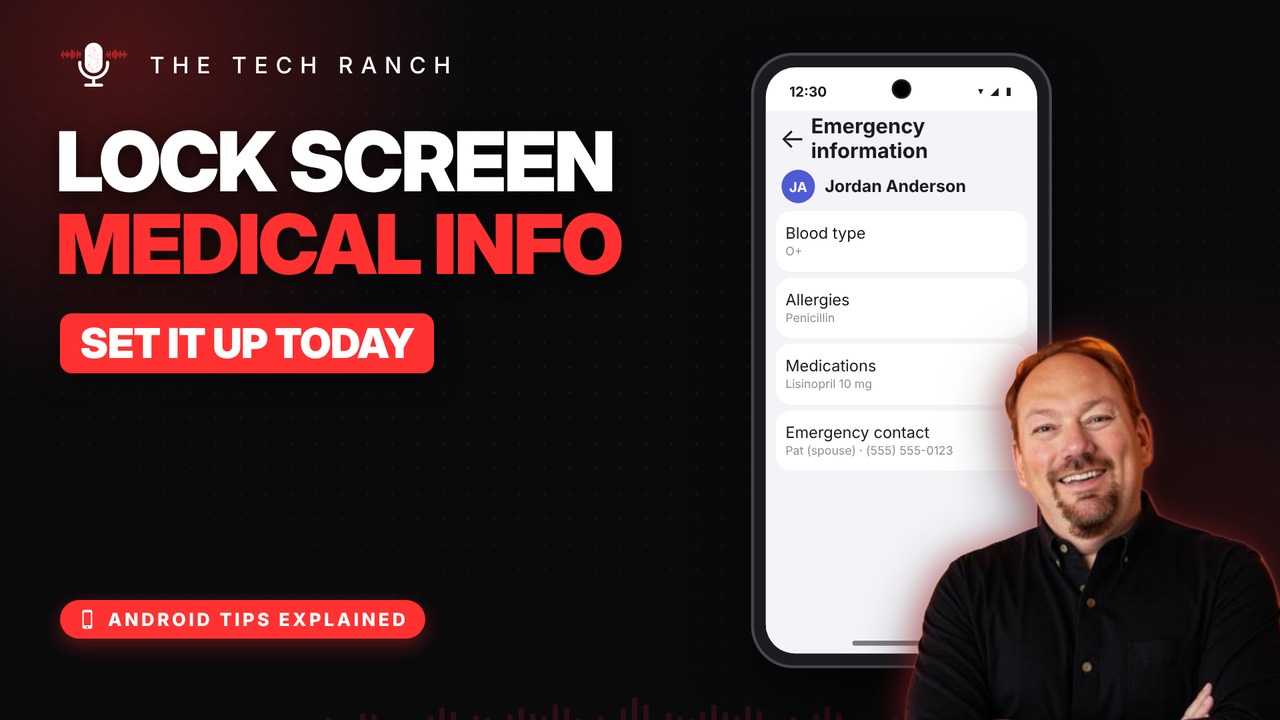
Open Settings › Safety & emergency (Samsung: Safety and emergency) and tap Medical info. Add allergies, medications, blood type and more.
Add Emergency Contacts
Tap Emergency contacts, then Add, and pick a family member. Add a backup contact too.
How Responders See It
From the lock screen, they tap Emergency, then Emergency information. No PIN needed. Keep it updated when your meds change.
Bonus Tip: Emergency SOS
Press the power (side) button 5 times quickly to call for help. Set it up in Settings › Safety & emergency › Emergency SOS.
More Android Tips, Explained
This is part of my Android Tips Explained series: everyday Android tricks that work on Pixel, Samsung and more, explained in plain English with simple animations. Watch the whole series on YouTube and subscribe to The Tech Ranch so you don’t miss the next one.
Found this helpful? Give the video a thumbs up on YouTube. Got a phone question? Ask it in the YouTube comments and it might be the next video.








