


By Marlo Anderson – The Tech Ranch
A thief grabs your phone and runs. With one setting, your Android locks itself in a flash.
Turn On Theft Protection
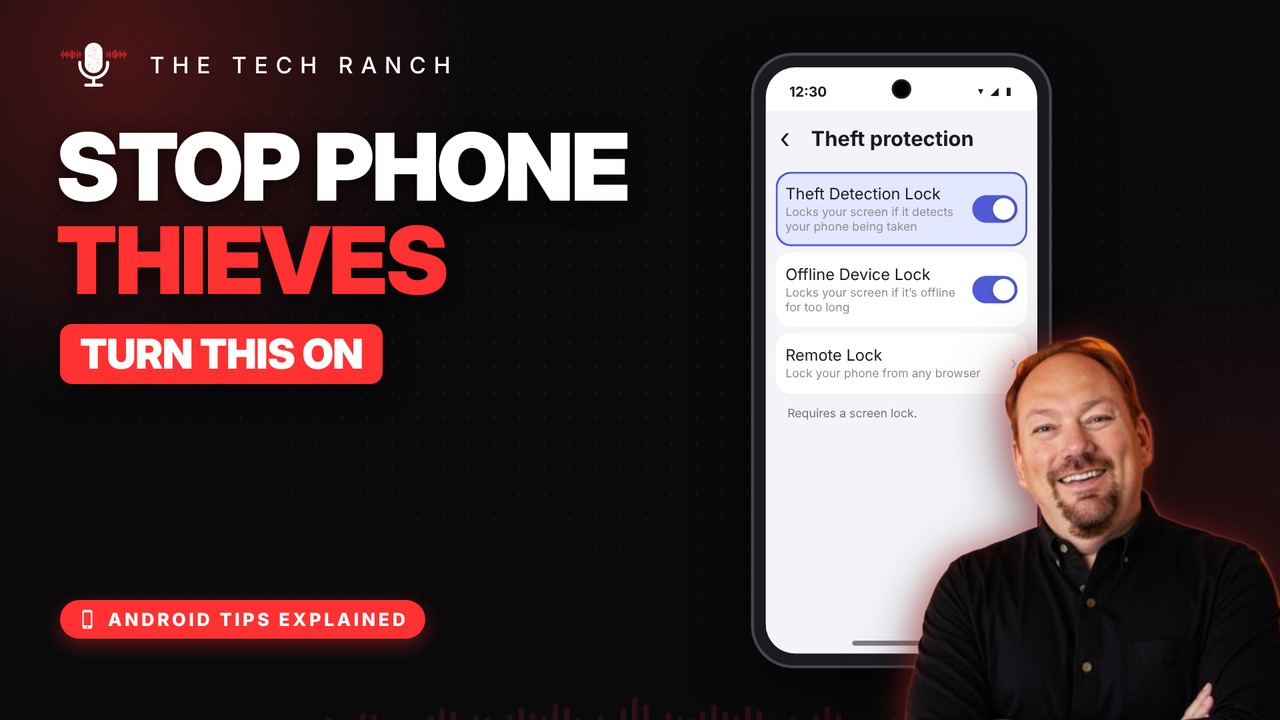
Open Settings, search for Theft protection and turn on Theft Detection Lock and Offline Device Lock. They’re off by default.
How It Works
It senses a grab-and-run motion and locks the screen right away. Offline Device Lock locks the phone if it’s offline too long. You unlock it with your PIN or fingerprint.
Good to Know
It works on Android 10 and newer and needs a screen lock. If the switch is grayed out, your phone doesn’t support it. On Samsung, look under Security and privacy › Lost device protection.
Bonus Tip: Remote Lock
Set up Remote Lock in the same screen. Then from any browser, go to android.com/lock and enter your phone number.
More Android Tips, Explained
This is part of my Android Tips Explained series: everyday Android tricks that work on Pixel, Samsung and more, explained in plain English with simple animations. Watch the whole series on YouTube and subscribe to The Tech Ranch so you don’t miss the next one.
Found this helpful? Give the video a thumbs up on YouTube. Got a phone question? Ask it in the YouTube comments and it might be the next video.








