


By Marlo Anderson – The Tech Ranch
Huge parking lot, and every car looks the same? Let Google Maps remember where you parked.
Save Your Parking
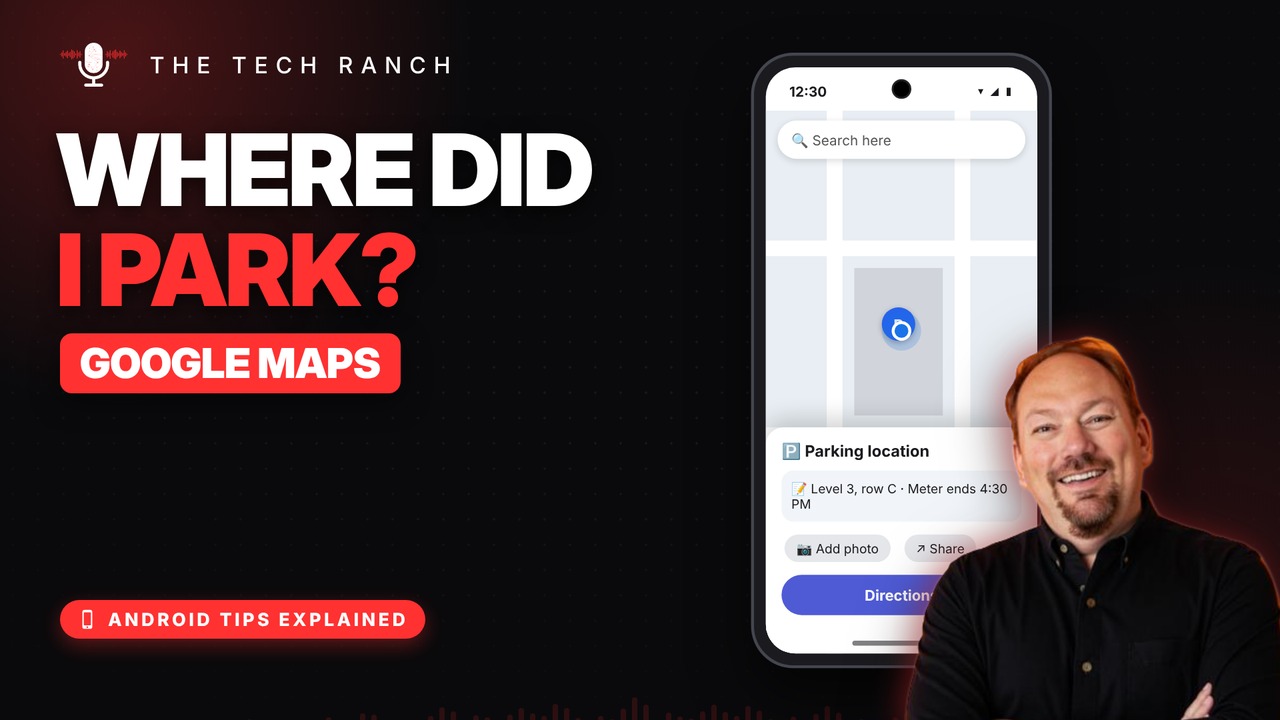
After you park, open Google Maps, tap the blue dot (that’s you) and tap Save your parking. A P marks the spot.
Add a Note or Photo
Tap the P, then More info. Add a note like “Level 3, row C,” a photo of the sign, or share it so the family can find the car.
Find Your Car
Tap the search bar, tap Parking location, then Directions. It stays saved until you clear it.
Bonus Tip: Offline Maps
Tap your profile picture › Offline maps › Select your own map › Download. Driving directions work with no signal.
More Android Tips, Explained
This is part of my Android Tips Explained series: everyday Android tricks that work on Pixel, Samsung and more, explained in plain English with simple animations. Watch the whole series on YouTube and subscribe to The Tech Ranch so you don’t miss the next one.
Found this helpful? Give the video a thumbs up on YouTube. Got a phone question? Ask it in the YouTube comments and it might be the next video.








