🔊 Let Edge Read to You with Ctrl + Shift + U
In Microsoft Edge, press Ctrl + Shift + U to have the page read aloud. F9 opens Immersive Reader.


In Microsoft Edge, press Ctrl + Shift + U to have the page read aloud. F9 opens Immersive Reader.
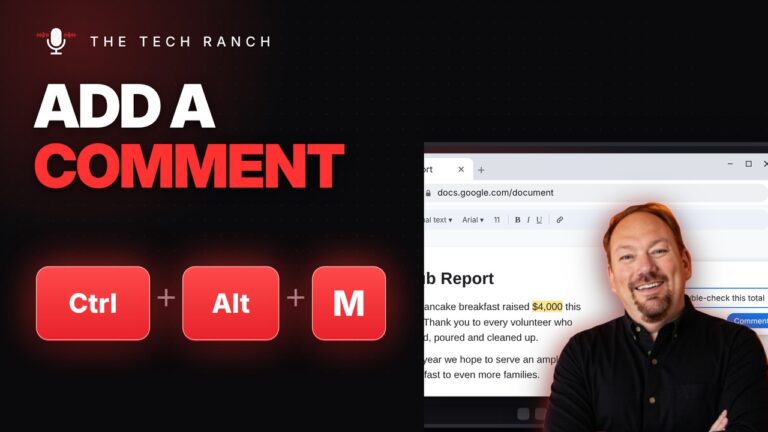
Select text and press Ctrl + Alt + M to add a comment in Google Docs or Word. Mac: Command +

On Windows, press F11 for full screen browsing and F11 again to go back. Mac: Control + Command + F.

In Google Docs, press Ctrl + Alt + 1, 2 or 3 to make headings. Ctrl + Alt + 0 for
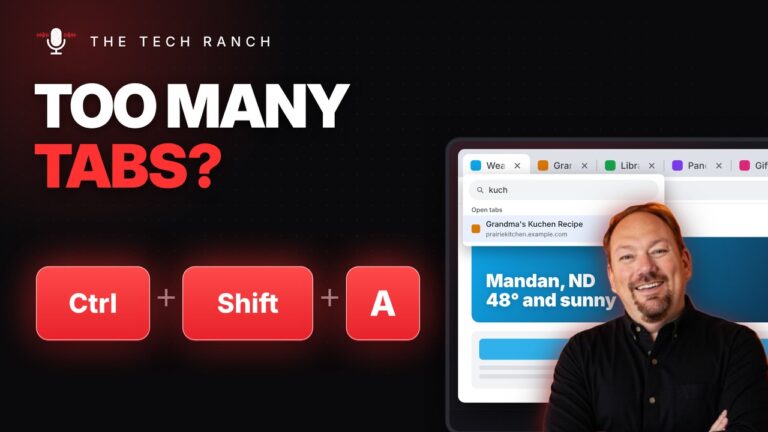
In Chrome, press Ctrl + Shift + A to search your open tabs and jump to one. Mac: Command + Shift
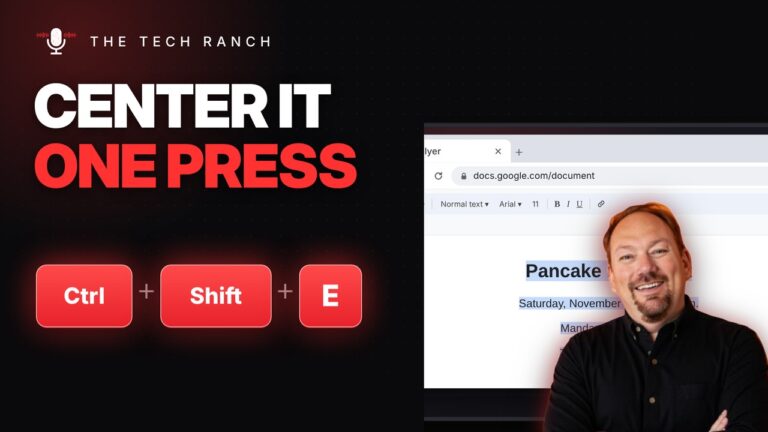
Select text and press Ctrl + Shift + E to center it in Google Docs. Word: Ctrl + E. Mac: Command
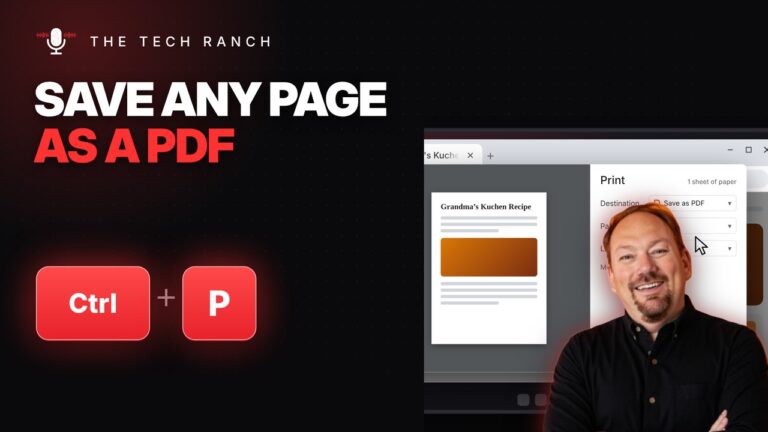
Press Ctrl + P to print, or set Destination to Save as PDF to keep a copy. Mac: Command + P.
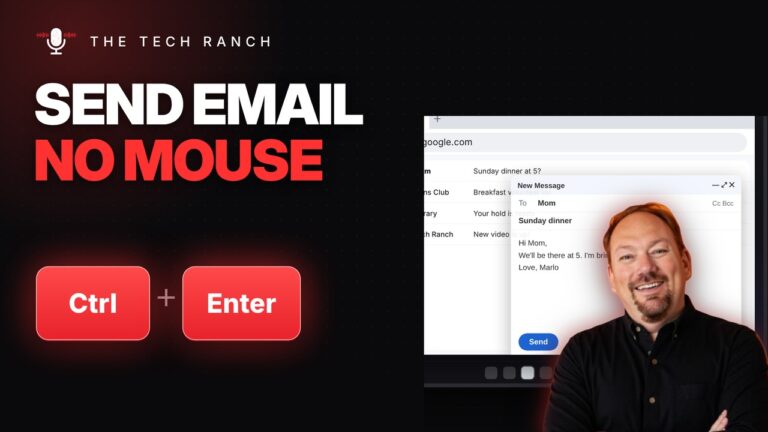
Press Ctrl + Enter to send an email in Gmail or Outlook. Mac: Command + Return.
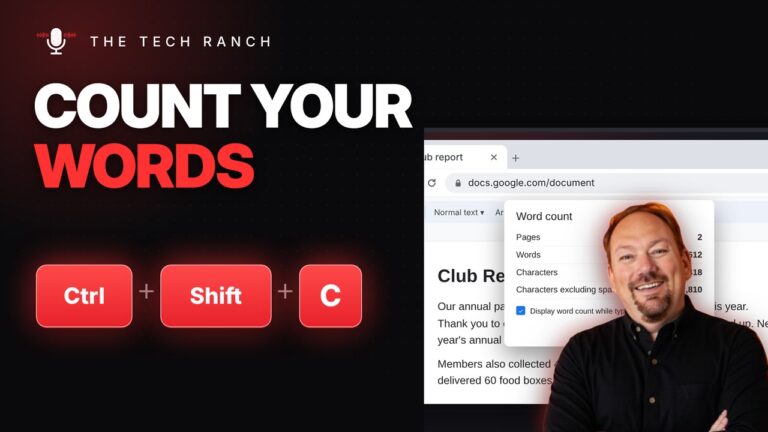
Press Ctrl + Shift + C in Google Docs to see your word count. Mac: Command + Shift + C. Word:

Press the Space bar to scroll a web page down one screen. Shift + Space goes back up. Any browser.