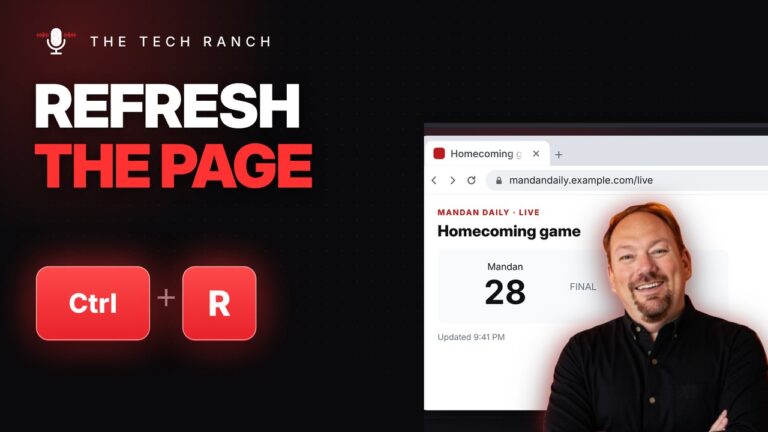
🔄 Reload Any Web Page with Ctrl + R
Press Ctrl + R (or F5) to reload a web page. Ctrl + Shift + R does a hard reload. Mac:


Press Ctrl + R (or F5) to reload a web page. Ctrl + Shift + R does a hard reload. Mac:

Select a cell and the cells below it, then press Ctrl + D to fill down in Google Sheets or Excel.

In Google Docs, select your lines and press Ctrl + Shift + 8 for bullets or Ctrl + Shift + 7

Press Ctrl + J to see your downloads in Chrome, newest first. Click Show in folder to find the file. Mac:

Hold Ctrl and click a link to open it in a new tab without leaving the page. Mac: Command + Click.

Press Ctrl + Down Arrow to jump straight to the last row of your data in Google Sheets or Excel. Mac:

Select text, press Ctrl + K, paste the link and press Enter. Works in Google Docs, Word, Gmail and more. Mac:

Press Alt + Left Arrow to go back a page in your browser. Mac: Command + [ or Command + Left

Press Ctrl + T to open a new tab with your cursor already in the address bar. Mac: Command + T.

Press Ctrl + Plus to zoom in on any web page and Ctrl + Minus to zoom out. Mac: Command +