
⌨️ Typing Erases the Next Letter? Press the Insert Key
Typing erases the next letter? Press Insert to turn off overtype. Number pad not working? Press Num Lock.


Typing erases the next letter? Press Insert to turn off overtype. Number pad not working? Press Num Lock.

With Gmail keyboard shortcuts on, press R to reply, A to reply all, and F to forward.

In Zoom on Windows, press Alt + R to start or stop recording. Mac: Command + Shift + R. Alt +

During a PowerPoint slide show, press Ctrl + L for a laser pointer. Ctrl + P lets you draw; E erases.
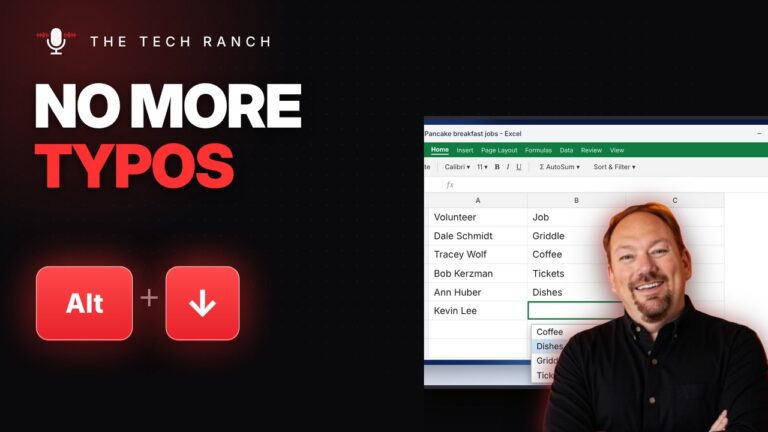
In Excel, press Alt + Down Arrow to pick from entries already in the column. Ctrl + Shift + & adds

In Word, press Alt + Shift + D to type today’s date. Alt + Shift + T types the time.

In Word, select text and press Ctrl + 2 to double-space. Ctrl + 5 = 1.5 lines, Ctrl + 1 =

On a Mac, press Command + Shift + / to search every menu in the app you’re using. Option + Shift
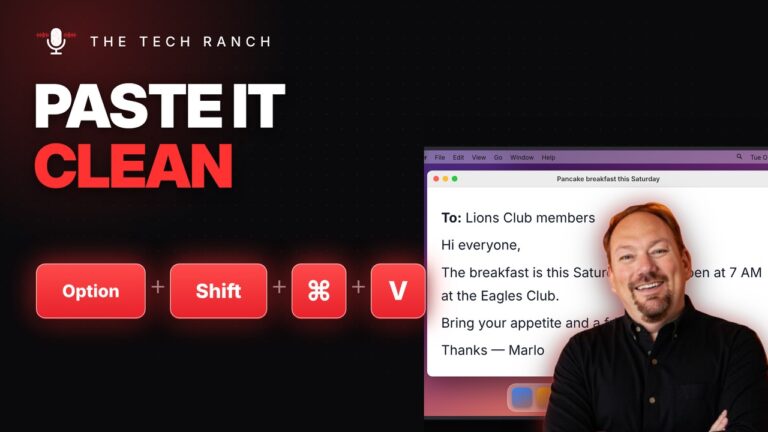
On a Mac, Option + Shift + Command + V pastes text so it matches the style around it. Control +

Press Tab to jump to the next box on any form. Shift + Tab goes back. Space checks a checkbox.