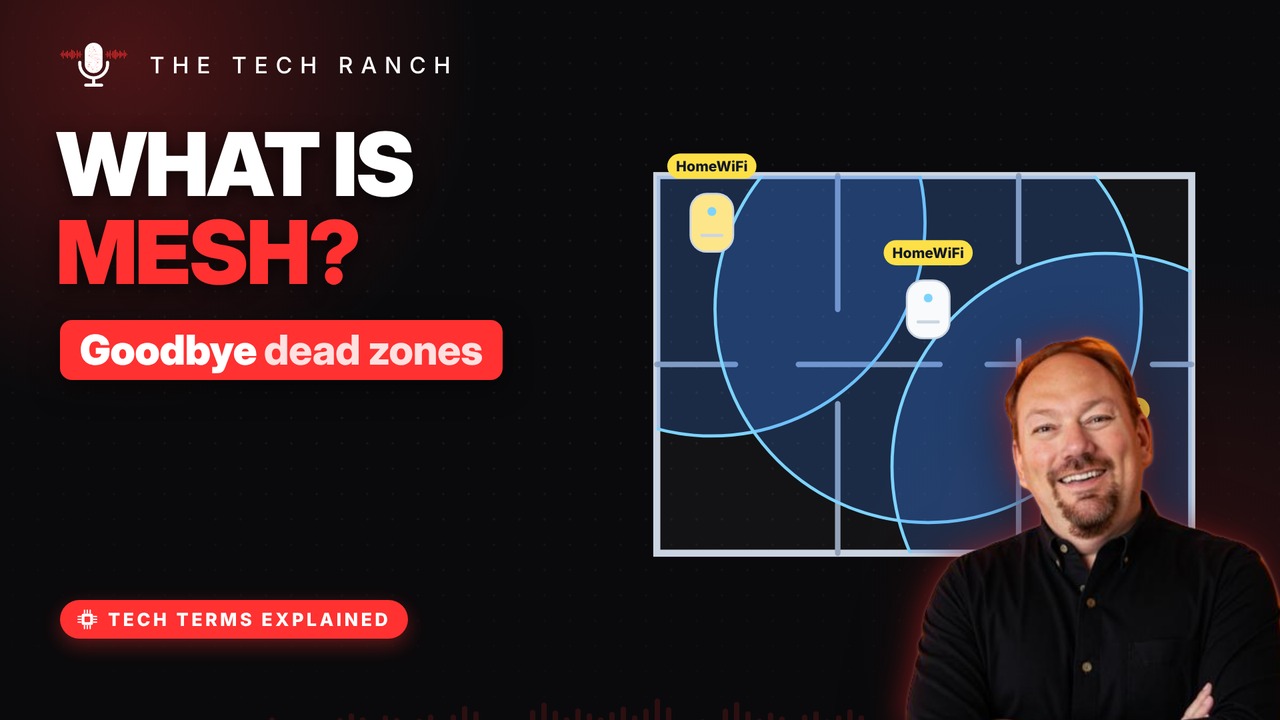
Mesh Wi-Fi uses several small units that work together as one network to cover your whole home. See why dead zones happen, how mesh hands your phone from node to node, how it differs from a range extender, and where to place the nodes.
Why dead zones happen
Wi-Fi gets weaker with distance. Walls, floors and doorways soak up signal. Far rooms get slow or drop out. Big or multi-story homes feel it most.
A team of routers
Mesh uses a main unit plus helper units (nodes). You spread them around the house. Together they make one Wi-Fi network. Same name and password everywhere.
Walk and keep going
Walk room to room on a video call. Your phone hands off to a closer node. No switching networks by hand. Nodes pass data to each other behind the scenes.
Mesh vs. extender
An extender repeats your router’s signal. It often creates a second network name. Some extenders can cut your speed in half. Better mesh systems use a dedicated node-to-node link.
Where to put nodes
Place a node about halfway to the dead zone. Keep nodes within about two rooms or 30 feet. Up high, in the open, near an outlet. Not in a cabinet or on the floor.
Bonus: Mixing brands
A standard called EasyMesh launched in 2018. It lets certified gear from different brands mesh. Your main router has to support it too.
More Tech Terms, Explained
This is part of my Tech Terms Explained series: everyday tech words, explained in plain English, with simple animations. Watch the whole series on YouTube and subscribe to The Tech Ranch so you don’t miss the next one.
Found this helpful? Give the video a thumbs up on YouTube. Got a tech word you’d like explained? Ask in the YouTube comments and it might be the next video.